Browser MCP & WebMCP Explained (2026): Tools + Why It Matters
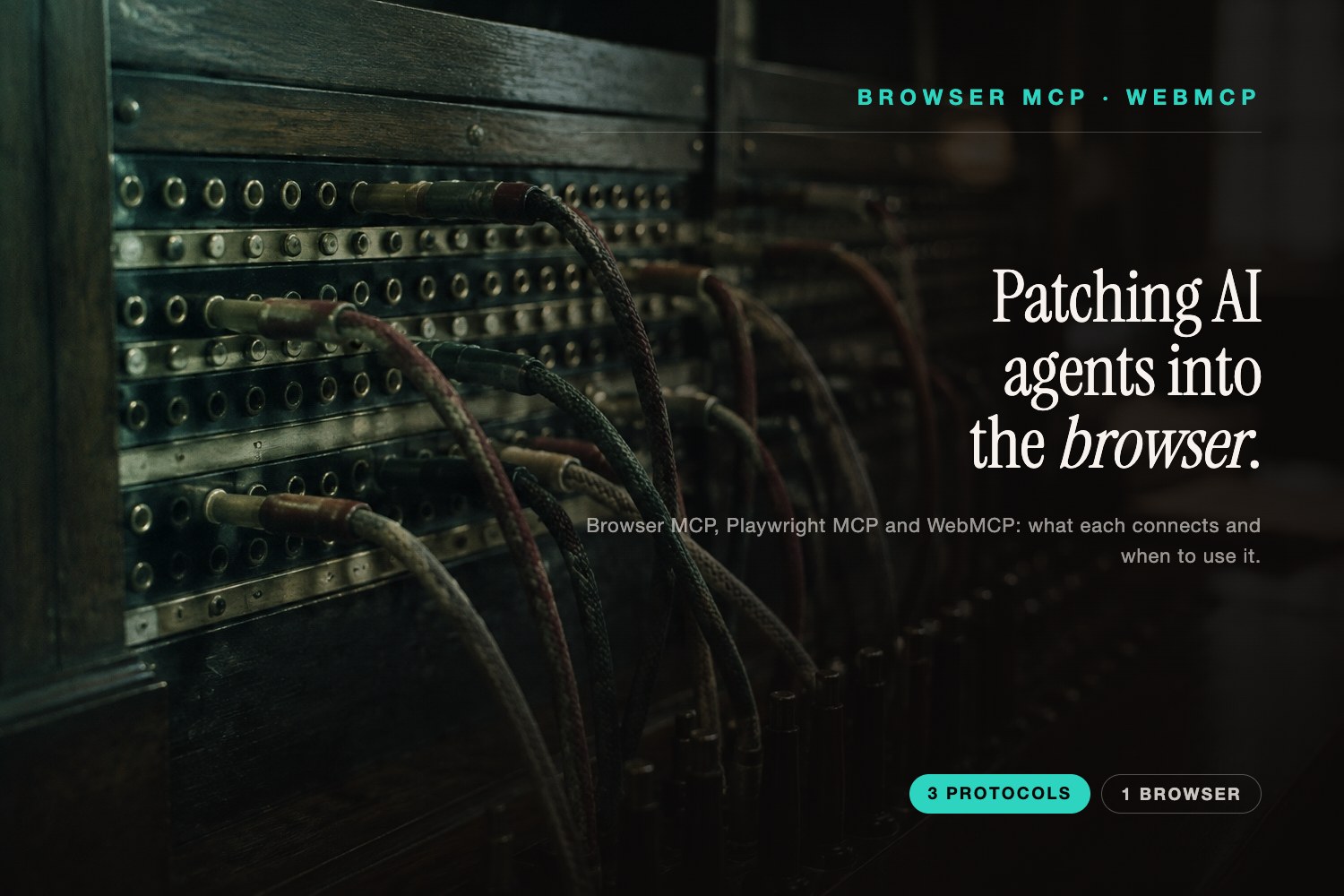
Two terms are suddenly everywhere and constantly confused: browser MCP and WebMCP. They sound like the same thing. They're not — one lets an AI agent drive your browser, the other lets a website hand tools to any agent. Getting the distinction right matters, because it's the difference between a power-user tool you install today and a web standard sites will adopt tomorrow — and both point at the same shift: AI agents are becoming a real way the web gets used.
Here's what browser MCP and WebMCP actually are, the real tools in each camp (verified from their own repos and docs in July 2026), and why it matters for anyone who owns a website.
What Is MCP?
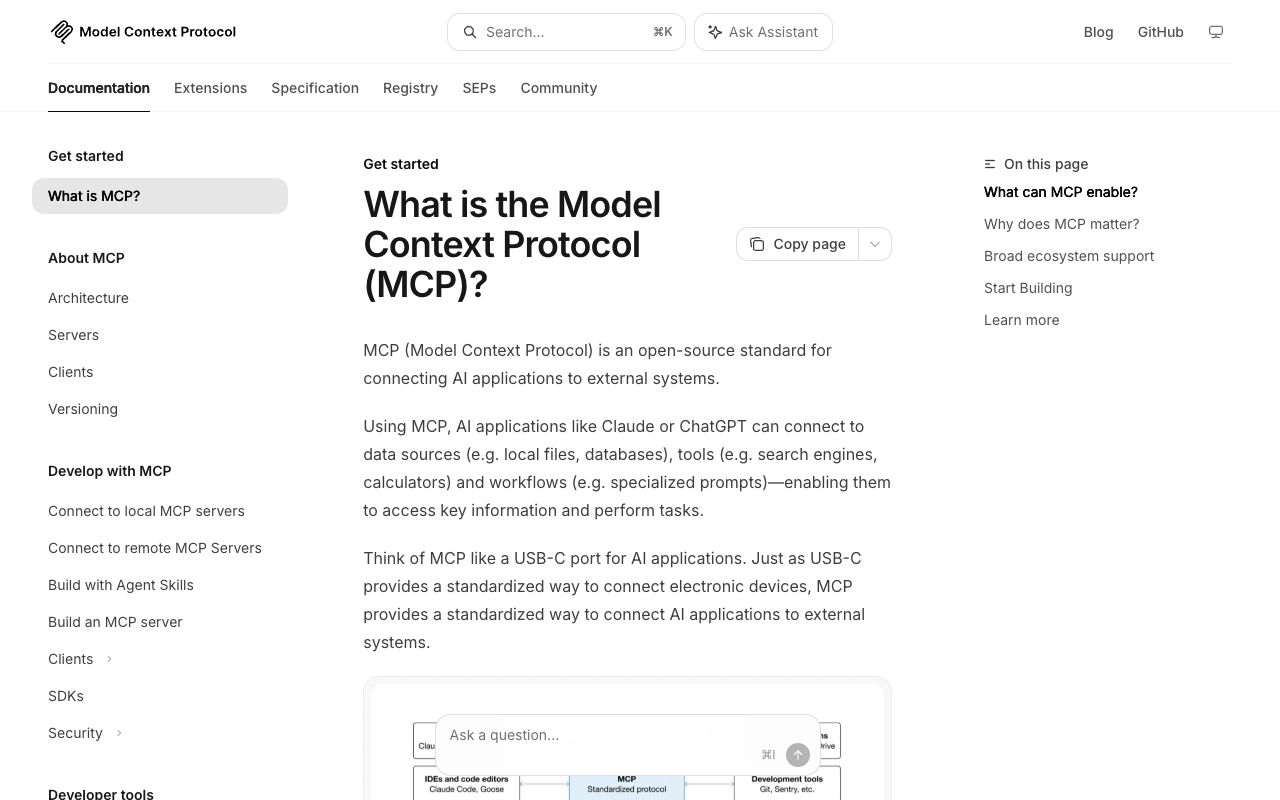
MCP — the Model Context Protocol — is an open standard for connecting AI applications to external systems. Anthropic introduced and open-sourced it in November 2024, and its own analogy is the clearest: think of MCP as "a USB-C port for AI applications" — one standard way to plug an AI client into tools and data. An AI app (the client) connects to MCP servers that expose tools, data and workflows. It's now spoken by Claude, ChatGPT, VS Code, Cursor and more.
The key thing for this article: MCP is a backend/transport standard — a server advertises tools to an AI client over a defined protocol. Both "browser MCP" and "WebMCP" build on that idea, in two opposite directions.
Browser MCP vs WebMCP
This is the distinction to lock in:
- Browser MCP = an MCP server (usually with a browser extension) that lets an external AI agent drive your existing browser — click, type, navigate, read the page. The user installs it to give their agent hands. Tools live outside the page.
- WebMCP = a proposed browser API / web standard letting a website expose its own JavaScript functions and HTML forms as "tools" that an in-browser AI agent can call. The site developer ships the tools, inside the page.
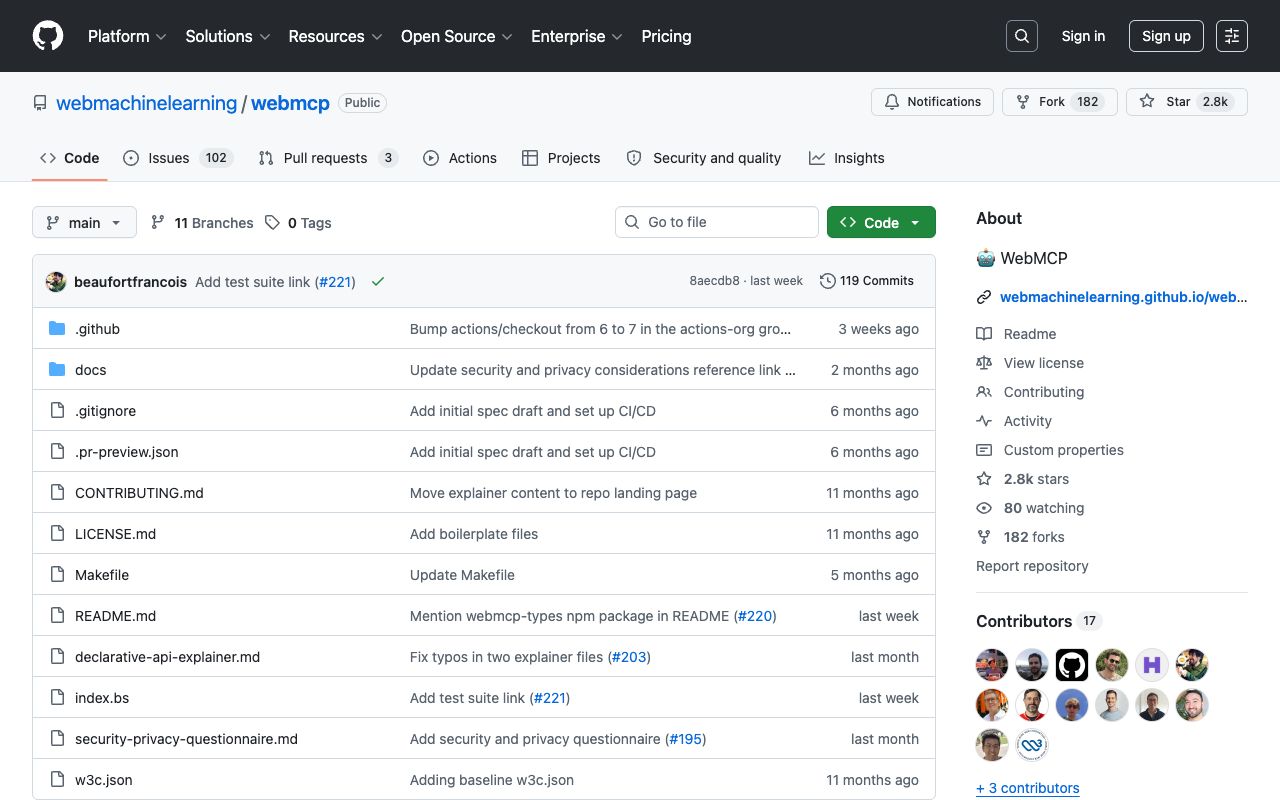
Put simply: browser MCP reaches into the browser to actuate a human UI; WebMCP reaches out from the page to offer clean, structured actions to any agent. The WebMCP explainer says it directly — pages using WebMCP "can be thought of as in-page Model Context Protocol (MCP) servers" that expose client-side logic rather than server-side APIs.
The Real Tools
| Tool | Camp | Status (July 2026) | Best for |
|---|---|---|---|
| Playwright MCP | Browser MCP | Microsoft-maintained, very active | Developer-grade automation |
| mcp-chrome | Browser MCP | MIT, popular, slower pace | Using your real Chrome session |
| Browser MCP (browsermcp.io) | Browser MCP | OSS core dormant since early 2025 | Profile-reuse automation |
| WebMCP | Web standard | W3C CG draft, Chrome 149 origin trial | Sites exposing tools to agents |
Browser MCP (drive your browser)
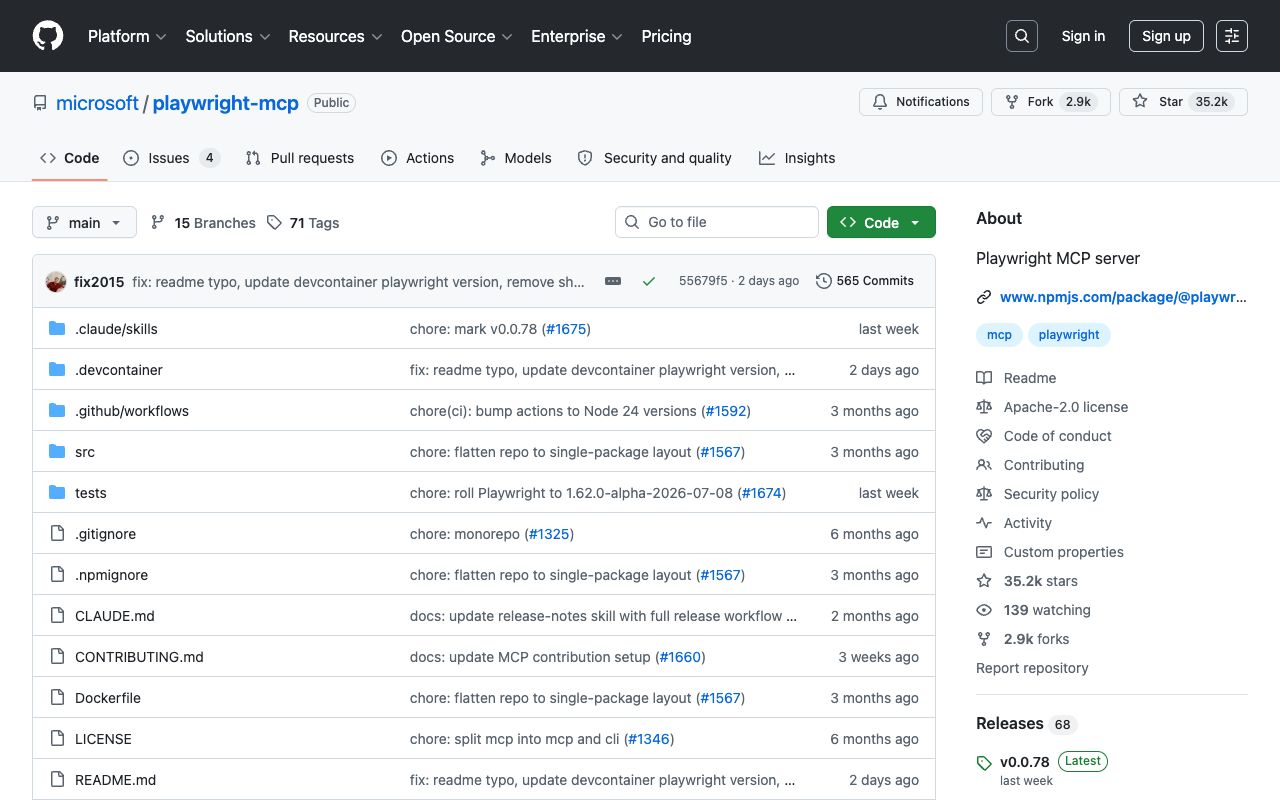
- Playwright MCP — an MCP server that automates a browser via Playwright, driving pages through the accessibility tree, not screenshots: "no vision models needed." Microsoft-maintained and by far the most active project in this space (tens of thousands of GitHub stars, updated within days). The pick for reliable, developer-grade browser automation.
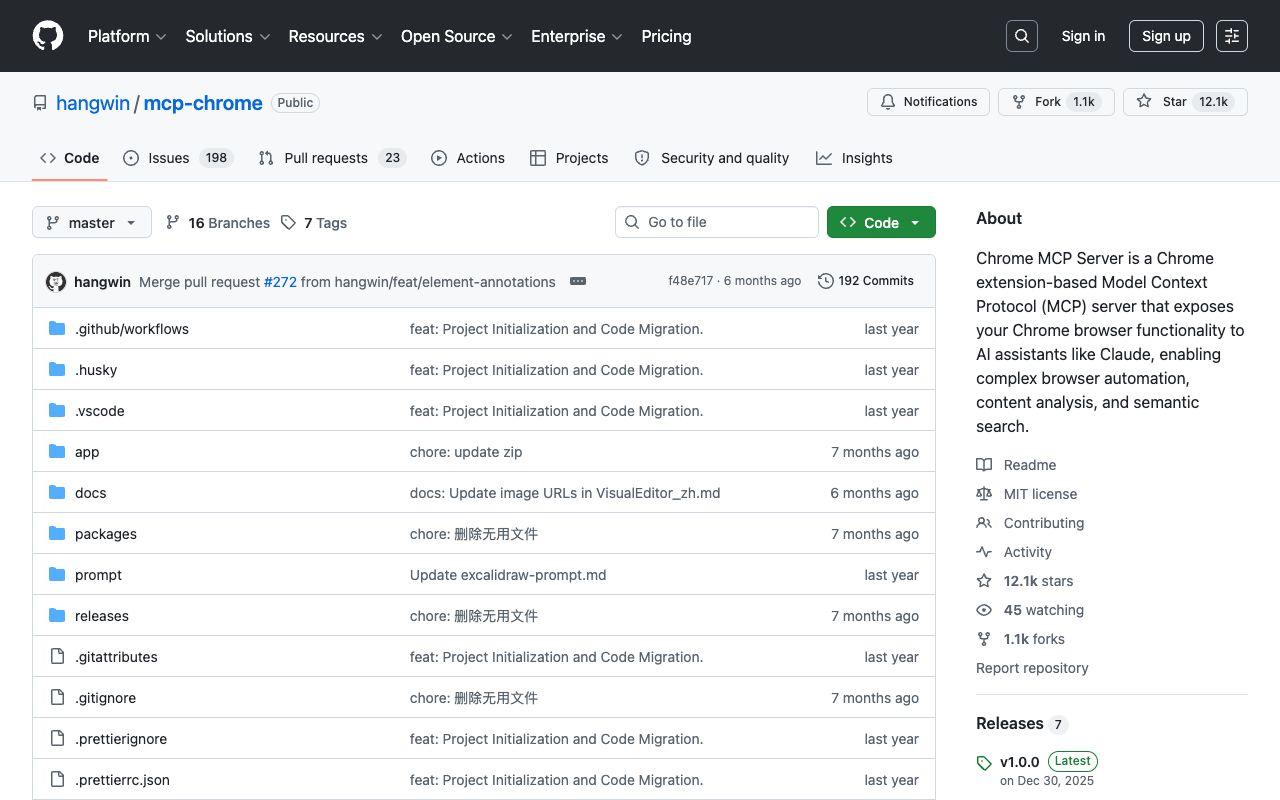
- mcp-chrome — a Chrome extension plus native MCP server that exposes your already-open Chrome (with its logins and config) to AI assistants. MIT-licensed, popular, though its pace has slowed. Good when you want the agent to use your real browser session rather than a fresh one.
- Browser MCP — an MCP server + Chrome extension that automates your real browser, reusing your profile to avoid basic bot detection. Note: its open-source core hasn't seen commits since early 2025, so treat the OSS project as effectively dormant even if the hosted product updates separately.
WebMCP (sites expose tools)
- WebMCP — the proposed standard itself. A site calls a browser API — a
registerTool()method — to expose a function or form as an agent-callable tool with a natural-language description and schema. Important caveats: it's a W3C Community Group Draft, not a W3C Standard, and it entered an experimental origin trial in Chrome 149 announced around Google I/O 2026. It grew out of an earlier project called MCP-B and converged into a joint effort.
On the name: "Google WebMCP" is the common search term because Google is driving the Chrome rollout, but it's a co-effort with Microsoft/Edge — the spec's editors span both. Accurate to say Google is pushing it in Chrome; inaccurate to call it Google-owned.
Why This Matters for Your Website
Here's the connective thread, and it's straight from WebMCP's own motivation. AI agents increasingly browse and act on the web for users — but today they mostly do it the hard way: taking screenshots and DOM snapshots, then simulating clicks. The explainer calls this "brittle UI actuation." Both browser MCP tools and WebMCP exist to replace that guesswork with structure.
The takeaway for anyone who owns a site: agents act reliably on well-structured pages and unreliably on messy ones. Whether or not you adopt WebMCP tomorrow, the winning posture is the same one answer-engine optimization already rewards — clean semantic HTML, well-labelled forms and actions, structured data, predictable navigation. Even the browser-control tools depend on it: accessibility-tree-driven automation literally needs good semantics and ARIA to work.
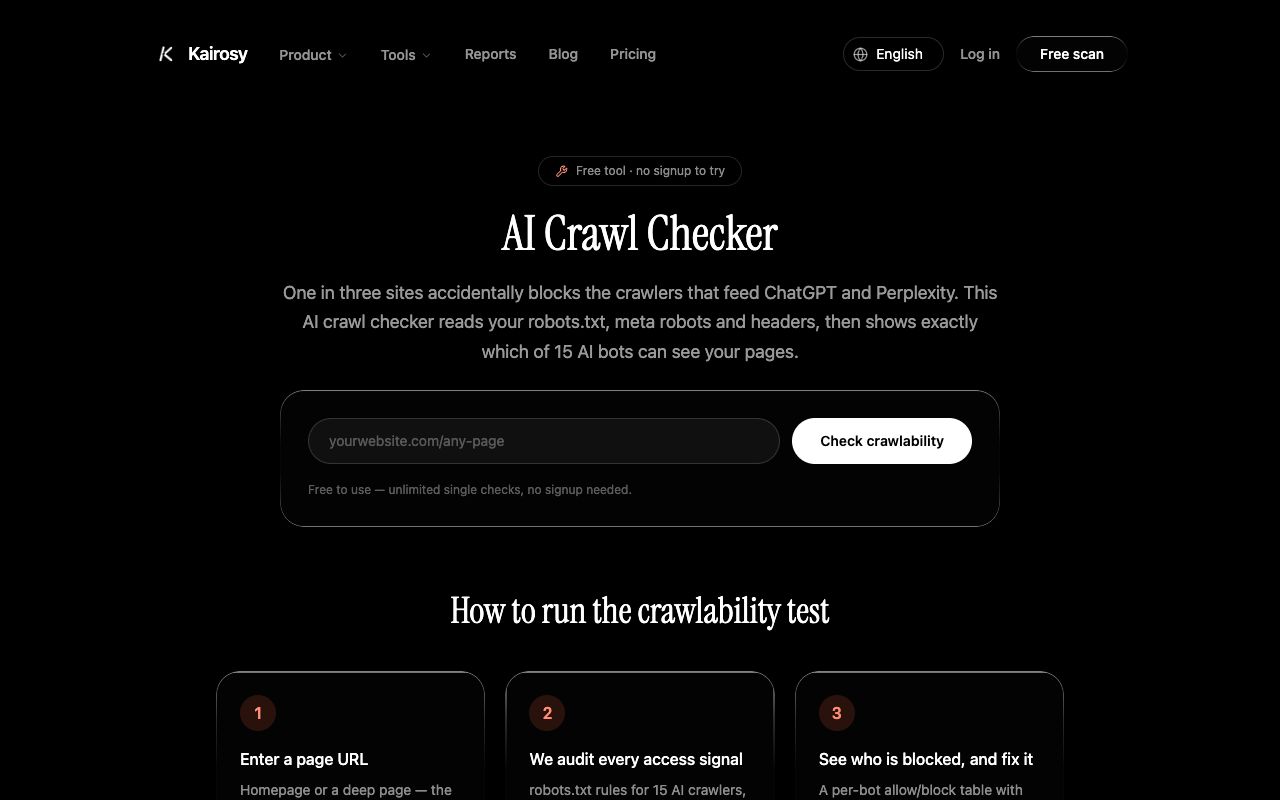
In other words, being legible and actionable to agents is becoming a ranking-adjacent property — the natural next chapter after being readable by AI answer engines. The durable advice isn't "install tool X"; it's "make your site structured and agent-ready." You can start on the readability half today: our free AI Crawl Checker shows whether AI bots can even reach your pages, and an AI-ready audit flags the structural gaps that trip up both answer engines and agents. To see what AI already makes of a brand, our Coda AI performance report shows a real read.
Browser MCP FAQs
What is browser MCP?
Browser MCP is an MCP (Model Context Protocol) server, usually paired with a browser extension, that lets an AI agent control your existing browser — navigating, clicking, typing and reading pages on your behalf. Examples include Playwright MCP, mcp-chrome and the Browser MCP project.
What is WebMCP, and how is it different?
WebMCP is a proposed web standard that lets a website expose its own JavaScript functions and forms as tools an in-browser AI agent can call. Browser MCP drives the browser from outside; WebMCP has the page offer structured tools from inside. WebMCP is an experimental W3C Community Group draft, not yet a standard.
Is mcp-chrome the same as Playwright MCP?
No. mcp-chrome is a Chrome extension that exposes your already-open Chrome (with your logins) to AI assistants, while Playwright MCP launches and controls a browser via Playwright's accessibility tree. Playwright MCP is the more actively maintained, developer-grade option; mcp-chrome is handy when you want the agent to use your real session.
Is Google WebMCP a finished standard?
No. Despite the "Google WebMCP" label, it's a joint Google–Microsoft effort, and it's a W3C Community Group Draft in an experimental Chrome origin trial — not a ratified W3C Standard. Treat it as early and evolving.
Do I need to adopt WebMCP now?
Not yet — it's experimental and requires adding code. The higher-leverage move is making your site structured and agent-legible (clean semantic HTML, labelled actions, structured data), which pays off across today's browser-MCP automation and tomorrow's WebMCP, and improves AI-answer visibility now.
Agents are starting to browse and act on the web on your customers' behalf. The sites they can read and act on cleanly will win — the same structure that makes you visible to AI answers. Run a free scan to see how AI reads your brand today.
See what AI says about your brand
Run a free scan across ChatGPT, Gemini, Claude & Perplexity in about 30 seconds.
Run my free scan