How to Track Brand Mentions in ChatGPT? Manual Way & 5 Tools Worthy Trying
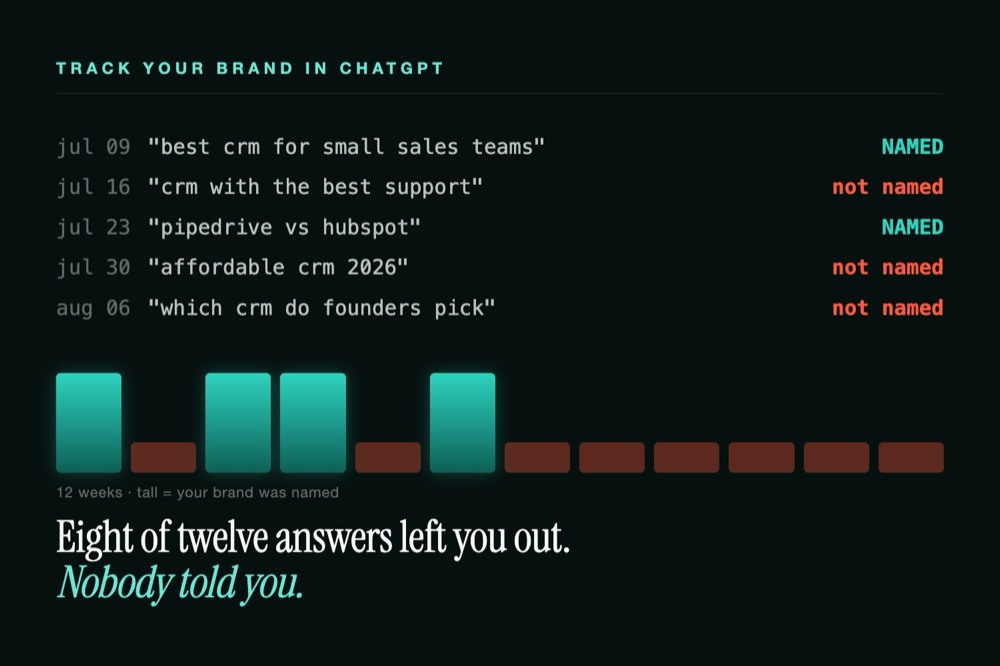
ChatGPT is often the first place a buyer researches you now — and unlike Google, it hands them one confident answer with no link for you to click and no report showing what it said. If that answer is wrong, outdated, or quietly recommends a competitor, you won't know unless you go looking. This guide is about the looking: how to track brand mentions in ChatGPT reliably, why it's harder than it sounds, and the tools that turn a one-off check into ongoing monitoring.
Why is it so hard to track brand mentions in ChatGPT?
Typing your brand into ChatGPT once and reading the reply feels like tracking, but it isn't. Why? Here are four things make a single check unreliable:
Answers are non-deterministic. The same prompt returns different wording, a different brand order, and sometimes a different set of brands on each run. So one check is just a snapshot, not a real measurement.
Answers are personalized. Memory, custom instructions, and past chats reshape what you see. Your logged-in account is not what a fresh prospect gets since your chatbot remembers your preferences. So we can assume that reliable checks usaully need a objective account or temporary session.
There's no native dashboard. OpenAI ships no "who mentioned your brand" report and leaves no referrer trail in your analytics. So if you don't query for it with third-party tools, you're totally blind to it.
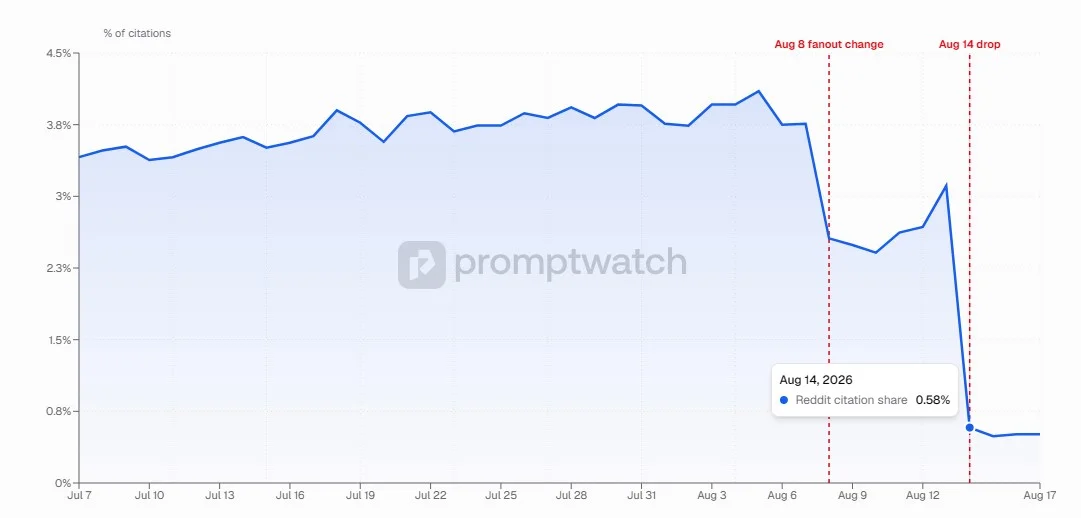
It moves with every model update. Every new model launched, or search being toggled on, can change which brands and sources appear. So an answer you verified last month can silently flip in just weeks. For example, it seems that ChatGPT "stops" citing Reddit in mid-August, 2026, according to the tracking data from Promptwatch.
How to check your brand in ChatGPT manually
The free DIY method is worth doing once to see your baseline:
Write buyer-intent prompts. List the questions a prospect actually types: "best [category] tool for [use case]," "top alternatives to [competitor]," and a direct "tell me about [your brand]."
Ask in a clean session. Use a logged-out or Temporary Chat so memory and personalization don't skew the result.
Log each answer. Note whether your brand appears, where it ranks, how it's described, which competitors show up, and any sources cited.
Repeat and re-run. Ask each prompt a few times, then repeat the set on a schedule to catch drift.
The catch is obvious the moment you try it at scale: it's a manual snapshot with no saved history, subjective sentiment scoring, no coverage of other engines, and — critically — no alerting. A new negative or a competitor stealing your recommendation is only caught if you happen to look that day. That's the wall the tools below are built to remove.
Yes, the process is time-consuming, so you may need a ChatGPT brand monitoring tool.
5 Best tools to track and monitor ChatGPT brand mentions
These monitoring ChatGPT brand mentions tools automate the whole loop — fixed prompt sets, scheduled runs, sentiment scoring, and alerts. Here's the quick map before the detail:
Tool | Best for | Entry price |
|---|---|---|
Kairosy | Alert-only-on-change monitoring across 4 engines | Free scan, then $29/mo |
Profound | Enterprise answer-engine analytics | Free trial; Enterprise custom |
Otterly.ai | Small teams wanting 6-engine coverage | From $29/mo |
Peec AI | Competitive marketing teams | Paid, EU-based |
Semrush | Teams already in the Semrush suite | Add-on to Semrush |
Five worth knowing in detail:
Kairosy
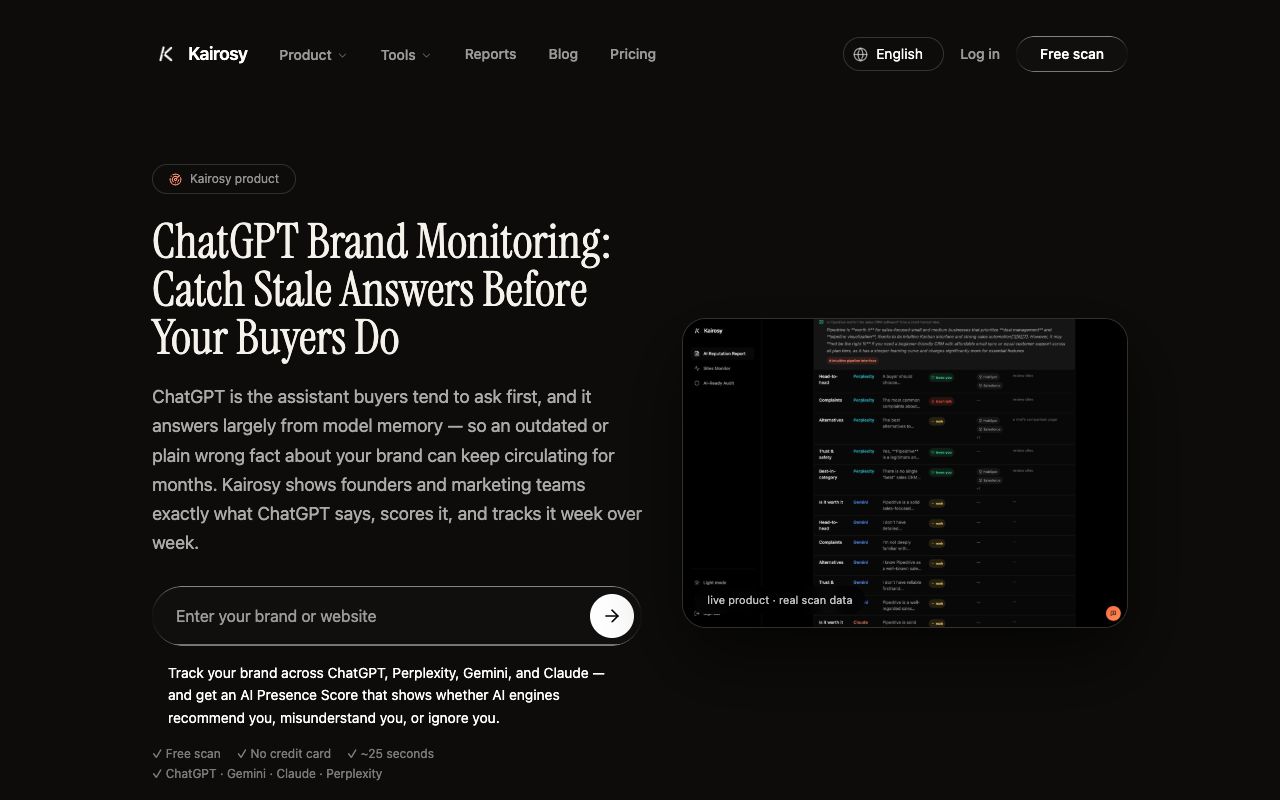
Kairosy AI runs buyer-intent questions through ChatGPT (plus Gemini, Claude, and Perplexity), scores how ChatGPT talks about your brand(positive, negative and neutral), and re-scans every week — emailing an alert only when something new and negative appears, not on every mention. You can see a live example in this Bombas AI performance report.
It offers a free 7-day trial scan returns a full report, and its paid plans start at $29/mo, which is good for small business and solo GEOers.
Profound
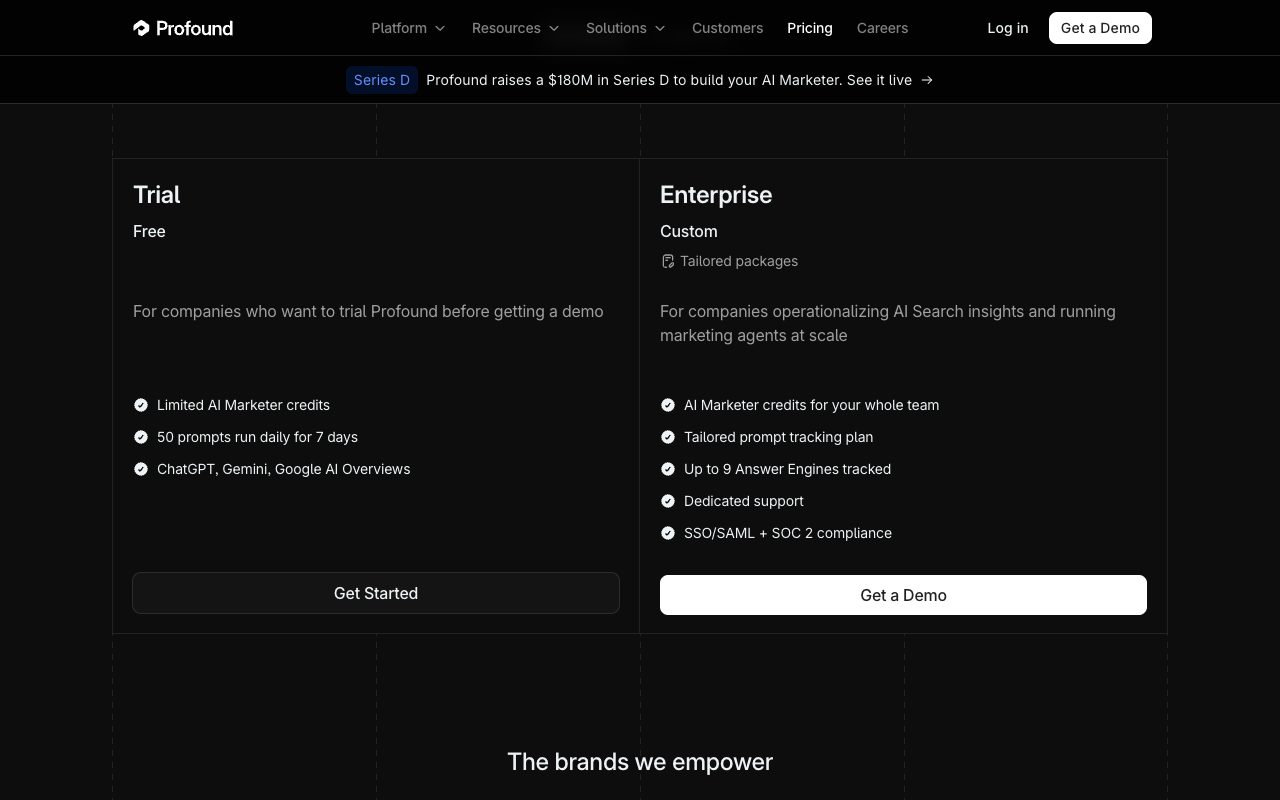
Profound is the enterprise option. It no longer sells a self-serve plan to brands: a free 7-day trial tracks 50 prompts a day on ChatGPT, Gemini and Google AI Overviews, and broader engine coverage comes with a custom Enterprise contract. If you're a large brand that wants deep answer-engine analytics and SOC 2 compliance, it's built for you.
Otterly.ai
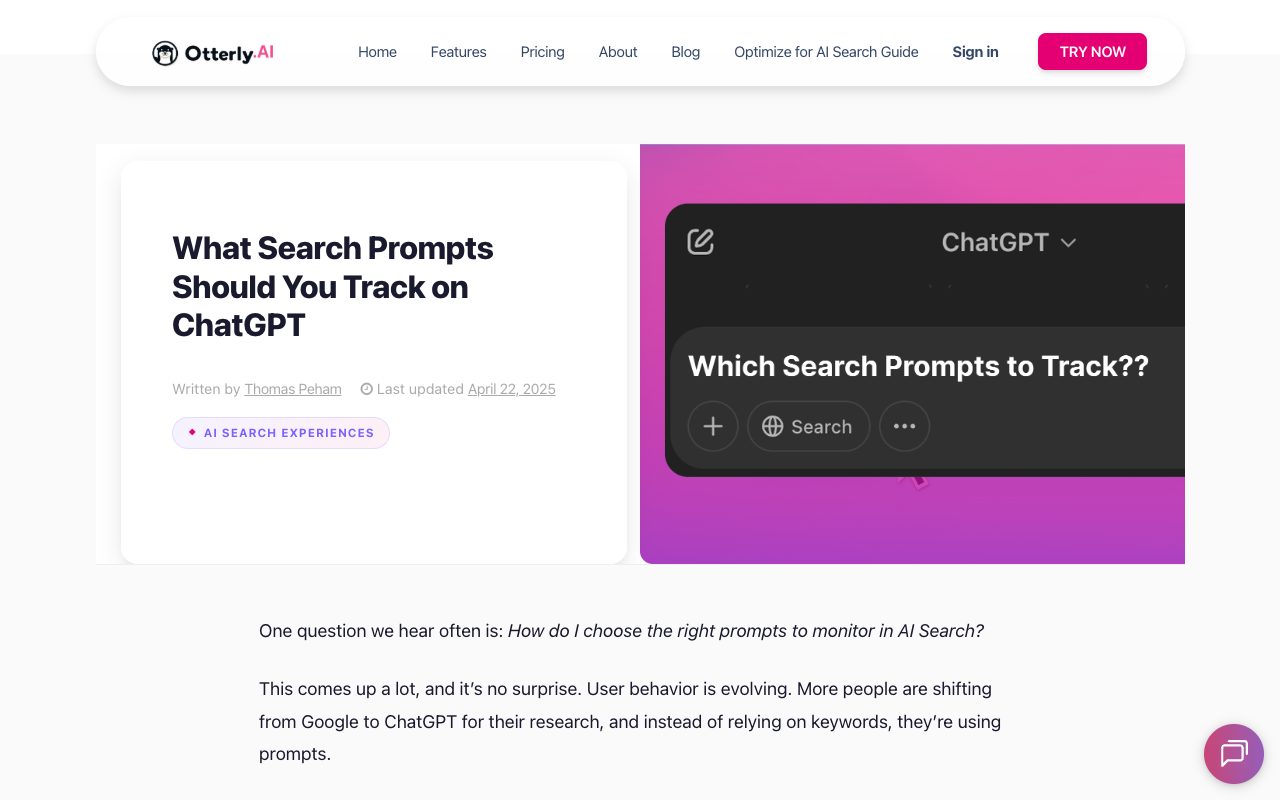
Otterly.ai monitors ChatGPT alongside Perplexity, Google AI Overviews, AI Mode, Gemini, and Copilot, with sentiment analysis wherever your brand is mentioned. Its homepage lists pricing from $29/mo with a free trial — the friendliest entry point for a small team focused on ChatGPT.
Peec AI
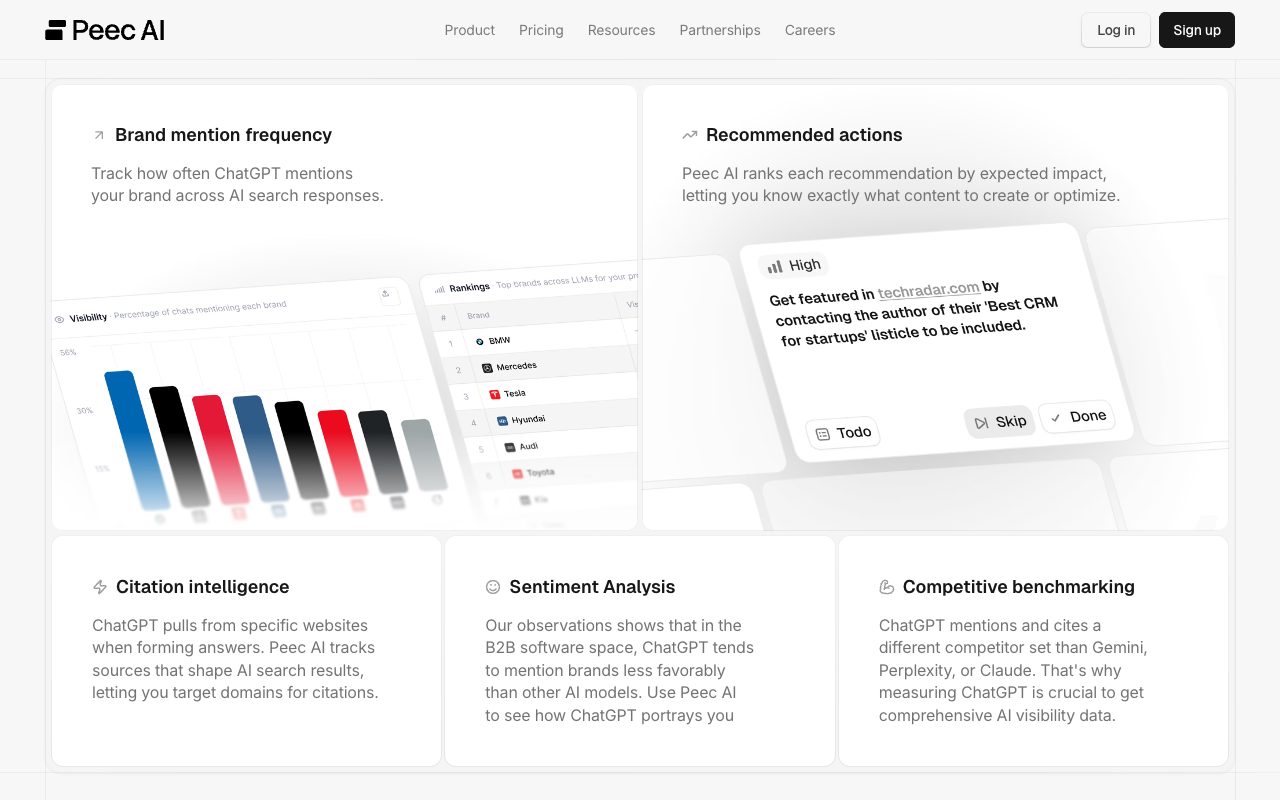
Peec AI has a purpose-built ChatGPT visibility tracker that even surfaces the internal query-expansions ChatGPT runs to assemble its answer — useful for understanding why you do or don't appear. It covers Gemini and Claude too and is built for marketing teams tracking competitors.
Semrush AI Visibility
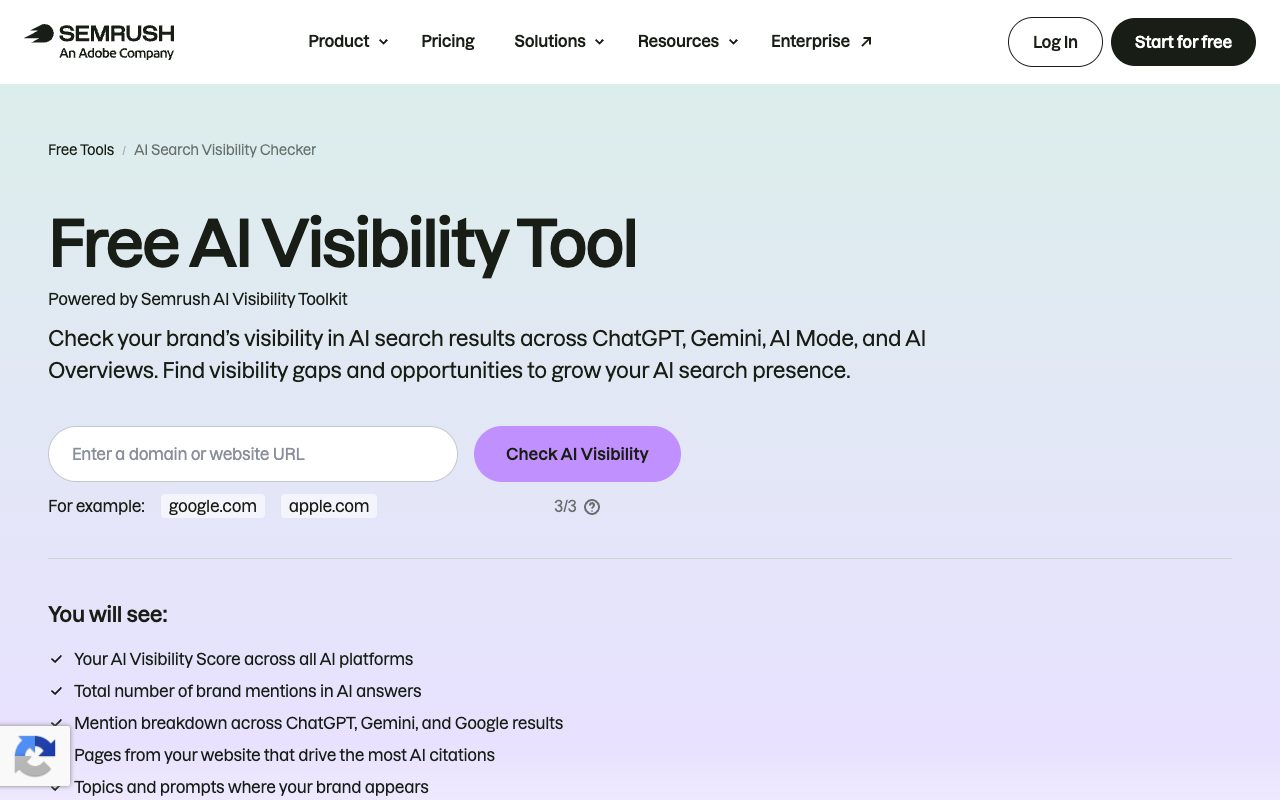
Semrush adds ChatGPT tracking to the SEO suite many teams already run. Its Brand Performance tool monitors AI responses across ChatGPT, Perplexity, Gemini, and Google AI, using synthetic prompts on a weekly cadence, with a free AI Search Visibility Checker as a lead-in. Brand24 is a similar option — a social-listening tool that bolted on an AI-visibility add-on tracking ChatGPT, Claude, Gemini, and Perplexity — worth a look if you already run it for social mentions.
How to monitor your brand in ChatGPT over time
Once you pick a tool, a few habits separate real monitoring from noise. Learning how to monitor your brand in ChatGPT well comes down to five rules:
Weekly is the sensible cadence. It matches how fast answers drift; monthly is too coarse to catch a competitor swap, daily is overkill for most.
Fix your prompt set, then leave it. A stable mix of buyer, category, competitor, and brand-name prompts is what makes week-over-week comparison meaningful.
Query neutral, average runs. Logged-out sessions and multiple runs per prompt smooth out personalization and randomness.
Watch more than ChatGPT. Buyers split across engines, so track Gemini, Claude, and Perplexity too, even in a ChatGPT-first program.
Alert only on change. Notify on a new negative, a competitor newly recommended, a drop-out, or a factual error — not every mention. Constant pings train people to ignore alerts.
How to get recommended by ChatGPT once you're tracking
Monitoring only pays off if it drives action, a point tracking guides consistently make. Learning how to get recommended by ChatGPT starts with the data your tracking surfaces: the sources ChatGPT cites. If it leans on a Reddit thread, a review site, or a listicle, that's where the work goes — earn accurate mentions there, correct outdated facts at the source, and make your own pages state your category and strengths in plain, quotable text that a model can lift verbatim. First, though, confirm AI crawlers can read your site at all; if OpenAI's GPTBot is blocked in your robots.txt, no amount of good content will get you cited, because the crawler that feeds ChatGPT never sees it.
Tracking brand mentions in ChatGPT FAQs
Can I see my brand mentions in ChatGPT for free?
Yes — the manual method costs nothing, and Kairosy's monthly scan and Semrush's AI Search Visibility Checker both offer free entry checks. Free tools are fine for a baseline; ongoing tracking is where paid monitoring earns its keep.
How often does ChatGPT change what it says about a brand?
There's no fixed schedule, but answers can shift with any model update or when web search is toggled. That unpredictability is exactly why one-time checks mislead and weekly monitoring works better.
Does ChatGPT tell me when it mentions my brand?
No. OpenAI provides no notifications, dashboard, or referral data for brand mentions. The only way to know is to query for it yourself or use a monitoring tool that does it on a schedule.
Is tracking ChatGPT enough on its own?
ChatGPT is the biggest single assistant, but buyers also use Gemini, Claude, and Perplexity. Tracking only ChatGPT can give a falsely positive read, so cover the set if you can.
See what AI says about your brand
Run a free scan across ChatGPT, Gemini, Claude & Perplexity in about 30 seconds.
Run my free scan