How to Monitor Brand Representation in AI Answer Engines
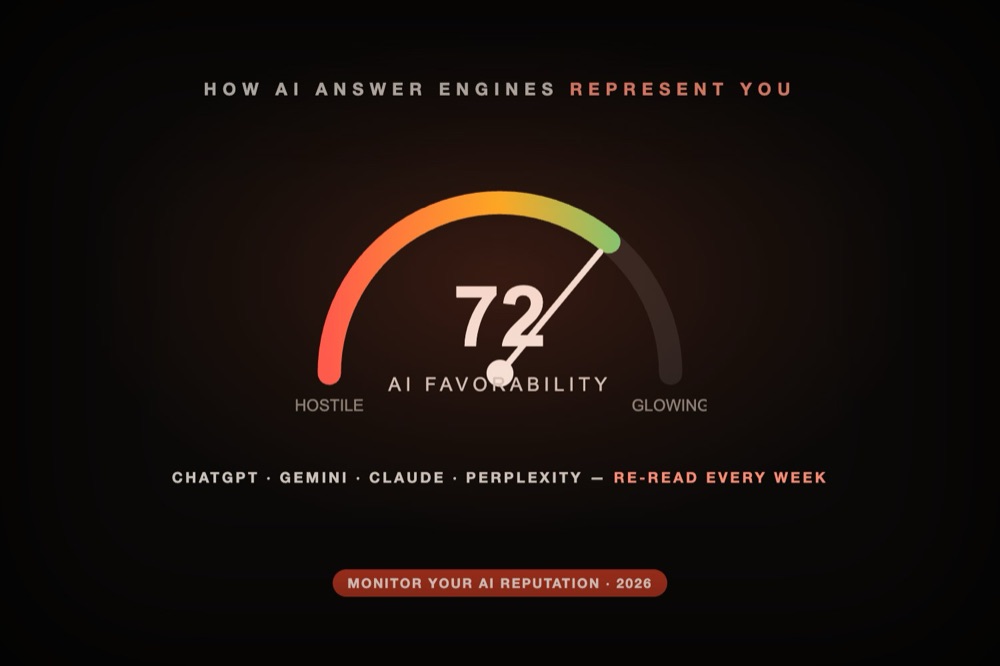
Buyers now hand their vendor questions to ChatGPT, Perplexity, Gemini and Copilot — and each engine builds its own picture of your brand from whatever sources it happens to retrieve. Nobody sends you that picture. Learning how to monitor brand representation in AI answer engines means sampling it yourself, on a schedule, before a hollow or hostile answer quietly costs you deals.
This is the hands-on guide: what to measure, a step-by-step monitoring workflow you can run this week, the tools that automate it (vendor-verified pricing, July 2026), and how to turn findings into fixes. For the concept-level view — definitions and how the discipline differs from classic ORM — see the companion piece on what AI reputation management is.
- What it measures
- Step-by-step workflow
- The best AI search monitoring tools
- How to fix negative sentiment
- Monitoring vs fixing
What Brand Representation Monitoring Measures
Knowing how to monitor brand representation in AI answer engines starts with what to measure. It isn't rank tracking — there are no positions. It's four dimensions, sampled by asking the engines your buyer questions on a schedule:
- Presence — do the engines mention you at all, and how often versus competitors?
- Sentiment — when named, are you described positively, neutrally, or negatively?
- Accuracy — are the facts right (pricing, features, availability), or is the model hallucinating or using stale data?
- Sources — which pages, reviews and threads is the engine echoing to build the answer?
That last dimension is the lever for everything else — hold onto it, because it's how you go from watching a problem to fixing it. Classic SEO and social tools capture none of this, which is why "llm metrics alternatives" is a real search: teams are looking for something built for the answer, not the results page.
How to Monitor Brand Representation Step by Step
Here's the manual workflow — one afternoon to set up, twenty minutes per run. Every tool below automates some version of it:
- Build a question bank (10-15 prompts). Pull them from sales calls and support tickets, not your imagination: "best [category] for [niche]", "[you] vs [rival]", "is [you] legit", "[you] pricing worth it".
- Set up a representation scorecard. One row per prompt-engine pair; columns for named yes/no, description tone, factual errors, competitors mentioned, and cited sources.
- Run the bank through each engine, logged out, in a private window so personalization doesn't contaminate the sample. Keep the wording identical between runs.
- Score and diff. Fill the scorecard, then compare against last month's. Movement in tone or sources is your early-warning signal — engines change when their sources change.
- Escalate what repeats. A one-off odd answer is noise; the same wrong claim across two engines or two runs is a source problem worth fixing (next section).
The Best AI Search Monitoring Tools
Five tools that monitor brand representation across AI answer engines, with a spread from transparent to enterprise pricing. Reconfirm figures before buying.
| Tool | Engines | Entry price | Sentiment + fix? |
|---|---|---|---|
| Kairosy | ChatGPT, Gemini, Claude, Perplexity | Free scan; paid from $29/mo | Yes — traces + suggests fixes |
| Otterly.ai | ChatGPT, AI Overviews, Perplexity, Copilot | $29/mo (Lite) | Citations; sentiment lighter |
| Profound | 9 engines (Enterprise) | Free trial; Enterprise custom | Yes — sentiment + sources |
| AthenaHQ | 8 engines | Free tier; Starter $295/mo | Yes — strong gap/fix engine |
| Scrunch AI | ChatGPT, Claude, Gemini, Perplexity + more | $250/mo (Starter) | Citation mapping + crawl fixes |
Kairosy — representation, sentiment and the source behind it
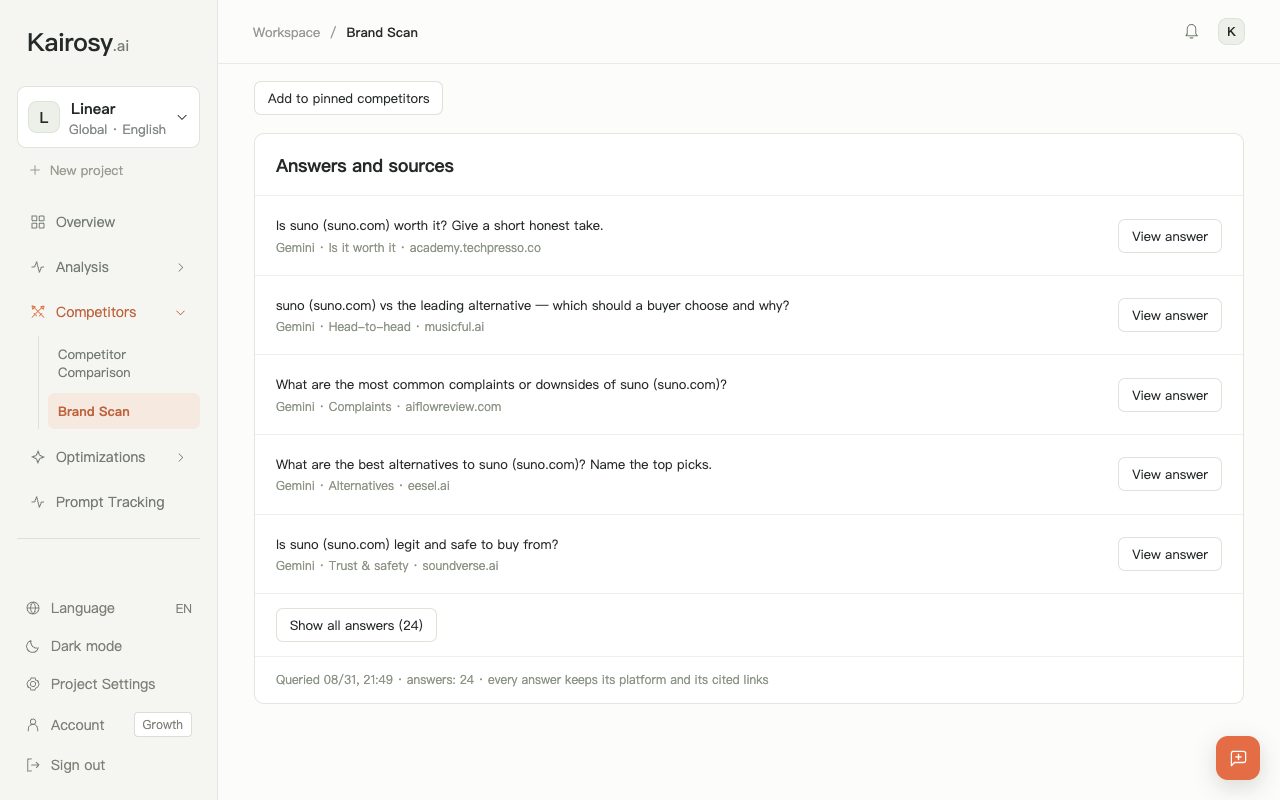
Kairosy scans ChatGPT, Gemini, Claude and Perplexity with buyer-intent questions, classifies each answer's sentiment, and traces every mention to the exact page, review or thread the model is repeating — then suggests fixes. Free scan, no card; Basic $29, Pro $99, Growth $399/month. The fastest way to see how AI represents you and why, which is what makes the "fix" step possible.
Profound — the widest engine coverage
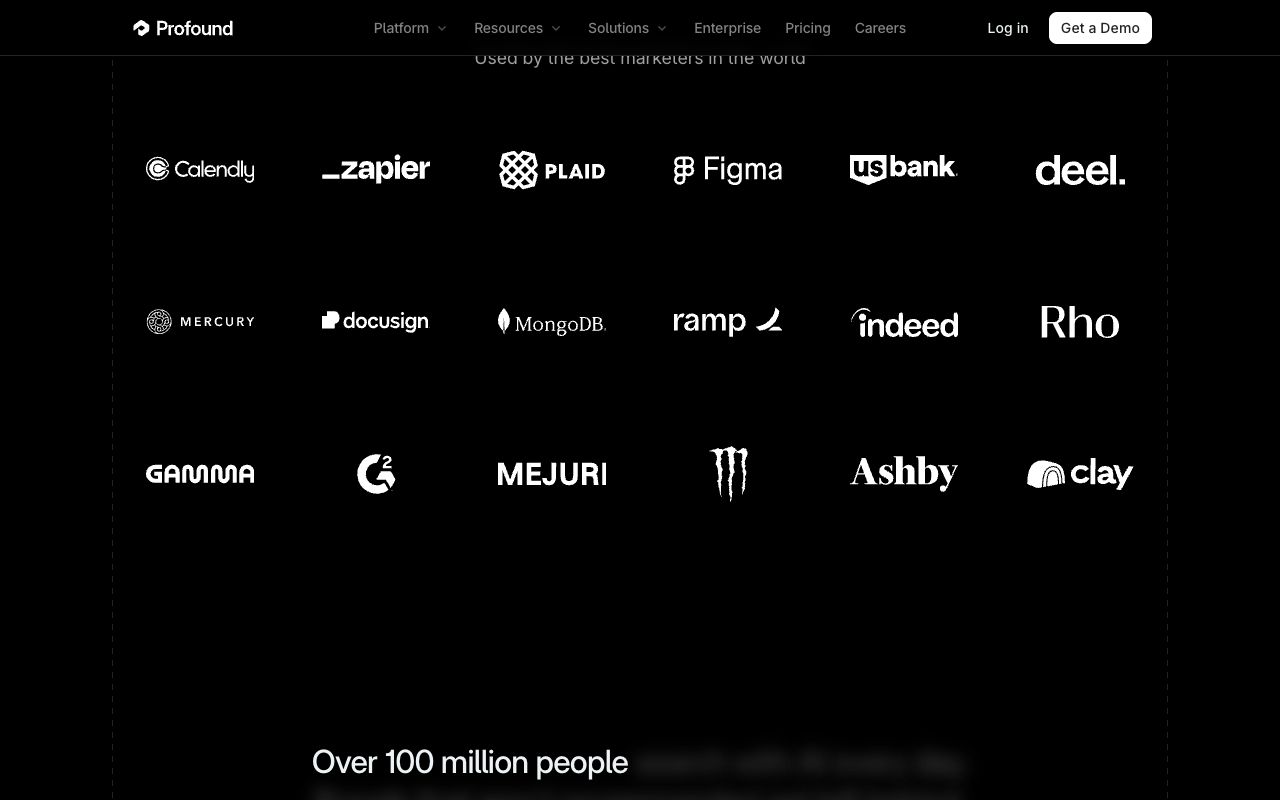
Nine engines in one dashboard — Profound pairs sentiment with source citations; for brands, pricing is now a free 7-day trial followed by a custom Enterprise quote. Choose it when coverage breadth is the requirement.
AthenaHQ — tells you what to fix
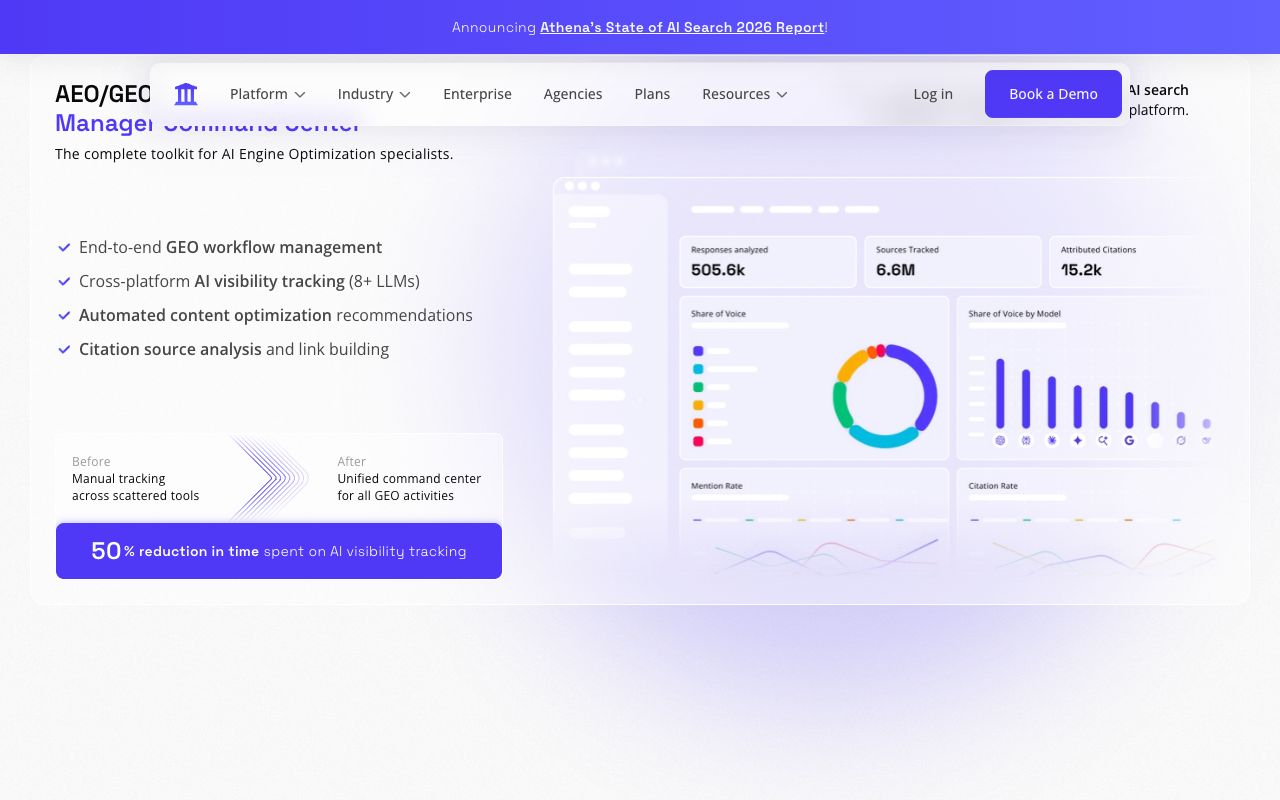
AthenaHQ watches eight engines, but its differentiator is the gap engine: it names what blocks your brand from being cited and prescribes on- and off-page actions. Credit-based — free tier, then Starter $295/month. For teams that want marching orders with the metrics.
Otterly.ai — the cheapest transparent entry
At $29/month (Lite), Otterly.ai covers ChatGPT, Google AI Overviews, Perplexity and Copilot with citation analysis and a trial. Sentiment is lighter than the tools above and Gemini/Claude are add-ons, but for low-cost citation-level monitoring it's a clean start.
Scrunch AI — citation mapping for teams
Scrunch AI maps the citation graph — which sites feed AI answers about each brand you manage — plus crawl diagnostics, from $250/month. Agency and enterprise territory. At the demo-gated end, Brandlight rounds out the sentiment-plus-fix market for large brands.
How to Fix Negative AI Brand Sentiment
Monitoring is only half the job — here's the half that changes outcomes. The key insight: an AI answer is downstream of the sources it retrieves. You rarely fix the model; you fix (or outweigh) the source it's echoing. That's how to fix brand reputation in AI answers:
- Work backwards from the citation list. Every hostile or wrong answer names (or retrieves) its inputs — typically an aging review, a forum thread, an out-of-date page of your own, or a rival's comparison table.
- Change the inputs. Update your own pages first (cheapest win), keep structured data in sync with reality, make sure AI crawlers aren't blocked, then earn newer third-party coverage heavy enough to outweigh what you can't edit.
- Verify on the next run. Re-run your question bank and watch whether tone and sources moved. Representation management is a rhythm, not a one-off cleanup.
Tools that explicitly market this fix layer include Kairosy (source tracing + fix suggestions), AthenaHQ (gap fixes) and Brandlight (correcting inaccuracies at the source). Whichever you use, the mechanic is the same — and it's why source tracing, not a bare sentiment score, is the feature that matters when you need to fix negative AI brand sentiment.

Monitoring vs Fixing
A fair critique of this whole category is that monitoring alone isn't actionable — a dashboard that says "you're at 40% favorability" doesn't move anything. The answer is to treat monitoring as the diagnostic, not the destination: measure representation, trace it to source, fix the source, re-measure. Tools that stop at the number are the "llm metrics alternatives" people end up searching for once a pretty dashboard hasn't changed a single AI answer.
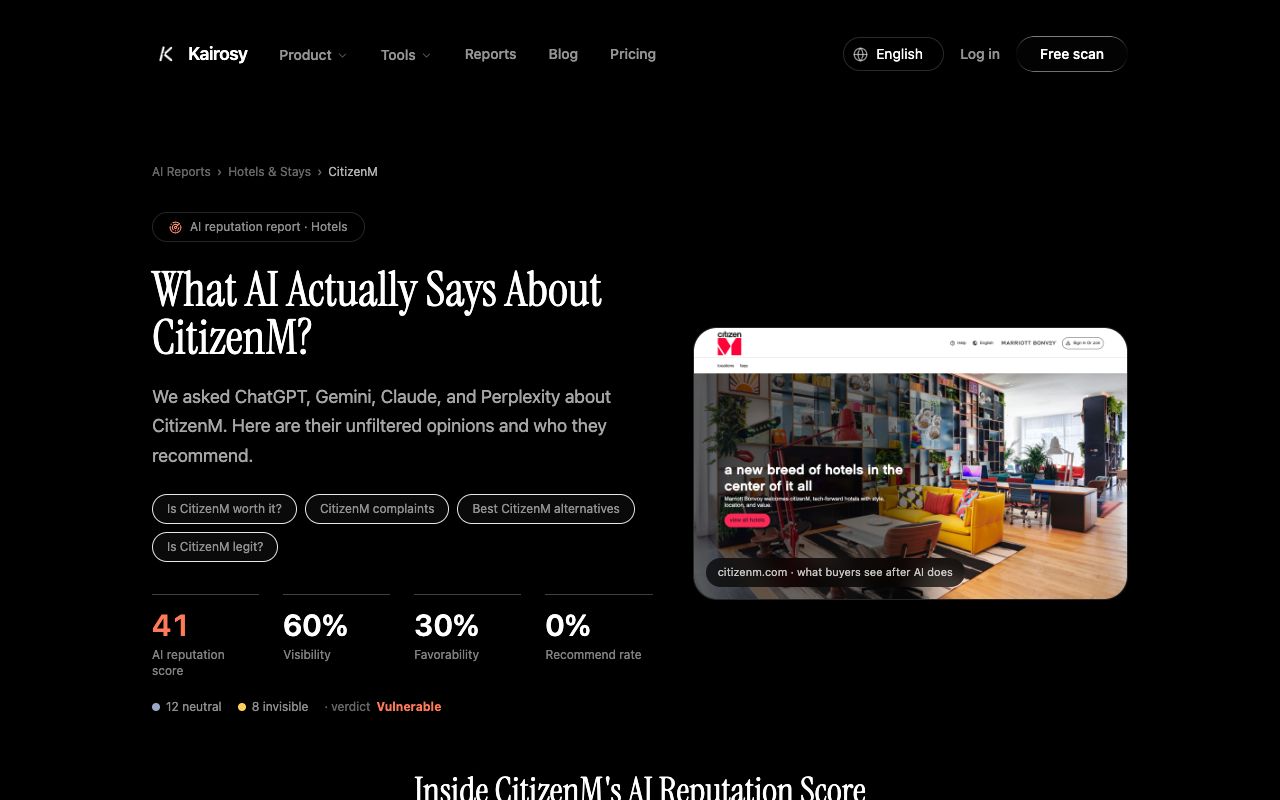
To start, check your pages are even reachable by AI crawlers with our free AI Crawl Checker, set up ongoing AI brand monitoring so you catch shifts weekly, and see the full representation picture on a real brand in our citizenM AI performance report.
Brand Representation Monitoring FAQs
How do I monitor brand representation in AI answer engines?
Define a fixed set of buyer-intent questions, run them through ChatGPT, Gemini, Perplexity, Claude and Copilot on a schedule, and record presence, sentiment, accuracy and cited sources. Do it manually for a few prompts, or use an AI search monitoring tool to scale it and build a trend.
What are the best AI search monitoring tools for this?
For a free, source-traced start, Kairosy; for the widest engine coverage, Profound; for gap analysis and fixes, AthenaHQ; for the cheapest transparent entry, Otterly.ai; for agency citation mapping, Scrunch AI. Choose by whether you prioritise cost, engine count, or the depth of source tracing.
How do I fix negative AI brand sentiment?
Trace the negative answer to the sources the AI is echoing, then fix or outweigh those sources — correct your own pages, add structured data, unblock crawlers, and earn fresher third-party coverage. Re-scan to confirm the shift. You fix the source, not the model.
How is this different from classic reputation monitoring?
Classic tools track reviews, social and Google results — things humans published. AI answer-engine monitoring tracks what a model generates on demand, citing sources you can't see in a feed. The fix is different too: not replying to a review, but correcting the source the AI quotes.
Are there free or cheaper llm metrics alternatives?
Free scans (Kairosy) and free tiers/trials (AthenaHQ, Otterly.ai) let you monitor your current standing at no cost, and the manual method is free for a few prompts. Ongoing monitoring across many prompts eventually needs a paid plan, since each check costs an API call.
The version of your brand that AI describes is making buying decisions right now. Run a free scan to see how the engines represent you today — and which source you'd need to fix first.
See what AI says about your brand
Run a free scan across ChatGPT, Gemini, Claude & Perplexity in about 30 seconds.
Run my free scan