Local Business Schema in 2026: Setup Guide, Examples and Fixes
Local business schema is a JSON-LD block that states the facts about one physical place: its name, business type, address, hours and phone. It is the right markup for any business a customer can walk into or call out to an address, and the wrong markup for a company that exists only online.
This guide keeps apart what the schema.org vocabulary allows and what Google's rich-result documentation requires, from prep through two labeled fictional examples, deployment, validation, common errors and upkeep.
What Is Local Business Schema, and Which Businesses Should Use It?
Schema.org defines LocalBusiness as "a particular physical business or branch of an organization". The type inherits from both Organization and Place, so one node carries a legal identity (name, phone, parent company) and a physical one (address, coordinates, opening hours).
Use the narrowest subtype that fits: Dentist, Store, FoodEstablishment, LegalService, LodgingBusiness and dozens more, most of which branch again (a BikeStore is a Store). Google's structured data policies say to "try to use the most specific applicable type", so a plain LocalBusiness on a dental practice is valid and still a missed signal.
Who fits: stores, restaurants, clinics, law offices, gyms, hotels, repair shops and every branch of a chain. Who does not: a SaaS company, an ecommerce store with no pickup counter, a media site. Those are an Organization; forcing them into local business schema invents an address that does not exist.
LocalBusiness vs Organization: Which Type Does Your Site Need?
Google's Organization documentation draws the line in one sentence: "if your site is about a local business, for example a restaurant or a physical store, then we recommend providing your administrative details using the most specific subtype(s) of LocalBusiness." Everything else uses Organization or a subtype.
The practical differences, per Google's documentation on 2026-10-21:
- Required fields. Google's LocalBusiness spec requires
nameandaddress; its Organization table lists only recommended properties. - Placement. Organization markup goes "on your home page, or a single page that describes your organization"; local business schema goes on the page describing that location.
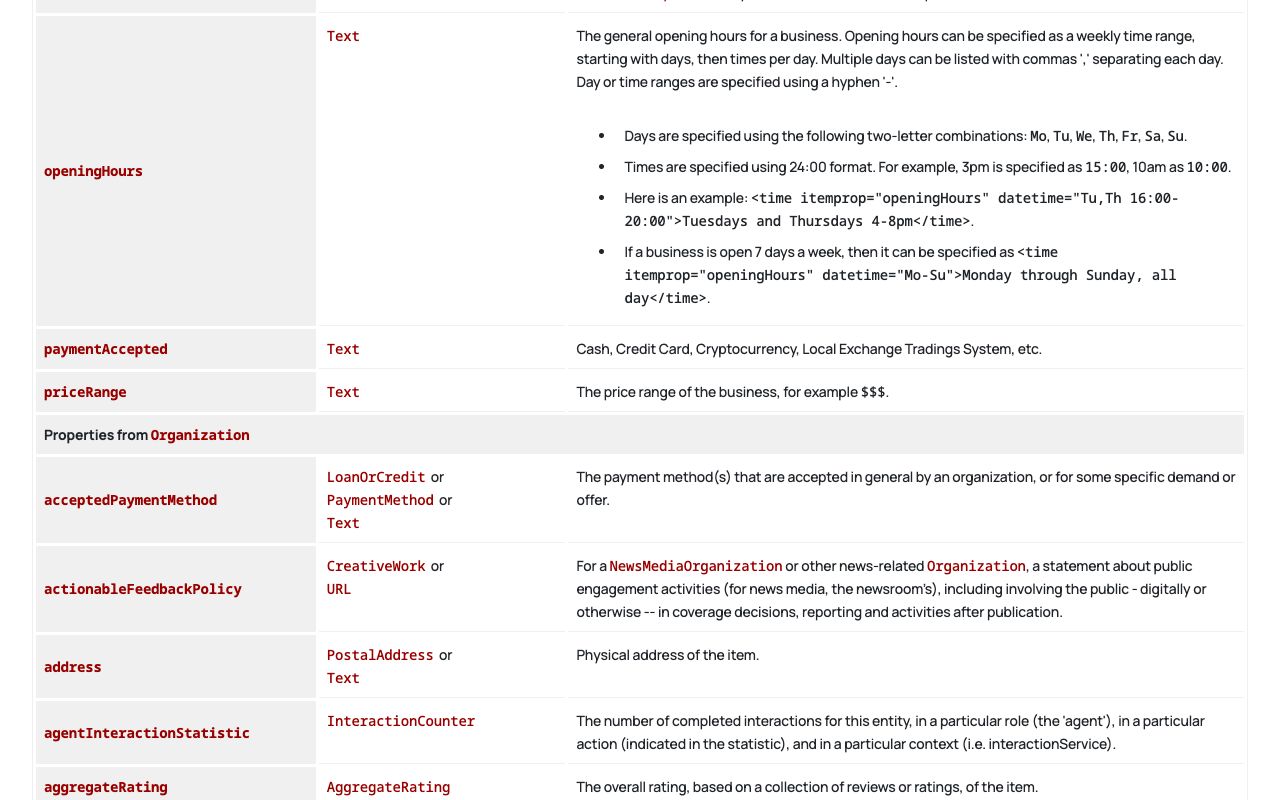
- Hours and coordinates.
openingHoursSpecificationandgeocome fromPlace; anOrganizationnode has nowhere sensible to put them. - Identifiers. The Organization doc recommends
sameAs,legalName,vatIDandtaxID; a location node inherits all of them.
Multi-site businesses need both, linked by @id, as the chain example below shows.
Why Does Local Business Schema Matter for AEO, and What Can't It Promise?
Answer engines retrieve pages, extract facts and compose a reply. Stating name, category, address and hours once in plain text and once in machine-readable form leaves less room to confuse you with a same-name business elsewhere or to quote stale hours. That is the honest AEO case: disambiguation and consistency, not visibility.
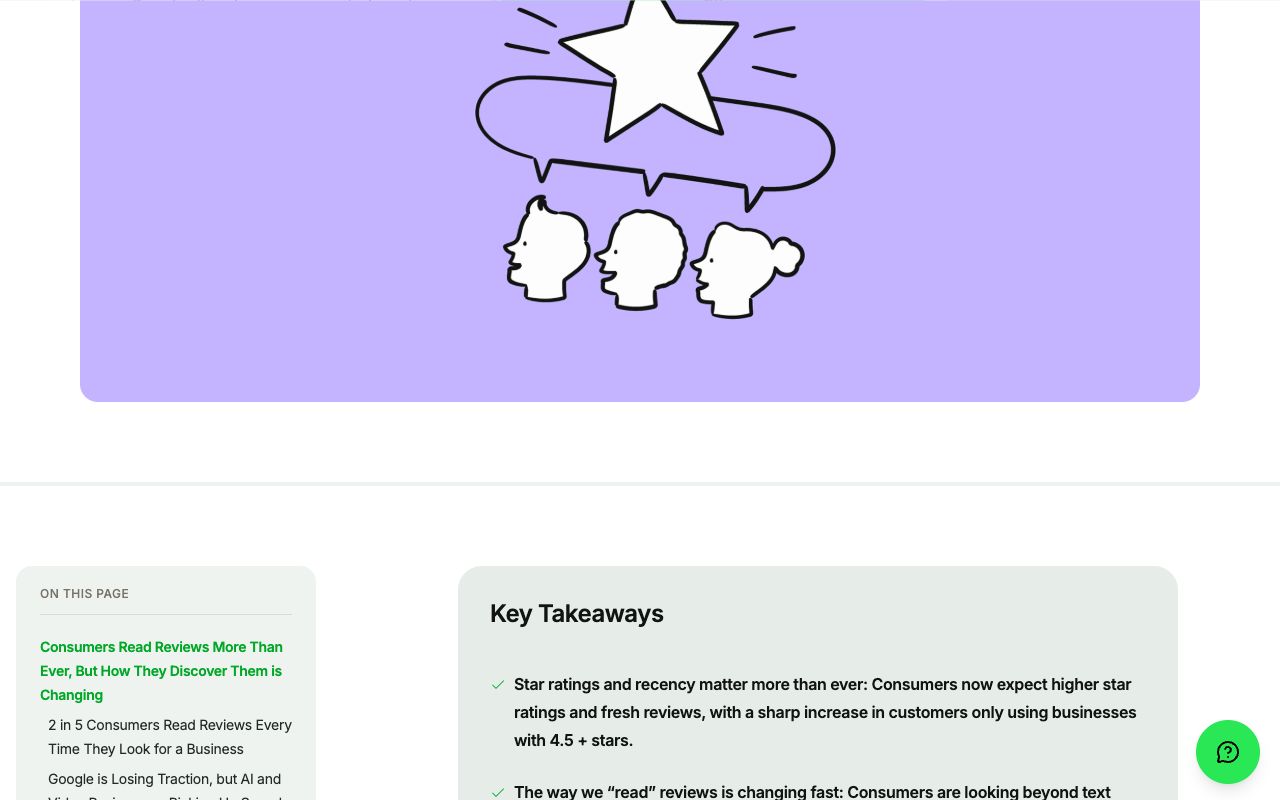
The demand is real. BrightLocal's Local Consumer Review Survey 2026 (published 11 February 2026) reports that 45% of consumers now use ChatGPT and other generative AI tools for local recommendations, up from 6% a year earlier.
Now the boundary. Google's page on AI features and your website states: "There's also no special schema.org structured data that you need to add." Treat the markup as hygiene, not as a lever that gets you recommended.
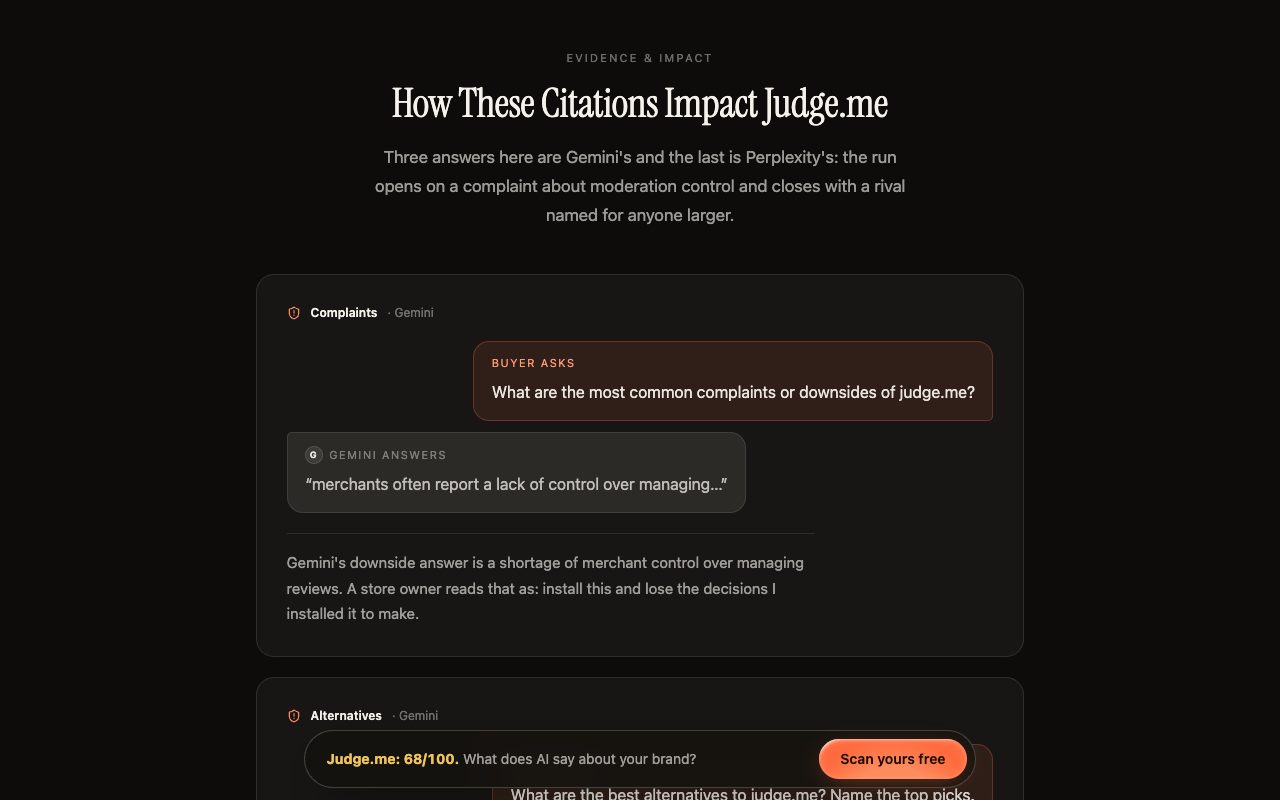
What engines say about a business comes mostly from third parties. Kairosy's public scan of Judge.me (run 2026-08-05) scored the brand 68/100 with 92% AI visibility, and its damaging lines came from review-site complaints and competitor roundups, not the brand's own pages. Clean markup would not have changed them. Knowing what assistants say about you means measuring the answers, which AI reputation management covers; the AI readiness audit checklist covers the surrounding page signals.
How Do You Prepare NAP, Hours, URL and Entity IDs Before Writing Markup?
Markup copies facts; it does not settle them. Settle them in a sheet first, using Google Business Profile's guidelines for representing your business as the style guide, since they are the strictest public reference.
- Name. The real-world name "as used consistently on your storefront, website, stationery, and as known to customers." No keywords, taglines or appended city.
- Address. One spelling everywhere; settle suite format and abbreviations once.
- Phone. Google asks for "a local phone number instead of a central call center helpline number whenever possible", written with country and area code.
- Hours. Regular hours per weekday plus dated closures.
- URL. The canonical location page; it becomes
urland the base of@id. - Entity IDs. A stable
@idper node and asameAslist of profiles that are genuinely yours. - Coordinates. Latitude and longitude from the map pin you use on Google.
Page text, Business Profile and markup must then agree character for character on name, address and phone.
What Does a Single-Location Local Business Schema Example Look Like?
A complete block for a fictional bike shop. Every value is an example value; the business, domain and phone do not exist (555-01xx numbers are reserved for fiction). Wrap it in a script tag with type="application/ld+json" on the shop's own page.
{
  "@context": "https://schema.org",
  "@type": "BikeStore",
  "@id": "https://northwind-bikes.example.com/#store",
  "name": "Northwind Bike Shop",
  "url": "https://northwind-bikes.example.com/",
  "image": "https://northwind-bikes.example.com/img/storefront.jpg",
  "telephone": "+1-555-0142",
  "priceRange": "$$",
  "address": {
    "@type": "PostalAddress",
    "streetAddress": "1200 Example Ave",
    "addressLocality": "Portland",
    "addressRegion": "OR",
    "postalCode": "97209",
    "addressCountry": "US"
  },
  "geo": { "@type": "GeoCoordinates", "latitude": 45.5262, "longitude": -122.6849 },
  "openingHoursSpecification": [
    { "@type": "OpeningHoursSpecification",
      "dayOfWeek": ["Monday", "Tuesday", "Wednesday", "Thursday", "Friday"],
      "opens": "09:00", "closes": "18:00" },
    { "@type": "OpeningHoursSpecification", "dayOfWeek": "Saturday",
      "opens": "10:00", "closes": "16:00" },
    { "@type": "OpeningHoursSpecification", "dayOfWeek": "Sunday",
      "opens": "00:00", "closes": "00:00" }
  ],
  "sameAs": [
    "https://www.facebook.com/northwind-bikes-example",
    "https://www.instagram.com/northwind_bikes_example"
  ]
}
Field notes, with the schema.org meaning and Google's status kept apart:
| Property | schema.org vocabulary | Google LocalBusiness rich result (read 2026-10-21) |
|---|---|---|
name, address | Thing / PostalAddress | Required |
url, telephone | Thing / Organization | Recommended |
openingHoursSpecification, geo | From Place | Recommended |
priceRange | LocalBusiness-specific, e.g. "$$$" | Recommended, up to 100 characters |
areaServed, paymentAccepted | Valid vocabulary | Not listed |
sameAs | From Thing | Not in this table; recommended for Organization |
aggregateRating, review | From Organization / Place | Only for sites reviewing other businesses |
The last row means a shop marking up its own stars is outside what Google documents.
Hours patterns Google documents
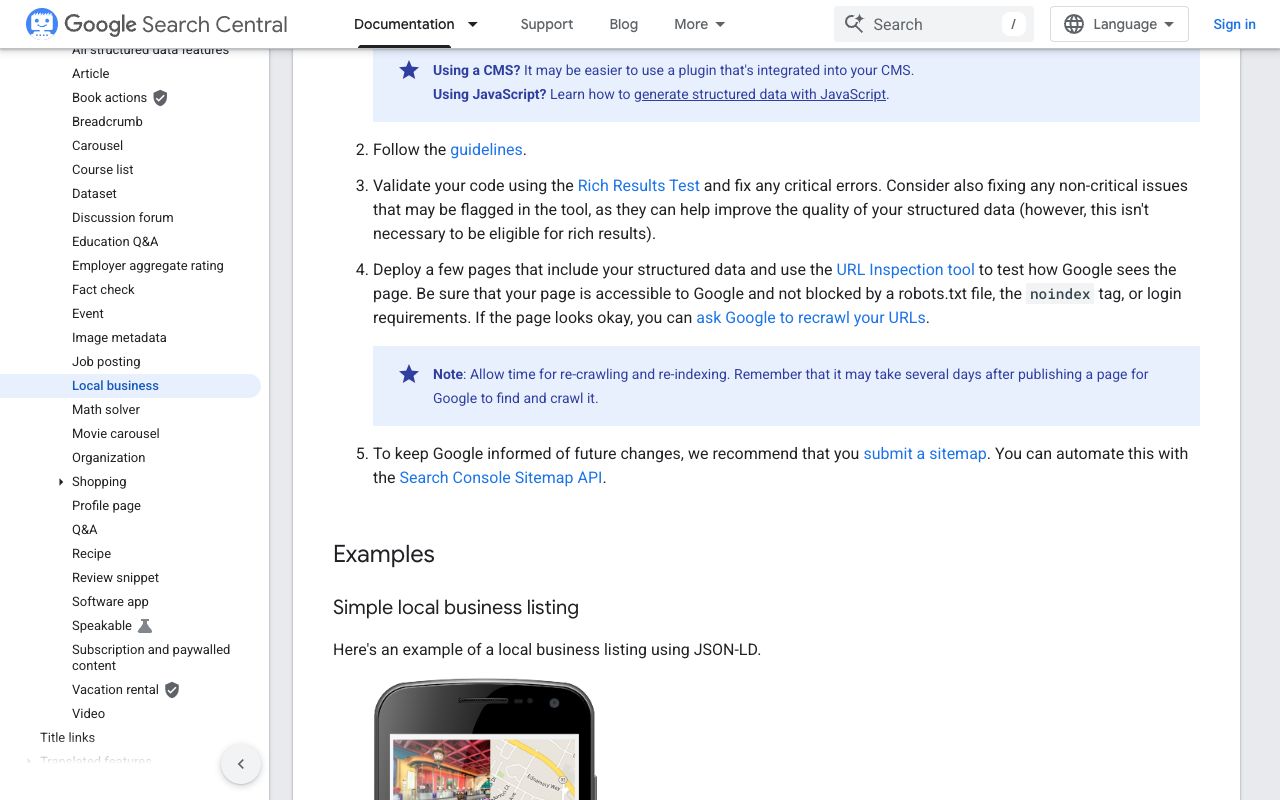
Hours are where most local business schema goes wrong. OpeningHoursSpecification has five properties; the edge cases are in how you combine them. Google documents each pattern:
| Situation | opens | closes | Extra |
|---|---|---|---|
| Regular day, 9 to 6 | 09:00 | 18:00 | dayOfWeek as a value or an array |
| Closed all day | 00:00 | 00:00 | Not an omitted day |
| Open 24 hours | 00:00 | 23:59 | Same day |
| Opens 6 pm, closes 3 am | 18:00 | 03:00 | closes before opens spans to the next day |
| Holiday closure | 00:00 | 00:00 | validFrom and validThrough as YYYY-MM-DD |
How Do You Model Multi-Location and Service-Area Businesses?
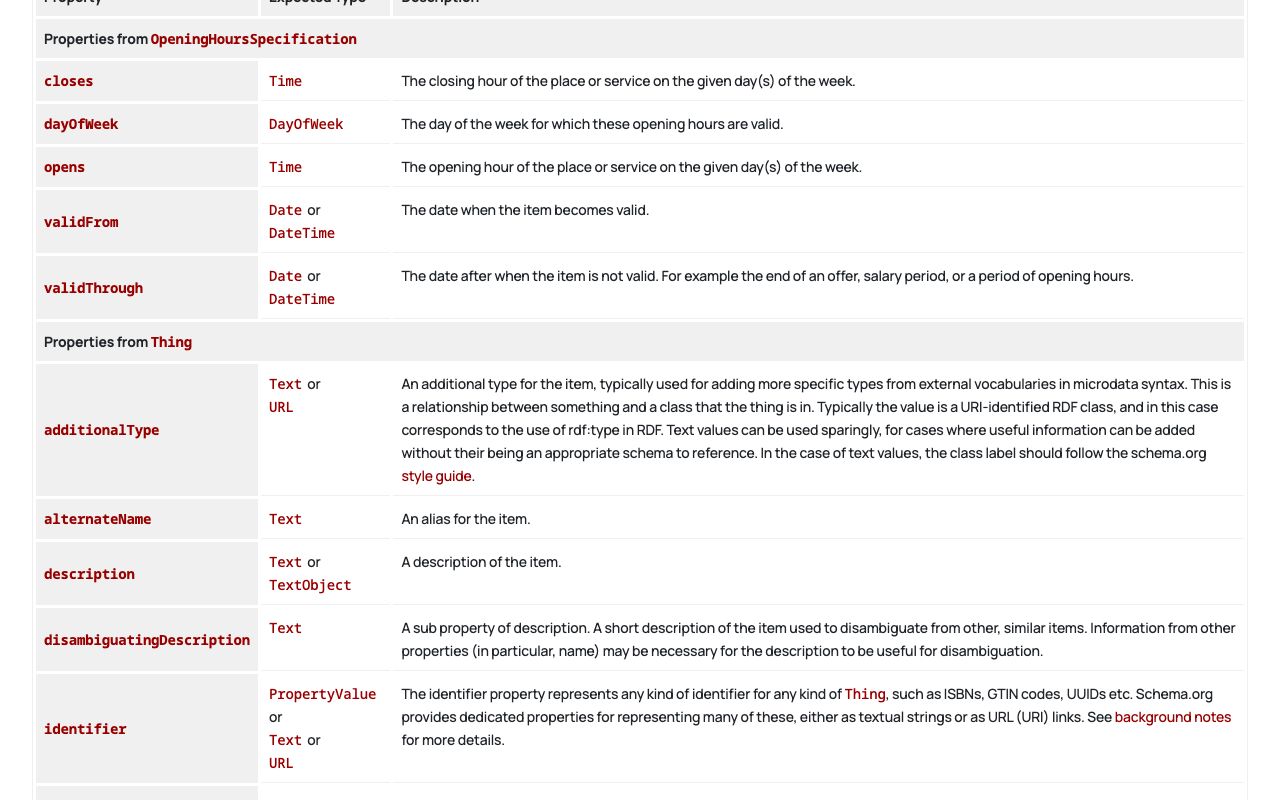
A chain is not one LocalBusiness with three addresses. It is one Organization for the brand plus one subtype node per location, each on its own page with its own @id, hours and phone, pointing back to the brand with parentOrganization. Google's policy is to "put the structured data on the page that it describes". Do not use department for branches (Google reserves it for in-store departments); branchOf is superseded.
The block for one location page of a fictional two-office dental group, all example values:
{
  "@context": "https://schema.org",
  "@graph": [
    {
      "@type": "Organization",
      "@id": "https://contoso-dental.example.com/#org",
      "name": "Contoso Dental",
      "url": "https://contoso-dental.example.com/",
      "logo": "https://contoso-dental.example.com/img/logo.png",
      "subOrganization": [
        { "@id": "https://contoso-dental.example.com/locations/austin/#dentist" },
        { "@id": "https://contoso-dental.example.com/locations/round-rock/#dentist" }
      ]
    },
    {
      "@type": "Dentist",
      "@id": "https://contoso-dental.example.com/locations/austin/#dentist",
      "name": "Contoso Dental Austin",
      "url": "https://contoso-dental.example.com/locations/austin/",
      "parentOrganization": { "@id": "https://contoso-dental.example.com/#org" },
      "telephone": "+1-555-0167",
      "address": {
        "@type": "PostalAddress",
        "streetAddress": "4800 Sample Blvd, Suite 210",
        "addressLocality": "Austin",
        "addressRegion": "TX",
        "postalCode": "78731",
        "addressCountry": "US"
      },
      "openingHoursSpecification": [
        { "@type": "OpeningHoursSpecification",
          "dayOfWeek": ["Monday", "Tuesday", "Wednesday", "Thursday"],
          "opens": "08:00", "closes": "17:00" },
        { "@type": "OpeningHoursSpecification", "dayOfWeek": "Friday",
          "opens": "08:00", "closes": "13:00" }
      ]
    }
  ]
}
The Round Rock page repeats the pattern with its own Dentist node and the same Organization stub. Add the city to name only when the sign and the Business Profile read that way; Google asks chains to keep names consistent, so do not invent "Contoso Dental North Austin" for markup alone.
Service-area businesses expose a real tension between the two systems. Schema.org offers areaServed. Google Business Profile tells such businesses to "hide your business address from customers", while Google's rich-result spec still lists address as required. The consistent move for a fictional "Fabrikam Mobile Locksmith" is a Locksmith node whose address is the dispatch address shown on its contact page, plus areaServed listing Denver, Aurora and Lakewood as City objects, and no invented storefront.
How Do You Deploy via CMS or Code and Validate the Markup?
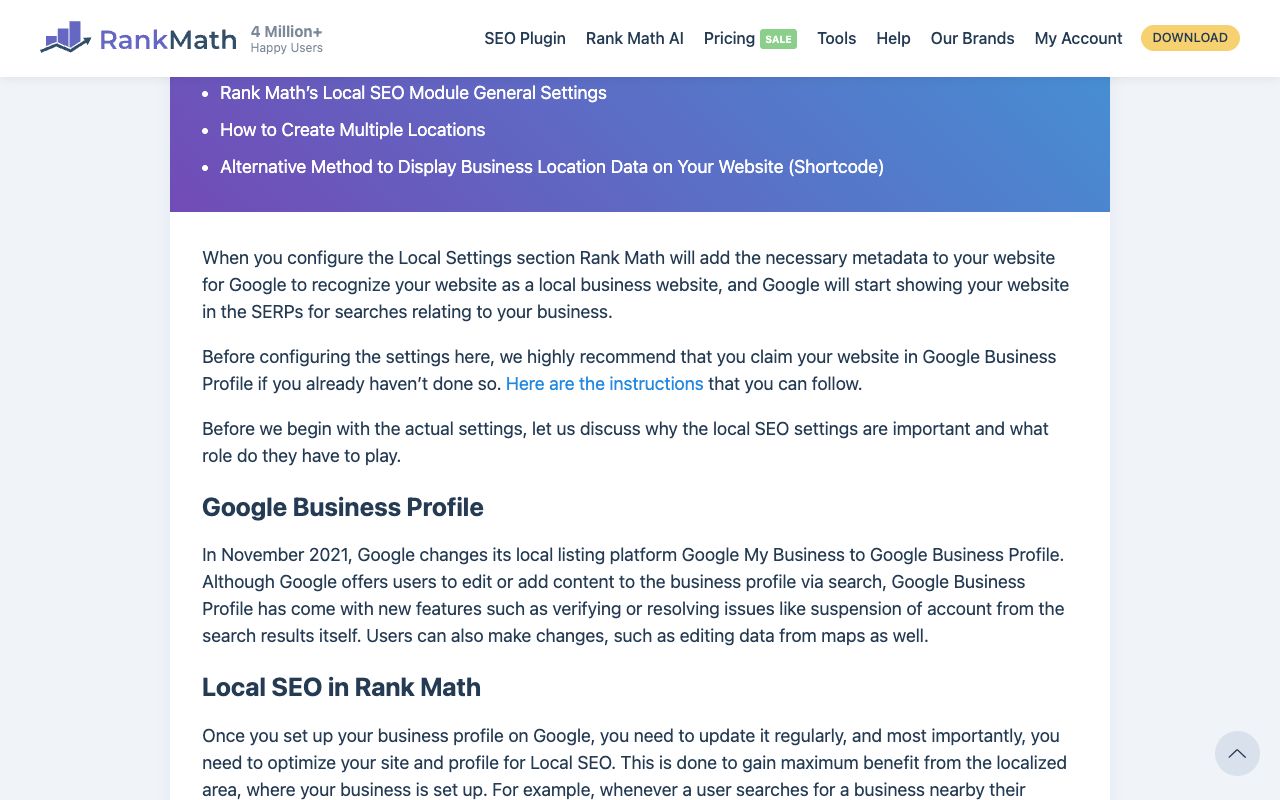
On WordPress, let a plugin own the data. Rank Math's Local SEO module captures name, address, phone, opening hours, coordinates, price range and business type; multiple-location markup is a Rank Math PRO feature per its docs. Yoast's Local SEO gives each location its own address, hours and map plus a store locator; as of 2026-10-21 it is bundled into Yoast SEO Premium at "$118.80 / year (ex. VAT)".
On Shopify, Webflow or a custom stack you paste JSON-LD into the theme head or the page's custom-code slot. A local business schema generator gets you a starting block; the free JSON-LD generator by Max Prin on TechnicalSEO.com is the usual bookmark. Treat its output as a draft, and remember that generators vanish: Hall Analysis's widely linked generator was retired on 12 September 2025 when the company became Cloud22. A template you control outlives any bookmarked local business schema generator.
Then run three checks, in order:
- Consistency. Compare the live page's visible name, address, phone and hours with the markup and the Business Profile. Google's policy: "Don't mark up content that is not visible to readers of the page."
- Vocabulary. Paste the URL into the Schema Markup Validator to catch property names schema.org does not know.
- Eligibility. Run Google's Rich Results Test, fix critical errors, and treat non-critical warnings as a to-do list.
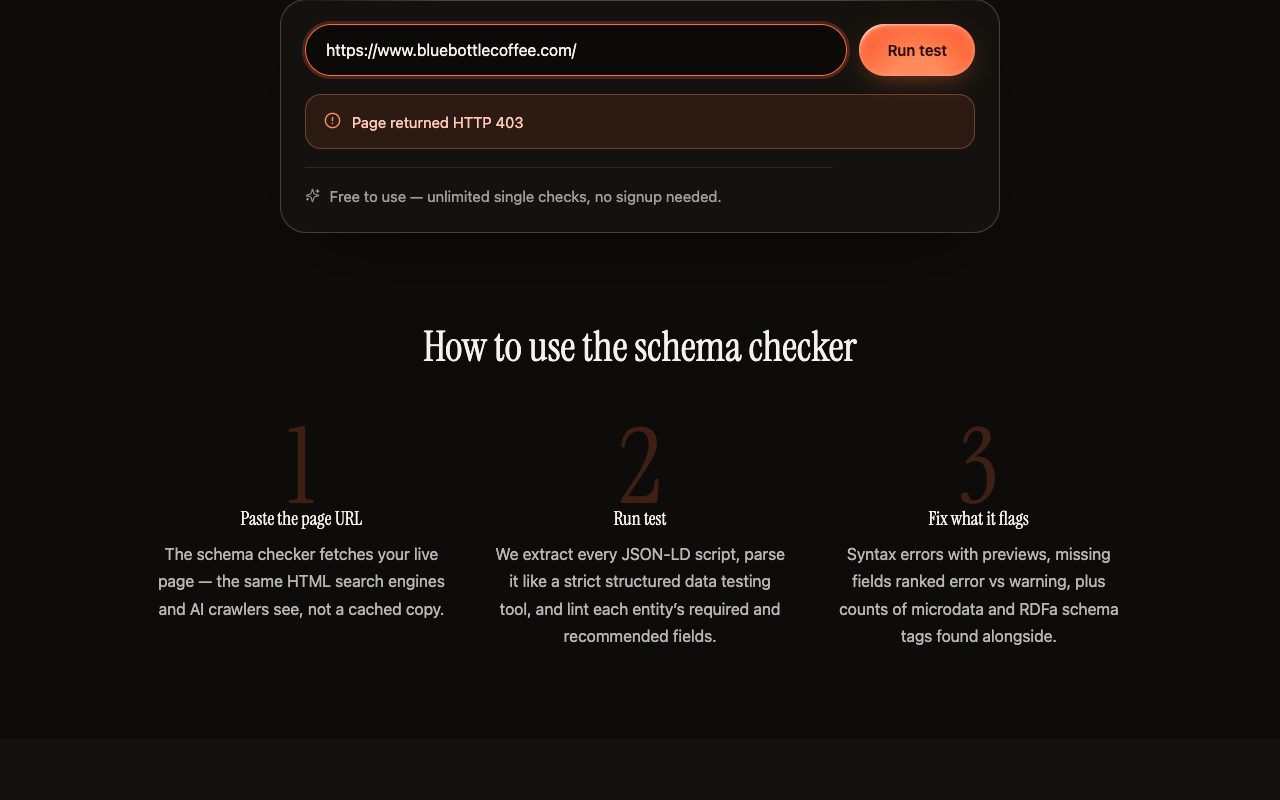
Kairosy's free schema markup checker sits between steps two and three: it fetches the live page, parses every JSON-LD block strictly (a trailing comma is reported with a preview), unwraps @graph so each node is checked alone, and lints required versus recommended fields for 21 types including LocalBusiness and Organization. It is a checker, not a generator, and it shows what the page actually shipped. The paid AI-Ready Page Audit adds broader readiness checks, structured data among them.
Which Local Business Schema Errors Are Most Common, and How Do You Fix Them?
- Markup says one thing, the page shows another. Hours in JSON-LD, none in the HTML. Fix: render the facts visibly and generate markup from the same data.
- Generic type where a subtype exists. Fix: pick the most specific subtype from the schema.org tree.
- Closed days omitted. A missing Sunday object is ambiguous. Fix: an explicit
00:00to00:00entry. - Self-reviews marked up. A clinic adds
aggregateRatingfrom its own testimonials. Fix: remove it; Google scopes those properties to sites reviewing other businesses. - Two blocks fighting. Theme and plugin both emit an Organization with different phones. Fix: one source of truth.
- Broken JSON. One trailing comma removes the whole block from every parser. Fix: validate before deploy and after every template change.
- Blocked images.
imageorlogoURLs disallowed in robots.txt. Fix: Google requires them to be crawlable and indexable.
What Belongs on a Local Business Schema Maintenance Checklist?
Markup rots quietly because nothing visibly breaks when it goes stale.
When hours change
- Update the visible hours, then the markup, then the Business Profile, on the same day.
- Model temporary changes with
validFromandvalidThroughrather than overwriting the regular schedule; remove expired entries afterward. - Re-run the schema checker and confirm the new
opensandclosesvalues are in the parsed output.
When a location moves
- Change the address and
geoin the sheet, page text, markup and Business Profile in one sitting; a week of mismatch is a week of mixed signals. - Keep the
@idif the URL stays. If it changes, 301 the old URL, update@idandurl, and fix everysubOrganizationreference.
When a location closes or opens
- Closing: drop the node from
subOrganization, mark the profile closed, and 301 the page or leave a visible notice with the markup removed. - Opening: create the page, then the node, then the profile, so the linked page already carries matching facts.
- Quarterly: run every location URL through the checker and diff name, address and phone against the sheet.
Local Business Schema FAQs
Does local business schema improve my Google ranking?
Google's LocalBusiness documentation describes eligibility for a knowledge panel and a businesses carousel, not a ranking signal, and this guide does not promise one.
Will local business schema get my business recommended by ChatGPT or Gemini?
No markup guarantees that. Google states no special schema.org structured data is needed for AI features, and assistants build recommendations largely from reviews, directories and roundups.
Do I still need local business schema if I have a Google Business Profile?
They are different systems. The profile feeds Maps and the knowledge panel; the markup describes your page to any crawler. Keep both, identical on name, address and phone.
Should I use LocalBusiness or a subtype like Dentist or Restaurant?
The subtype, whenever one fits. Google asks for the most specific applicable type, and a subtype inherits every LocalBusiness property.
Can I rely on a local business schema generator?
For a first draft, yes. Then set the specific subtype, add explicit closed days, insert @id and sameAs, validate, and move the result into a template you control. For FAQ markup on the same page, see the FAQ schema guide.
See what AI says about your brand
Run a free scan across ChatGPT, Gemini, Claude & Perplexity in about 30 seconds.
Run my free scan