Moz vs Yoast (2026): Pricing, Features and Which to Pick
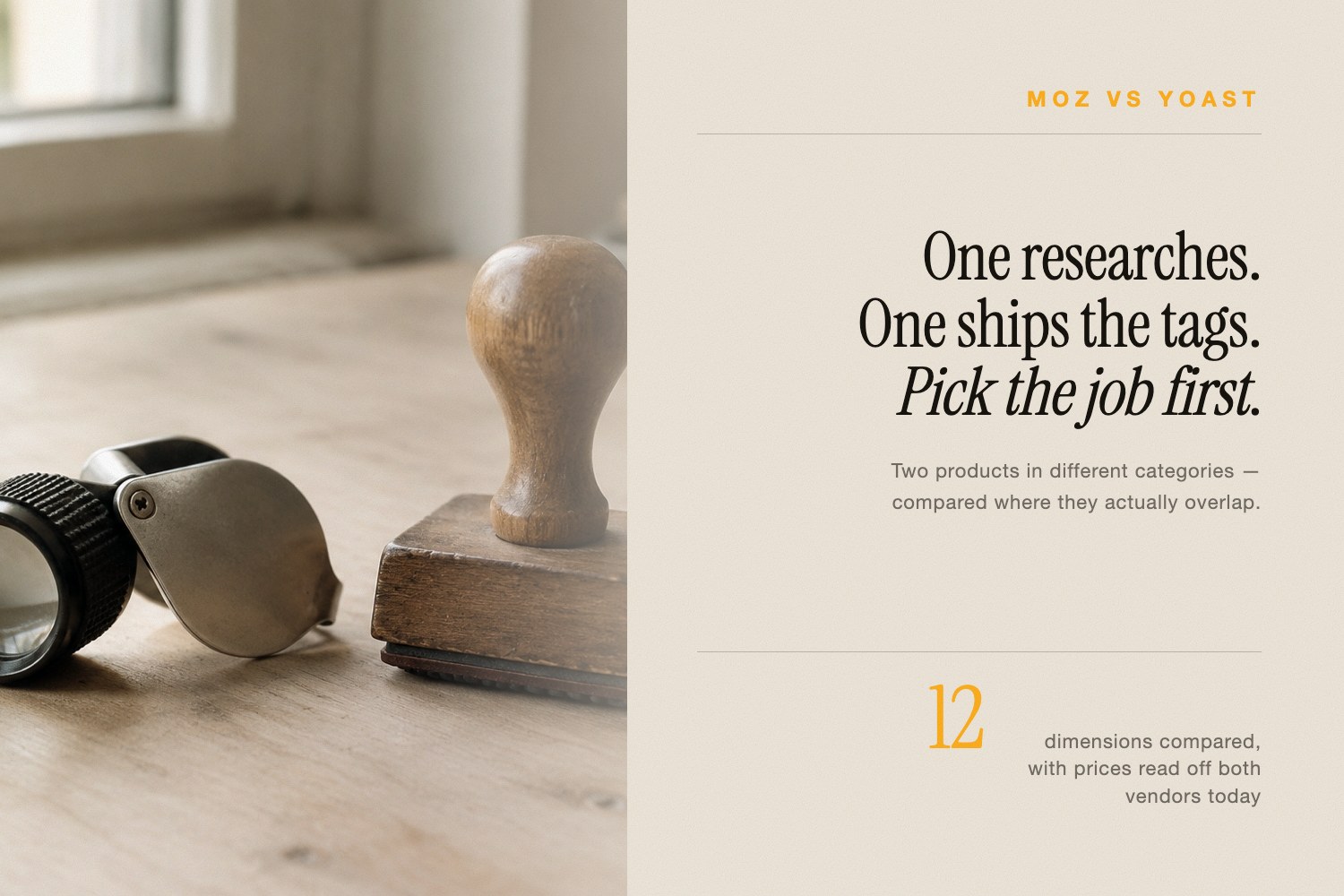
Moz vs Yoast is a category mismatch, not a head-to-head. Moz Pro is a standalone SEO research platform you log into for keyword data, link data, rank tracking and site crawls. Yoast SEO is a WordPress plugin that lives inside your editor and shapes the page you are publishing right now.
So the useful question is not which one wins. It is which job you are hiring for — and a great many WordPress sites sensibly run Yoast and a research platform, because the two never touch the same task. Below: what each product actually does, what it costs as of August 5, 2026, what verified reviewers say, and the one blind spot they share.
Moz vs Yoast: which one do you actually need?
Need to know which keywords to chase, who links to your rivals, and whether last month's positions moved? That is Moz. Yoast cannot answer any of it and does not pretend to.
Need every post to ship with a clean title tag, a meta description, a canonical, breadcrumbs and valid structured data — without editing a theme template? That is Yoast. Moz will grade a URL for you, but it will never write markup into your site.
Three fast calls before the detail:
- Solo WordPress publisher, tight budget. Free Yoast plugin plus Moz's free tools. Zero spend, and it covers more than most people expect.
- Competitive research, link prospecting, client reporting. Moz Pro, entry plan $49/month.
- Agency shipping WordPress builds. Both — a Yoast license per client site, one Moz Pro subscription for the whole book of business.
What is Moz Pro, and what does it cost in 2026?
Moz Pro is a hosted SEO suite from SEOMoz, now a Ziff Davis company. You point it at a domain, it builds a campaign, and it reports on positions, crawl errors, keyword opportunities and links. Its most famous export is Domain Authority, the 1–100 predictive score the industry adopted as shorthand for site strength.
Moz key features
- Keyword Explorer, drawing on an index Moz describes as 1.25 billion-plus keywords.
- Link Explorer, drawing on an index Moz describes as over 44 trillion links.
- Rank tracking, from 300 to 3,000 tracked keywords a month depending on tier.
- Site crawling, from 100,000 to 1,250,000 pages a week.
- Brand Authority, a separate 1–100 score for brand strength rather than link strength.
- Free tools with no subscription at all — Domain Authority checker, Link Explorer, Keyword Explorer, Competitive Research, the MozBar extension and MozCast.
Moz Pro pricing, checked today
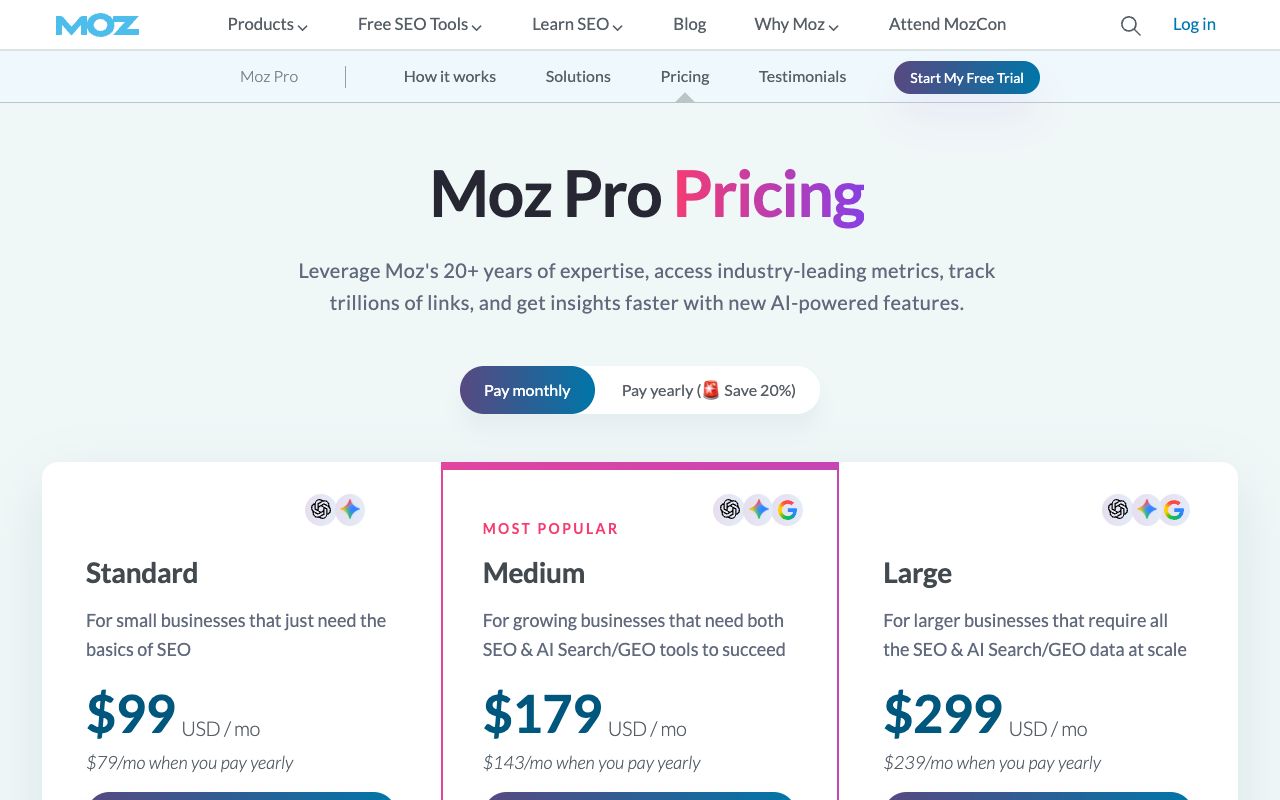
These are the published figures on moz.com/products/pro/pricing on August 5, 2026. Annual billing is charged up front for the first year.
| Plan | Monthly | Billed yearly | Tracked sites | Tracked keywords/mo | Tracked AI prompts |
|---|---|---|---|---|---|
| Starter | $49 | Not published | 1 (single-site plan) | Not published | Not published |
| Standard | $99 | $79/mo — $950 first year | 3 | 300 | 50 |
| Medium | $179 | $143/mo — $1,719 first year | 10 | 1,500 | 100 |
| Large | $299 | $239/mo — $2,868 first year | 25 | 3,000 | 200 |
An Enterprise tier exists on request, and Moz sells overage on the AI module — $20 for each extra visibility dashboard and $50 per additional 100 tracked prompts. A free trial is offered on the pricing page, though the page does not state its length.
What real reviewers say about Moz
On Capterra, checked August 5, 2026, Moz Pro holds 4.5 out of 5 across 350 reviews: ease of use 4.3, features 4.3, customer service 4.5, and value for money 4.1 — the weakest of the four. Capterra's own topic breakdown names "high subscription cost" as the top complaint, rated negatively in 48% of the 82 reviews that mention price.
What is Yoast SEO, and is Premium worth the price?
Yoast SEO is a WordPress plugin, published to the plugin directory on October 11, 2010 and still shipping — version 28.2 landed on August 4, 2026. It does one thing: it makes the page you are editing technically correct, and it tells you so while you type. The directory lists 10 million-plus active installations, putting it among the most-installed plugins WordPress has ever had.
What the free plugin gives you
- Live SEO and readability analysis inside the WordPress editor as you write.
- Title and meta description templates, editable per post and per content type.
- XML sitemaps, generated and kept current automatically.
- Canonical URLs, robots directives, and Open Graph and Twitter card fields on every post.
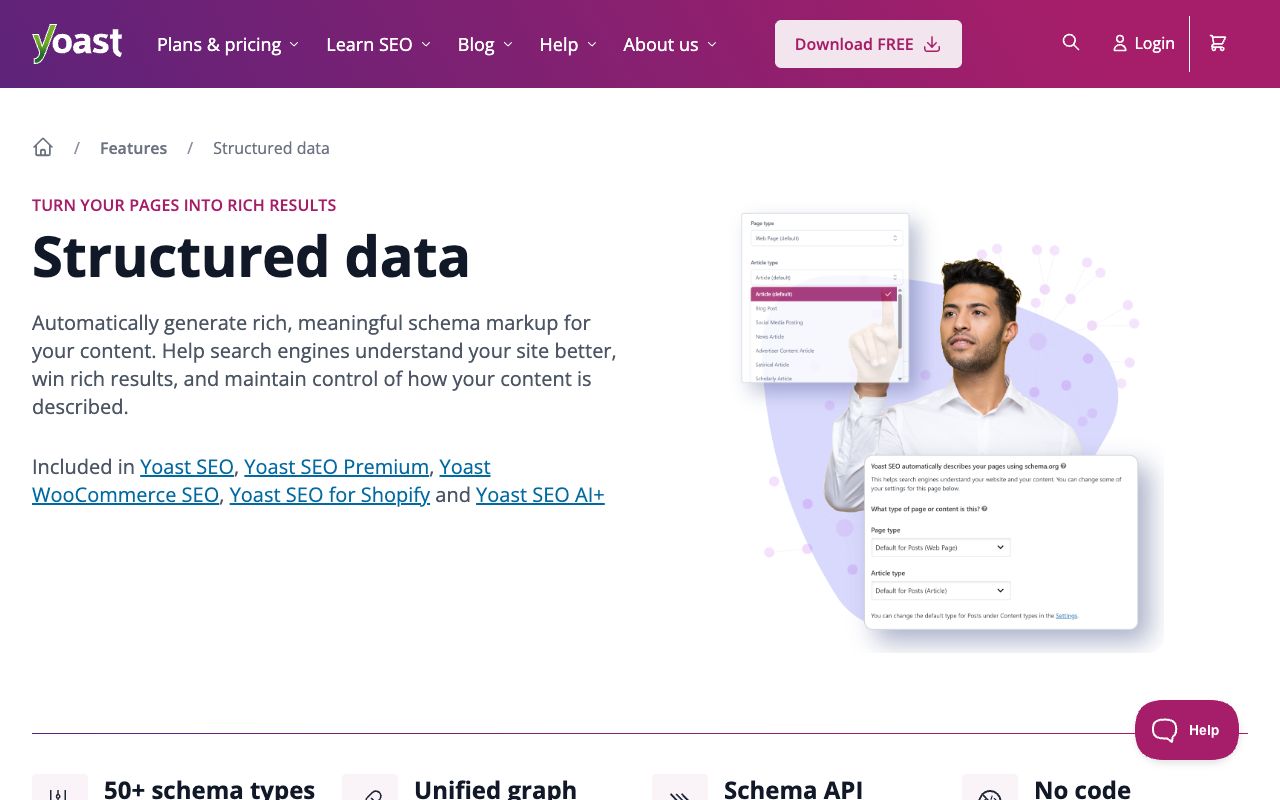
- An automatic schema graph covering Organization, WebSite, WebPage, Article, BlogPosting, Breadcrumb, SearchAction, ImageObject and NewsArticle.
What Premium adds
- A redirect manager that prompts you to set the redirect when you move or delete a URL.
- Up to five keyphrases per page instead of one.
- Bulk metadata editing, with AI drafting titles and descriptions for pages that are missing them.
- Internal linking suggestions and a content planner that builds a structured starter draft.
- Local SEO, Video SEO and News SEO, now bundled instead of sold separately.
- Support around the clock, plus one seat on the Google Docs add-on.
Yoast pricing, checked today
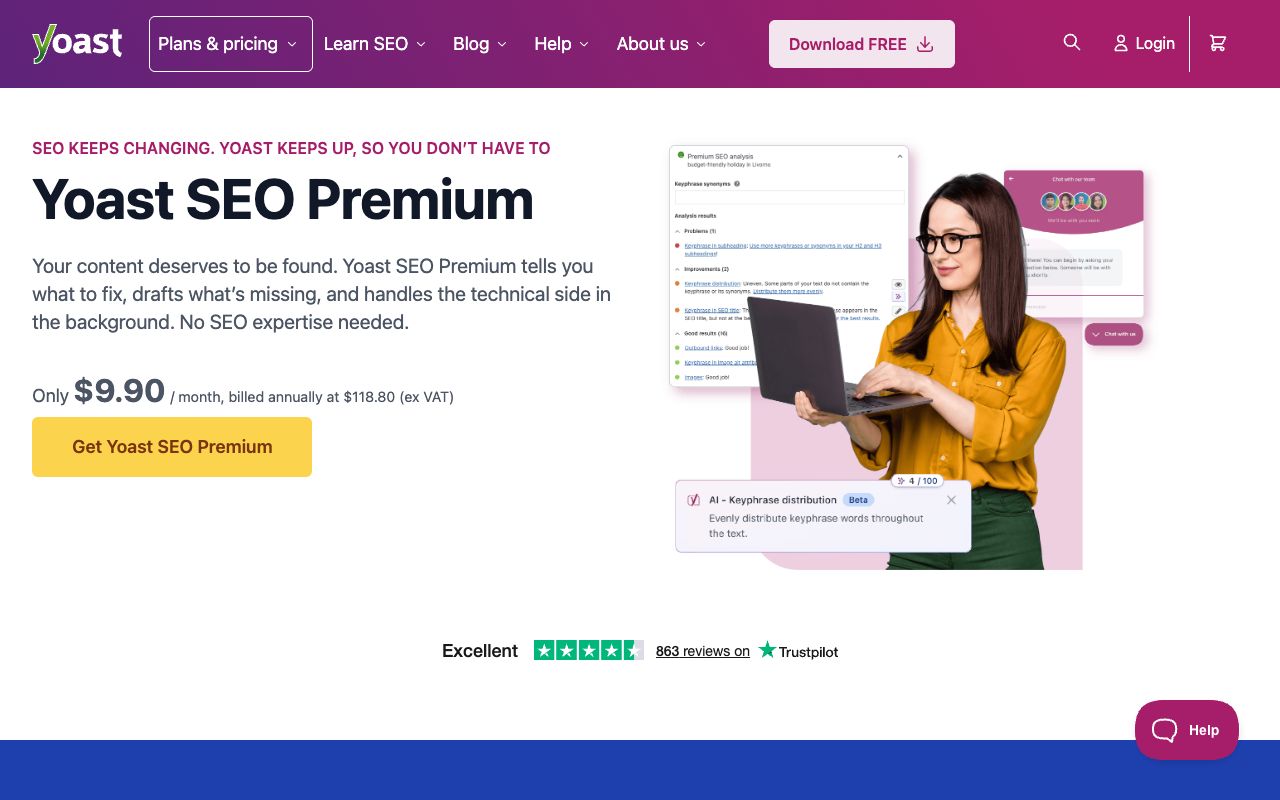
From yoast.com/shop on August 5, 2026, all figures excluding VAT: Yoast SEO Premium is $118.80 per year for one site. WooCommerce SEO is $178.80 per year. Yoast SEO AI+ is $358.80 per year. Off WordPress, the Shopify app is $19 per 30 days and the Google Docs add-on is $5 per month. Yoast's terms of service grant a full refund if you request one within thirty days of an initial purchase, with renewals excluded.
Is Premium worth it? Two features carry the invoice for most publishers: the redirect manager, which quietly prevents the 404s that follow every site restructure, and multi-keyphrase analysis, which matters the moment a page has to rank for a cluster instead of one term. If your site is small and stable, the free plugin is genuinely enough.
What real reviewers say about Yoast
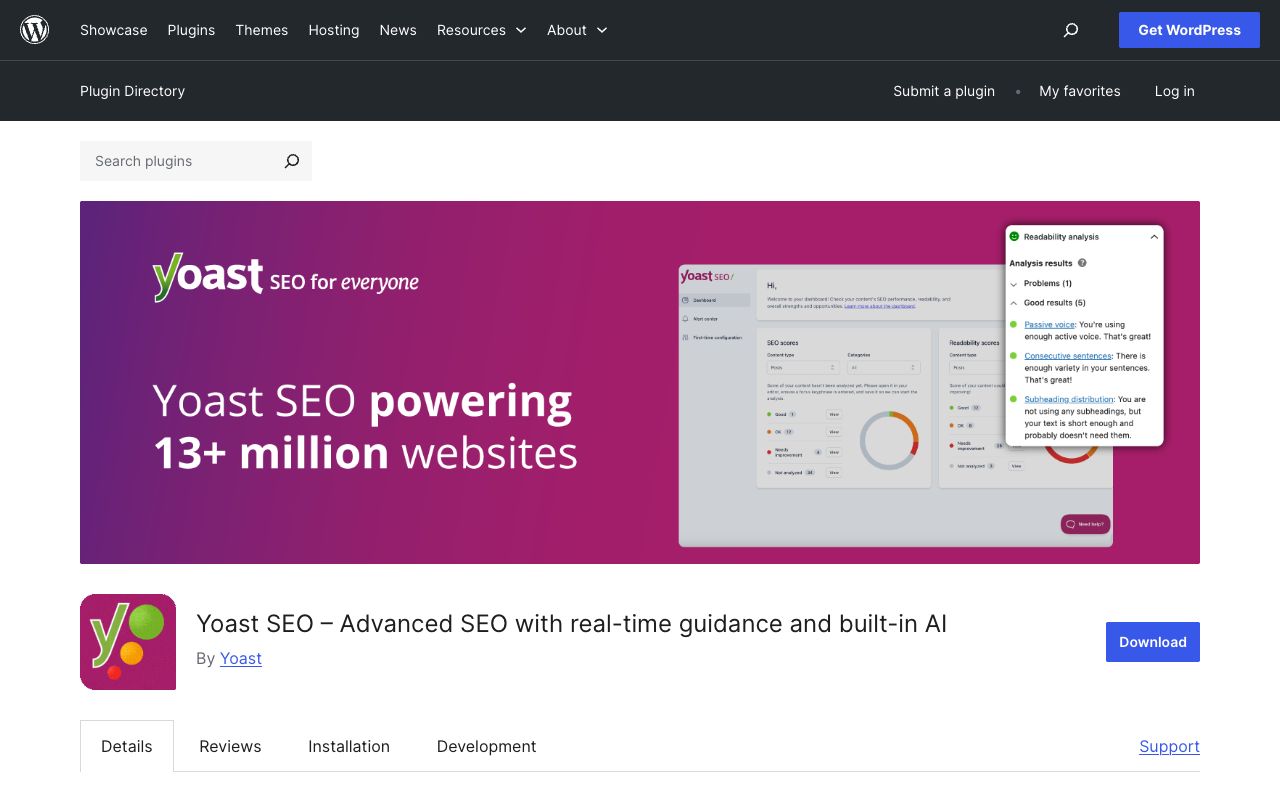
The WordPress.org plugin directory showed 4.8 out of 5 from 27,817 ratings on August 5, 2026 — 25,989 of them five-star, 845 one-star. No other tool in this comparison has a public review pool anywhere near that size. Recent five-star entries carry titles like "Still my go-to after years of use," while the critical minority clusters on support rather than the product: "Good plugin but lacking significant support" (two stars) and "Disappointing support: Ignoring stable PHP 8.3 bugs" are both live on the directory. Capterra separately puts Yoast SEO at 4.6 out of 5 from 131 reviews, with value for money at 4.3.
Moz vs Yoast compared: features, pricing and limits
Every cell below comes from the vendors' own pages or public review directories, checked August 5, 2026. Read it across rather than down — there is barely a row where both columns hold a real entry, which is the entire argument of this piece.
| Dimension | Moz Pro | Yoast SEO |
|---|---|---|
| What it is | Hosted SEO research platform | Plugin inside your CMS |
| Entry price | $49/mo Starter, $99/mo Standard | Free, Premium $118.80/yr per site |
| Keyword research | 150 to 15,000 keyword queries/mo | None |
| Backlink data | 5,000 to 70,000 backlink queries/mo | None |
| Rank tracking | 300 to 3,000 keywords/mo | None |
| Site crawling | 100,000 to 1,250,000 pages/wk | None, analysis is per post |
| On-page editing | On-Page Grader reports | Live in the editor, 5 keyphrases on Premium |
| Schema output | None | Automatic connected schema graph |
| Redirect manager | None | Yes, on Premium |
| AI answer tracking | 50 to 200 prompts, weekly, GPT and Gemini plus Google AI Mode | None |
| Seats included | 1 to 3 by plan | Licensed per site |
| Public rating | Capterra 4.5/5, 350 reviews | WordPress.org 4.8/5, 27,817 ratings |
Which should you pick: Moz vs Yoast for WordPress?
On a WordPress site the plugin slot is not really optional. Something has to emit your titles, canonicals, sitemap and schema, and Yoast is the default answer with a decade and a half of compatibility behind it. Install it free on day one and decide about Premium later, when a migration or a keyword cluster forces the issue.
The Moz decision is separate and comes down to whether anyone on your team will open a research dashboard weekly. If nobody will, a $99/month subscription becomes shelfware fast — that is exactly what Capterra's value-for-money score is picking up. If someone will, the Starter plan at $49/month is a cheap way to stop guessing at keyword difficulty.
The framing that trips people up in a Moz vs Yoast for WordPress decision is treating it as either-or on one budget line. A $118.80 annual plugin license and a research subscription starting at $49 a month are not competing purchases. They are a tooling cost and a research cost, and cutting the wrong one hurts differently.
If you are not on WordPress at all, the comparison collapses. Yoast sells a Shopify app and a Google Docs add-on, but on a custom stack or a headless build, Moz is the only one of the two that still applies — and you will need to solve titles, sitemaps and schema in code.
Can Moz or Yoast track what AI engines say about you?
Partly, and this is where the 2026 answer differs sharply from the 2024 one.
Moz Pro now ships an AI module: AI Visibility Dashboards, tracked prompts (50 on Standard, 100 on Medium, 200 on Large), AI citation data, prompt suggestions, AI Overviews by keyword, and AI content briefs. Tracking frequency is weekly on every tier. Model coverage is GPT and Gemini on Standard, plus Google AI Mode on Medium and Large. That is a real feature, not marketing paint.
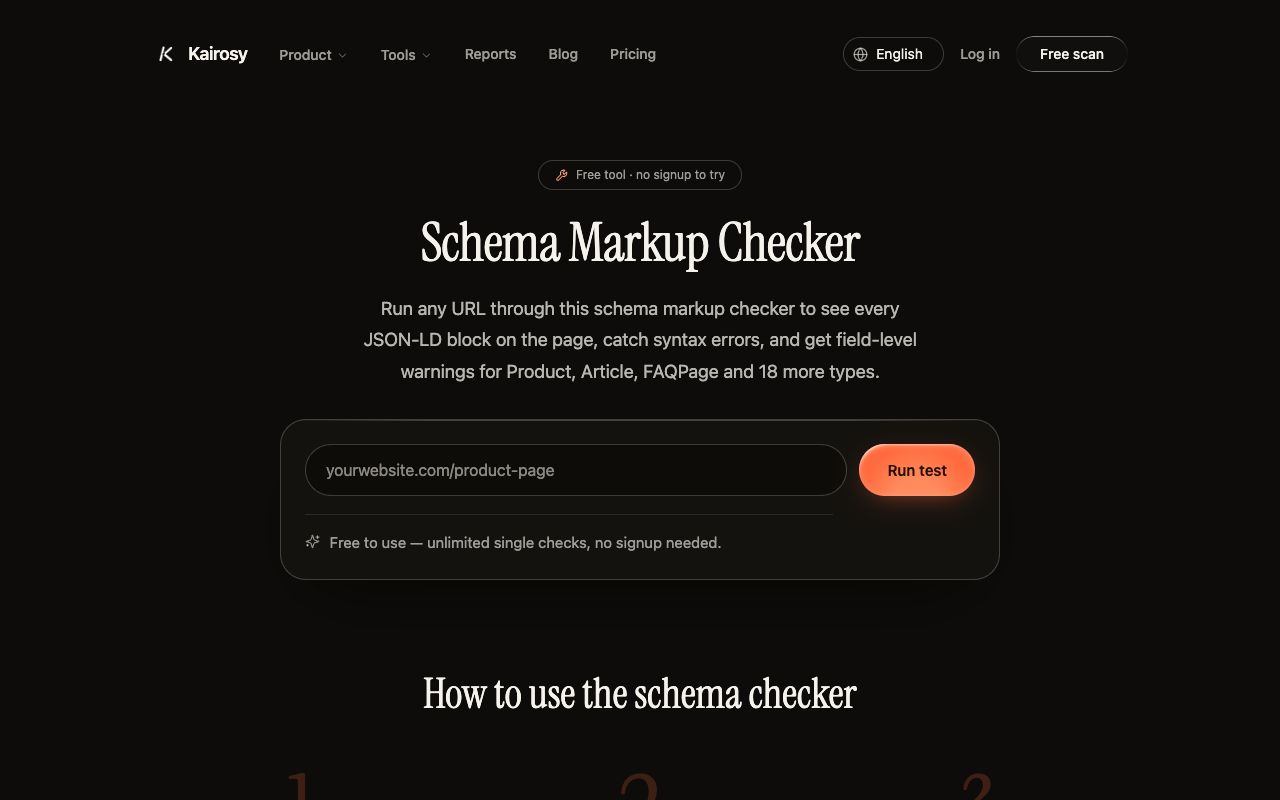
Yoast has nothing of the kind, and does not claim to. Its contribution to AI search is indirect but real: machines parse structured pages more reliably than unstructured ones, and Yoast's connected schema graph is the cheapest way a WordPress site gets one. Validate what it emits with our free schema markup checker, cross-check the types against schema.org, and read Google's structured data documentation for what actually earns enhanced results.
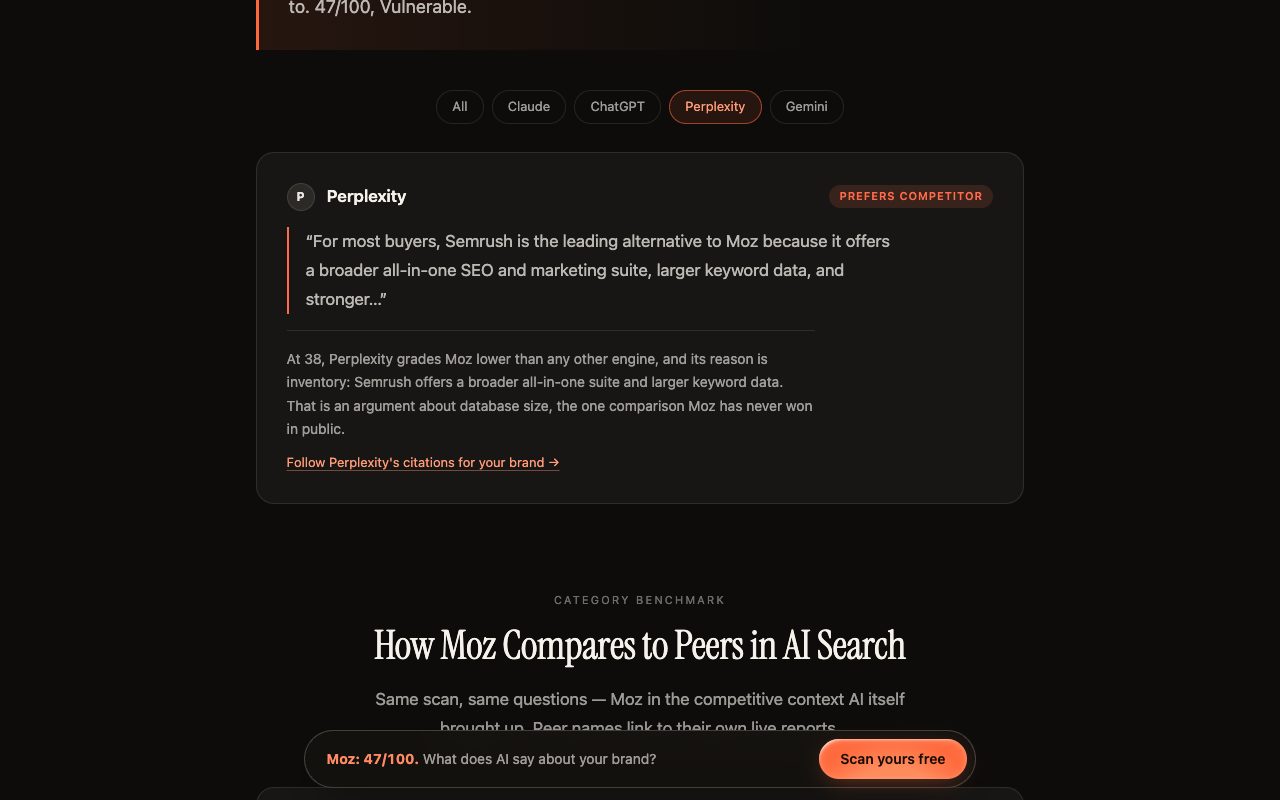
Where Moz's version still stops short: no Claude, no Perplexity, and a prompt count that tells you whether you were named, not how you were characterized. That difference is not academic. Kairosy's scan of ClickUp returned a visibility score of 96 against a favorability score of 48 — assistants mention the product in almost every relevant answer, and the tone around it sits barely above the midpoint. A mention counter would have called that a win.
That gap is the job Kairosy does. It puts the questions your buyers actually type to ChatGPT, Gemini, Claude and Perplexity, classifies the sentiment of every answer, records which URLs each engine cited as its source, and turns the negatives into a prioritized Fix Plan. The first 7 days are free. Paid tiers are $29, $99 and $399 a month, adding weekly rescans per brand and market, daily prompt tracking, email alerts, and country-level scans across 25 markets. Start with an AI-ready audit of the site, then keep it honest with continuous AI brand monitoring.
Being straight about it: Kairosy is not a rank tracker and holds no link index, so it replaces neither of the tools above. It has nothing whatsoever to say about your WordPress editor.
What are the best alternatives to Moz and Yoast?
If the Moz vs Yoast shortlist does not fit, swap either side independently.
Instead of Yoast: Rank Math is the closest like-for-like, scoring 4.8 out of 5 from 7,482 ratings on the WordPress.org directory as of August 5, 2026, with PRO listed at €7.99 per month billed annually excluding VAT on rankmath.com/pricing. It bundles a schema generator and rank tracking that Yoast leaves to a separate tool.
Instead of Moz: Semrush lists its SEO plan at $139 a month, or $117.33 a month billed annually, on semrush.com/prices, with the $199 Starter tier adding 50 daily tracked prompts for AI visibility. Ahrefs sells Lite, Standard, Advanced and Enterprise tiers, with extra seats from $40 a month on the lowest tier. Both are heavier research platforms than Moz, and both start well above Moz's $49 entry plan.
We have written a longer teardown of the research-platform side — seven options with prices and the specific Moz feature each one replaces — in our guide to Moz alternatives. For the schema half of the decision, our notes on FAQ schema cover what still earns visibility now that Google has retired most FAQ rich results.
Moz vs Yoast comparison FAQs
Is Moz better than Yoast?
Neither is better, because they compete for nothing. Moz answers strategy questions before you write, Yoast enforces technical correctness as you publish. Asking which is better is like asking whether a keyword tool beats a CMS field.
Do I need both Moz and Yoast on a WordPress site?
Not to launch. Yoast free covers the technical baseline. Add Moz when you have enough content that guessing which keyword to target next starts costing you real production time — usually somewhere past twenty or thirty published pages.
Is Yoast SEO Premium worth $118.80 a year?
It is if you restructure URLs or need one page ranking for several related phrases. The redirect manager alone tends to justify the license on any site that has been through a migration. On a static five-page brochure site it is hard to justify.
Does Moz have a free plan?
No free subscription tier, but Moz publishes genuinely useful free tools — the Domain Authority checker, Link Explorer, Keyword Explorer, Competitive Research, Brand Authority checker, MozBar and MozCast. They are query-limited, and for occasional checks they are frequently all you need.
Do Moz or Yoast track ChatGPT mentions?
Moz does, within limits: its AI module tracks prompts weekly across GPT, Gemini and Google AI Mode, at 50 to 200 prompts by plan. Yoast does not track anything outside your own site. Neither covers Claude or Perplexity, and neither scores how favorably an engine describes you.
Which is cheaper in a Moz vs Yoast comparison?
Yoast, by an order of magnitude. Premium runs $118.80 a year against $950 for the first year of Moz Standard on annual billing, and Yoast's free tier is a working product rather than a trial. Price is the wrong axis here, though — you are comparing a plugin license with a data subscription.
See what AI says about your brand
Run a free scan across ChatGPT, Gemini, Claude & Perplexity in about 30 seconds.
Run my free scan