SEO Agency Reporting Software: 5 Tools Compared for 2026
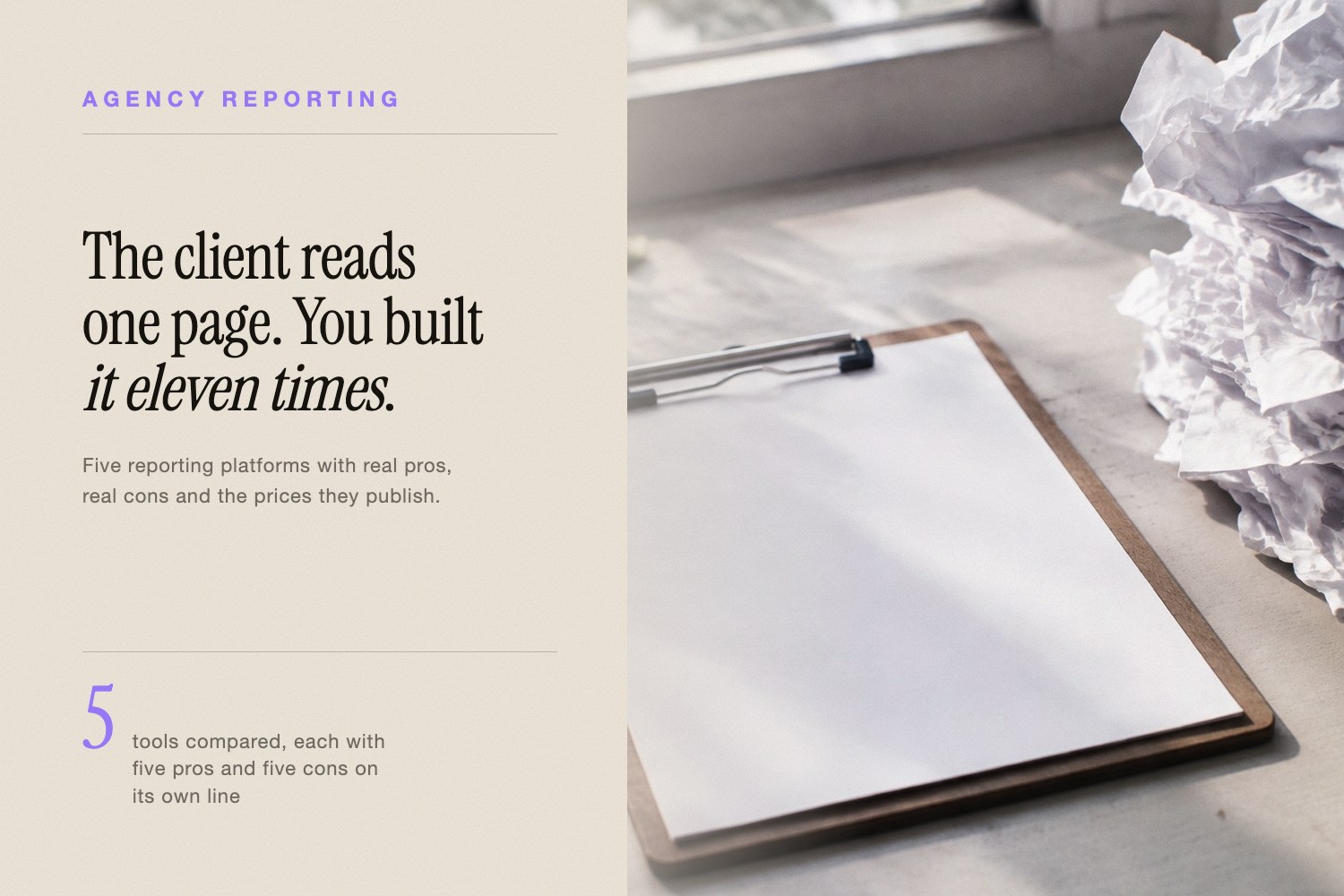
Pick your SEO agency reporting software by how you bill, not by how many charts it can draw. Agencies that charge per client want per-client pricing. Agencies that sell one big multi-channel retainer want dashboards and data connectors. Agencies with an analyst on staff want a blank canvas and a free license.
Below are five platforms, each with its standout feature, five honest pros, five honest cons, verified pricing, and the type of agency it actually suits. Every price here was read off the vendor's own pricing page on August 5, 2026 — check before you sign, because these pages move.
What Does SEO Agency Reporting Software Have to Cover in 2026?
Client reporting has four mechanical jobs and one new one. The mechanical jobs: pull data from the platforms you work in, put your logo on it, send it on a schedule without a human remembering, and let the client click into a number without emailing you.
The new job is the AI answer layer. Buyers now ask ChatGPT, Gemini, Claude, and Perplexity for vendor shortlists, and clients have started asking whether they show up there. Classic reporting suites are only beginning to cover that, so it gets its own section below rather than a footnote.
One practical warning before you buy anything: reporting software inherits your data problems. If a client's key pages fell out of Google's index, a pretty dashboard just draws the decline in a nicer font. Run a quick check with a free tool like the index checker before you blame the traffic dip on seasonality.
Which SEO Agency Reporting Software Fits Which Agency Type?
Here is the short version. Entry price is what the vendor publishes for the cheapest usable tier, verified August 5, 2026.
| Platform | Entry price (verified Aug 5, 2026) | Pricing model | Best for |
|---|---|---|---|
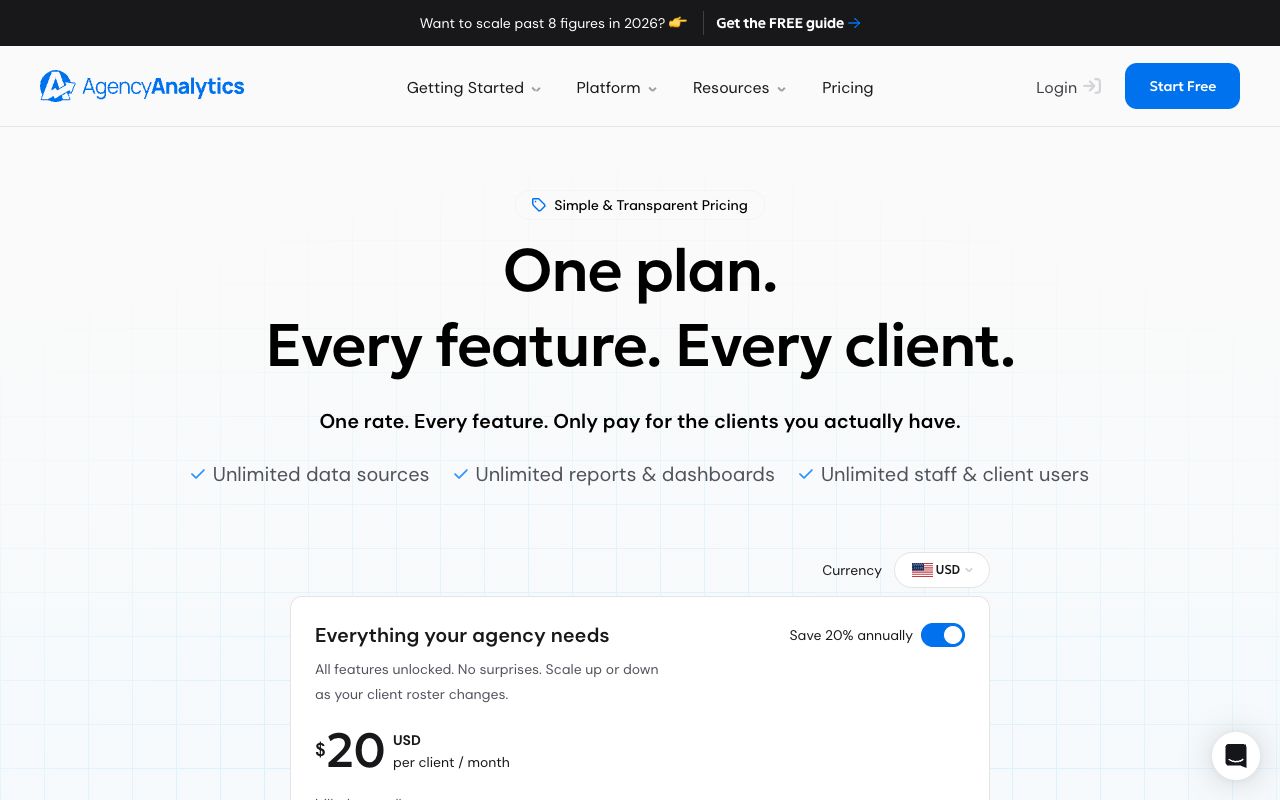
| AgencyAnalytics | $20 per client / month, billed annually | Per client | SEO shops with many small retainers |
| SE Ranking + Agency Pack | $103.20/mo annual (Core) + $69/mo pack | Per seat and project | Agencies that want rank data and reports in one login |
| Looker Studio | Free | Free, Pro sold via Google Cloud | Agencies with an analyst and odd data sources |
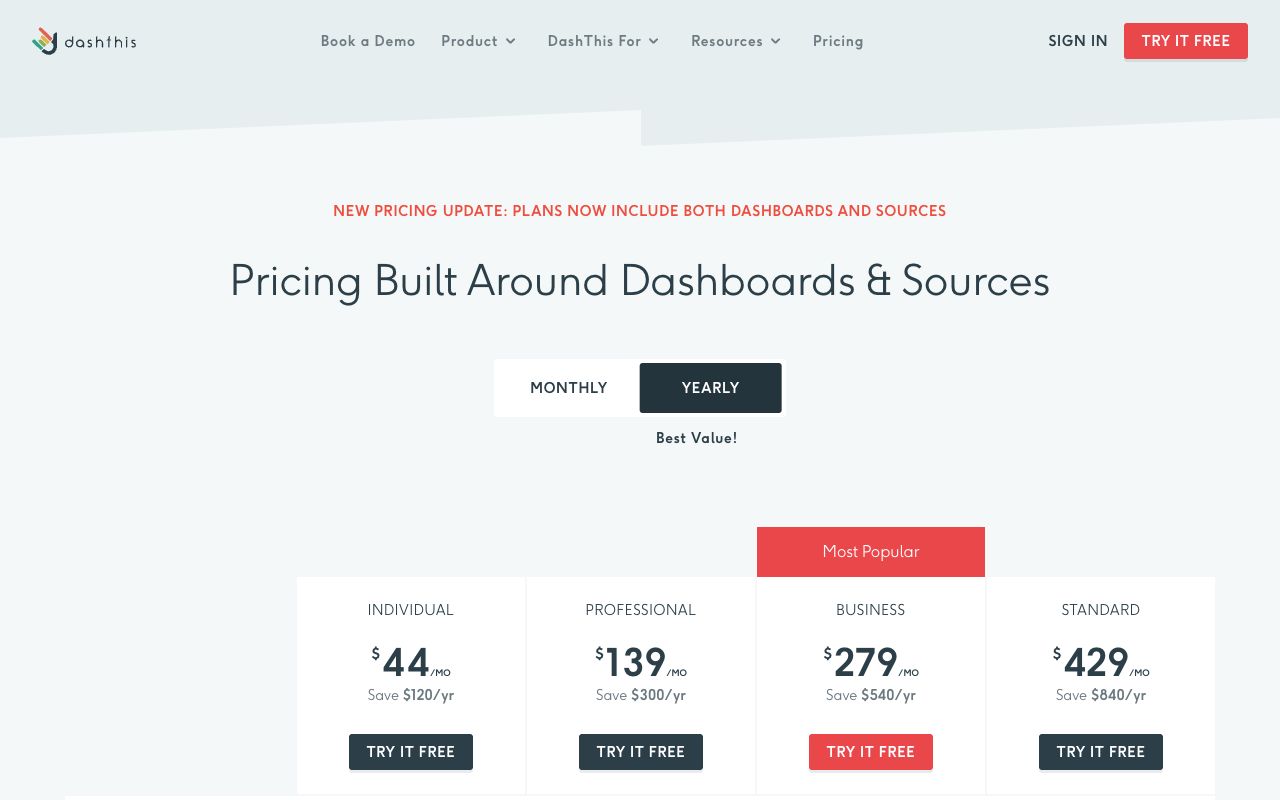
| DashThis | $44/mo (Individual, 3 dashboards) | Per dashboard | Small multi-channel teams that hate building |
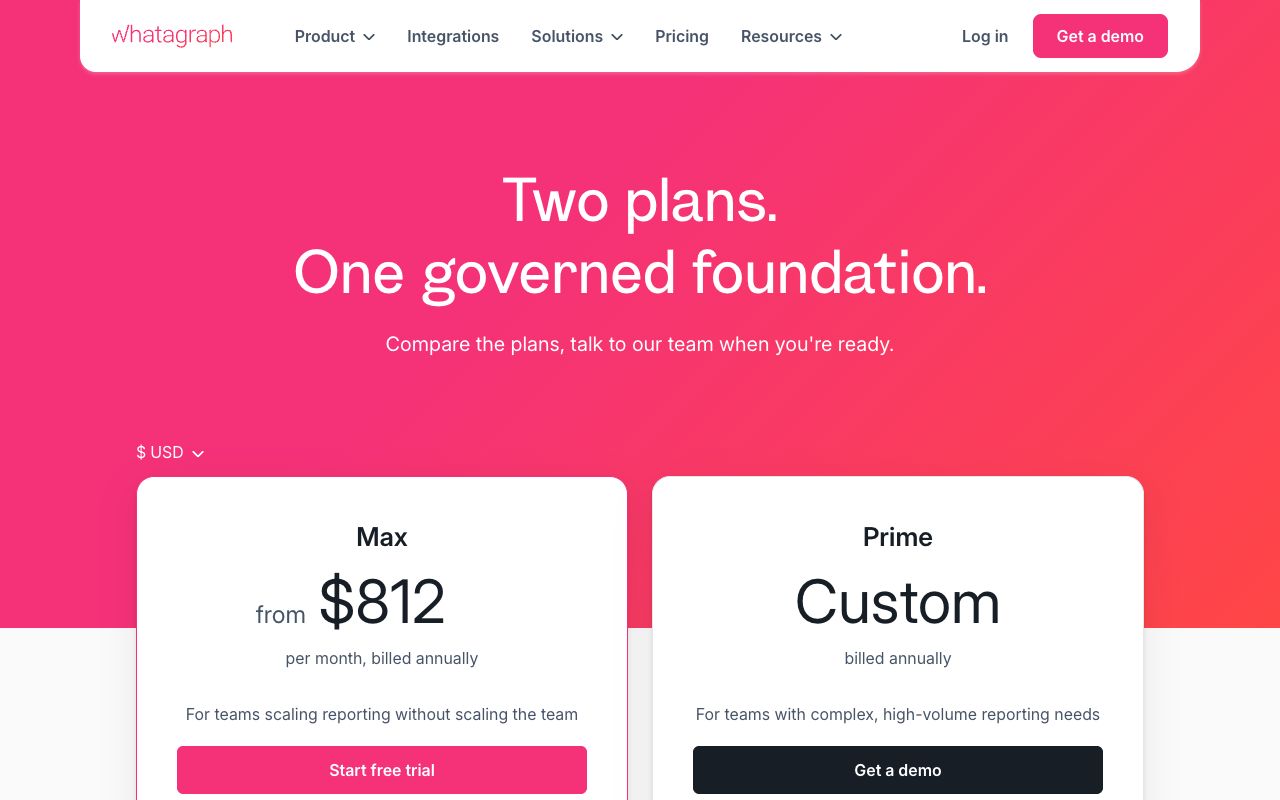
| Whatagraph | €699/mo billed annually (Max) | Per source credit | Mid-market agencies with heavy data plumbing |
Is AgencyAnalytics the Best Fit for Agencies Billing Per Client?
AgencyAnalytics is a client-reporting platform built around one unit of account: the client. You add a client, connect their accounts, and the report writes itself.
Standout feature: pricing that scales exactly like your book of business. There are no feature tiers to climb — the published plan is a flat rate per client per month with unlimited staff and client logins.
AgencyAnalytics: 5 pros
- Per-client pricing means a lost account reduces your bill instead of stranding you on an oversized tier.
- White-label branding is in the base plan, not an upsell.
- The vendor lists 85+ integrations, so most of a typical stack connects without custom work.
- Unlimited staff and client user seats — you never ration logins to junior staff.
- A 14-day free trial with no credit card, which is enough time to rebuild one real client report.
AgencyAnalytics: 5 cons
- Rank tracking is a paid add-on at $41.67/mo per 500 keywords on annual billing, so the sticker price understates the real cost.
- The AI Tracker is also metered separately at $20.83/mo per 250 credits on annual billing.
- It reports on data from other tools rather than generating deep SEO research of its own.
- Costs climb linearly, so a 40-client roster needs the custom volume conversation.
- Advertised prices assume annual billing, and month-to-month costs more.
Pricing: $20 per client per month billed annually, per agencyanalytics.com/pricing. Agencies above 25 clients get volume pricing through sales.
Best for: SEO and local agencies with a long tail of $500–$3,000 retainers where report production time is the margin killer.
Should Your Agency Pair SE Ranking's Agency Pack With Its Rank Data?
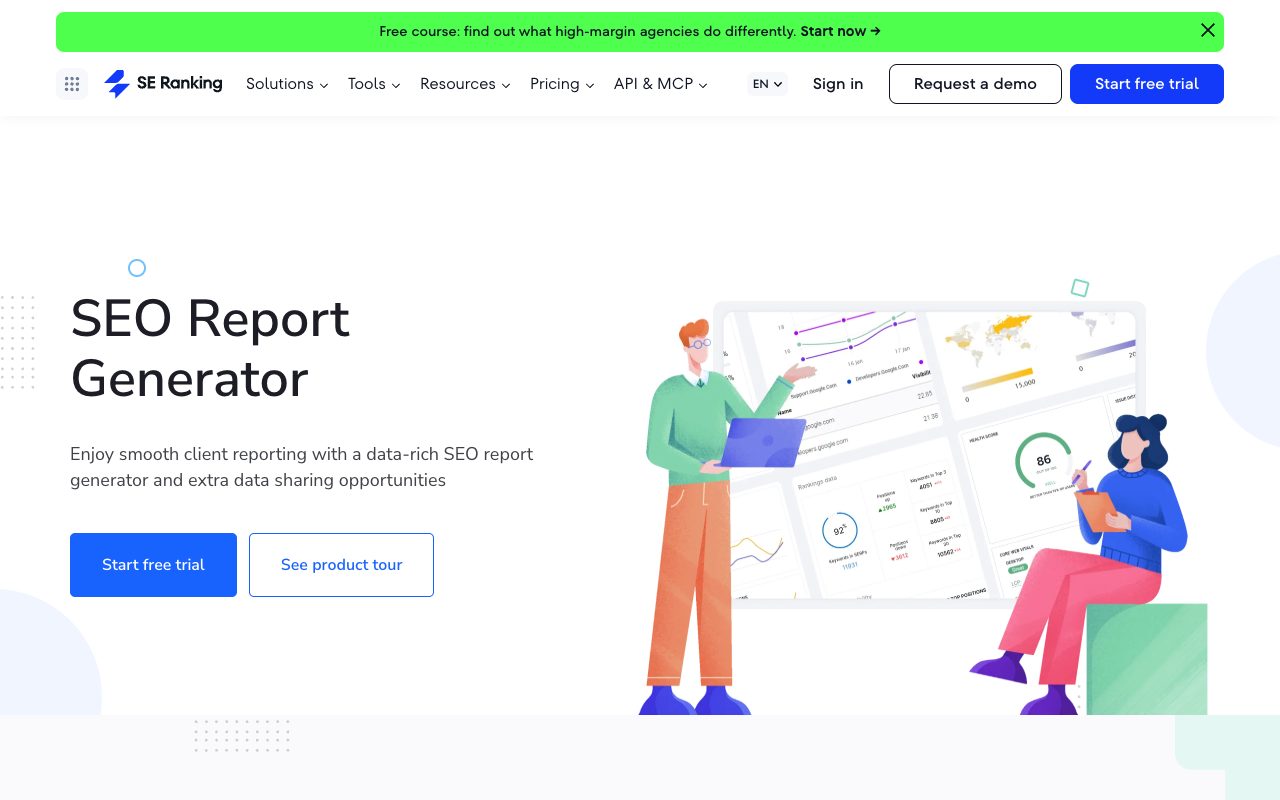
SE Ranking is a full SEO platform first and a reporting tool second. The reporting and white-label pieces live in a paid Agency Pack that sits on top of a normal subscription.
Standout feature: the Agency Pack at +$69/mo (annual billing only) turns the whole platform white label — not just the PDF — plus unlimited scheduled reports and AI summaries.
SE Ranking: 5 pros
- Rank tracking is native, so the numbers in the report come from the same tool that collected them.
- Core includes 10 projects and 2,000 daily-tracked keywords for $103.20/mo on annual billing.
- Growth lifts that to 30 projects, 5,000 keywords, and 3 manager seats.
- White labeling extends to the platform interface, so clients can log in to your brand.
- The 14-day trial runs the full feature set without a card.
SE Ranking: 5 cons
- The Agency Pack is annual-billing only, so month-to-month agencies cannot buy it.
- Seats are stingy at the entry tier — Core ships with one manager seat, and extras start at $16.
- AI Search visibility is another add-on at $89/mo monthly or $71.20/mo annually.
- API access costs a further $45/mo on annual billing.
- Stacking Core plus three add-ons lands well above the headline $129/mo monthly rate.
Pricing: Core $129/mo or $103.20/mo annual, Growth $279/mo or $223.20/mo annual, Enterprise custom, per seranking.com.
Best for: agencies that would otherwise pay for a rank tracker and a reporting tool separately and want one invoice.
Is Looker Studio the Best Free Reporting Tool for Small Agencies?
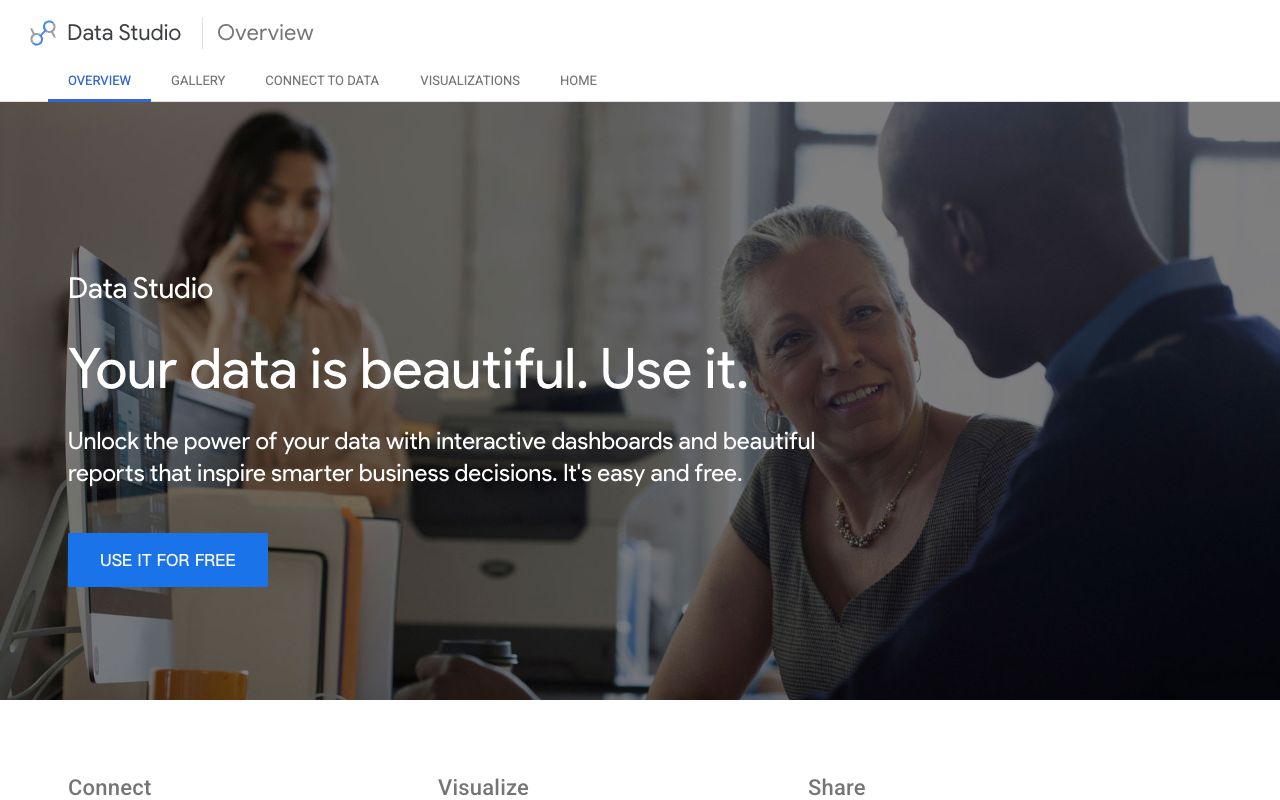
Looker Studio is Google's free dashboard builder. Google's own product overview page calls it "easy and free," and for Google Ads, GA4, Search Console, and Sheets it is the shortest path from raw data to a shareable client dashboard.
Standout feature: zero license cost with unlimited dashboards, which means a two-person agency can report on twenty clients for nothing.
Looker Studio: 5 pros
- Free for the core product, with no seat count or dashboard cap to manage.
- Native connectors to GA4, Google Ads, Search Console, and BigQuery need no third-party middleware.
- Total design control, so the deliverable can match your brand exactly.
- Templates from the community gallery cut the first build to an afternoon.
- Sharing works with a link and Google account permissions rather than paid client seats.
Looker Studio: 5 cons
- Non-Google sources usually need a paid third-party connector, and those fees add up per client.
- There is no built-in scheduled PDF workflow as polished as the dedicated reporting suites.
- Dashboards get slow once you blend several large sources.
- Every template you build is yours to maintain when a source's schema changes.
- Support is community-based unless you buy Looker Studio Pro through Google Cloud, whose price is not listed on the product overview page.
Pricing: free, per Google's Looker Studio overview. Looker Studio Pro is a demand-a-quote item through Google Cloud.
Best for: agencies with an analyst or a technical founder, and anyone whose clients are Google-heavy.
Can DashThis Kill Your Manual Monthly Reporting Routine?
DashThis is a marketing dashboard tool that priced itself around the dashboard rather than the client or the seat. You buy a number of dashboards and put whoever you like in front of them.
Standout feature: unlimited users on every plan, including the $44/mo entry tier, so account managers and clients never queue for a license.
DashThis: 5 pros
- Unlimited users and unlimited integrations on all four published plans.
- White labeling includes a custom domain and custom email sender, not just a logo swap.
- Preset templates cover the standard SEO, PPC, and social reports out of the box.
- Published, self-serve pricing at four tiers — no sales call to see the number.
- A free trial is offered on the pricing page.
DashThis: 5 cons
- Dashboard counts bite fast — the $44 tier covers 3 dashboards, which is three clients.
- Data source limits are separate from dashboard limits, so a heavy client eats budget twice.
- It visualizes data but collects none of its own, so you still pay for rank tracking elsewhere.
- Design flexibility is lower than a blank canvas like Looker Studio.
- The pricing page advertises a trial without stating its length.
Pricing: Individual $44/mo (3 dashboards, 15 sources), Professional $139/mo (10 dashboards, 40 sources), Business $279/mo (25 dashboards, 100 sources), Standard $429/mo (50+ dashboards, 200+ sources), per dashthis.com/pricing.
Best for: small and mid-size multi-channel teams that want reports assembled tonight, not a data project.
Which Agencies Get Their Money's Worth From Whatagraph?
Whatagraph sits at the top of this list on price and aims at agencies whose reporting problem is really a data-plumbing problem. It moves and models client data as much as it draws it.
Standout feature: source credits instead of seats — one credit equals one connected data account — with unlimited users and unlimited reports on the published plan.
Whatagraph: 5 pros
- Unlimited users and unlimited reports remove the internal rationing that per-seat tools cause.
- 50+ source credits on the Max plan cover a wide multi-channel client roster.
- Data can be piped onward to a warehouse rather than trapped in a reporting tool.
- A 14-day free trial is offered before commitment.
- The Prime tier scales to 100+ source credits for agencies that outgrow Max.
Whatagraph: 5 cons
- The published price is €699/month on annual billing, out of reach for a small shop.
- Pricing is shown in euros, with no USD figure published on the pricing page.
- Prime is quote-based, so budgeting the next tier requires a sales conversation.
- Annual billing is the published default, which is a real commitment at this price.
- It is overkill if your clients only run SEO and one ad channel.
Pricing: Max €699/month billed annually, Prime custom, per whatagraph.com/pricing.
Best for: mid-market agencies with 20+ multi-channel clients and a real appetite for data engineering.
Two adjacent options worth knowing: Raven Tools still publishes plans from $39/mo annually to $399/mo with unlimited automated client reports, and we compared its reporting side against Ahrefs in Ahrefs vs Raven Tools. If your buying question is really about rebranding a whole platform rather than one PDF, start with our guide to white label SEO software.
Which AEO Competitor Analysis Tools Belong in a Client Report?
A growing share of client questions in 2026 are not about rankings. They are versions of "when someone asks ChatGPT for the best tool in our category, do they hear our name or a competitor's?" None of the five platforms above answers that, because none of them queries the assistants.
That is the job of AEO competitor analysis tools: run the buying questions through the assistants, record which brands get named, measure share of voice, and capture the sources cited in each answer. Semrush now bundles a version of this — its Starter SEO + AI Search plan is $199/mo, or $165.17/mo billed annually, and includes 50 prompts tracked daily and one domain for AI brand performance, per semrush.com/prices.
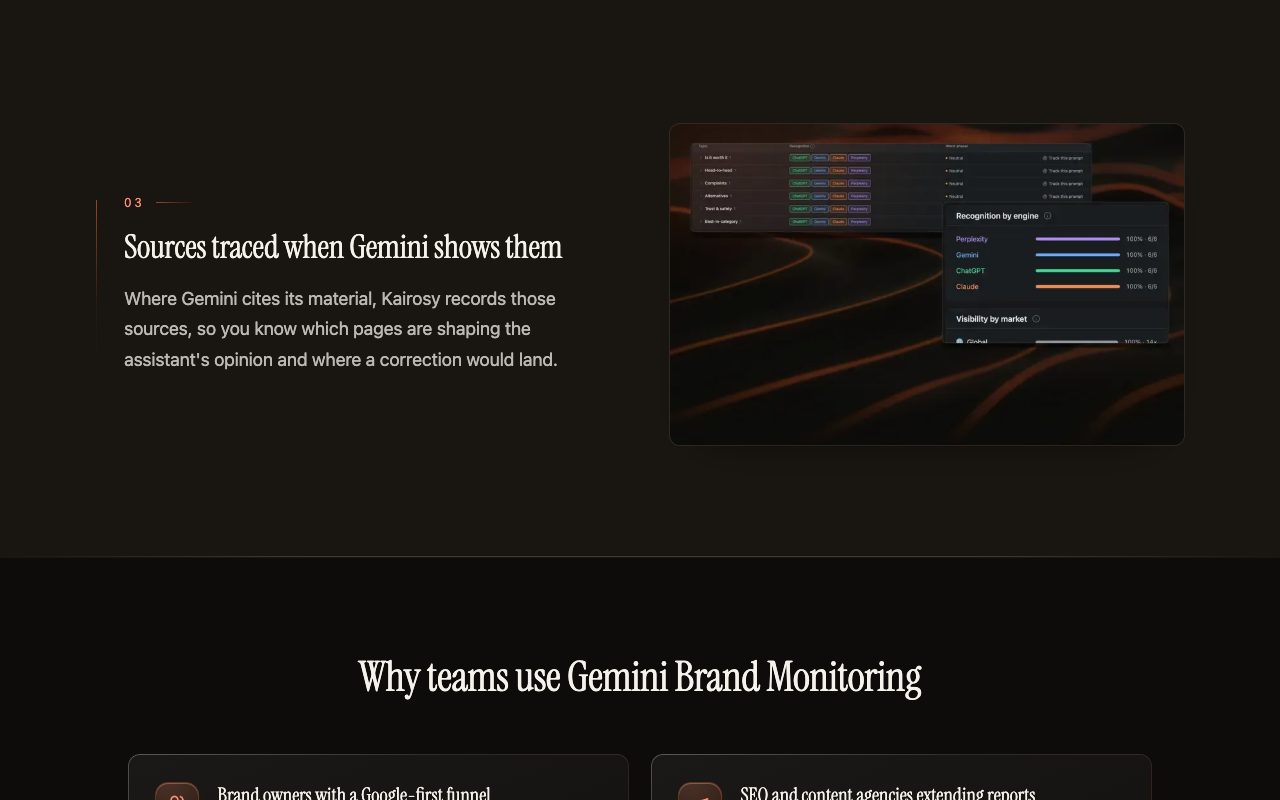
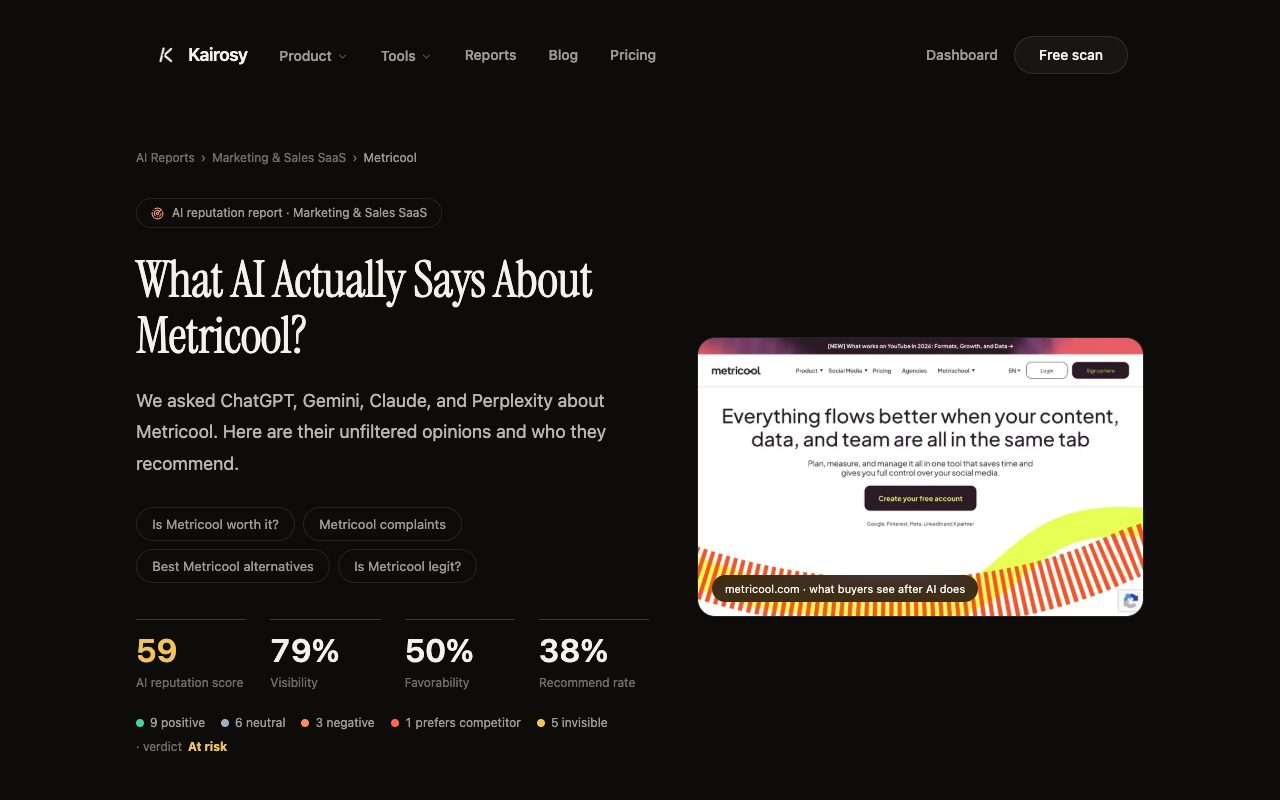
Kairosy covers the same layer at a lower entry point, and it is worth being blunt about what it is not: it is not a dashboard builder, it has no PPC or backlink data, and it will not replace any of the five reporting platforms above. It runs buying questions past ChatGPT, Gemini, Claude, and Perplexity, scores sentiment, lists competitors named in the same answers, and shows the URLs each engine cited. New accounts get a free 7-day trial; paid plans are $29, $99, and $399 per month, with weekly brand rescans, daily prompt tracking on the higher tiers, and country-level scans across 25 markets.
What you paste into a client deck is the delta. Kairosy's public scan of ClickUp, for example, scores it 57/100 with a verdict of "At risk": 96% of answers mention the brand, but favorability sits at 48% and only 42% of answers actively recommend it — and the per-engine spread runs from Claude at 66 to ChatGPT and Perplexity at 52. That is a slide a client understands in three seconds.
If your clients care mostly about being named at all, start with AI brand monitoring. If the problem is that the answers are accurate but unflattering, AI reputation management is the relevant workflow. Either way, add one page to the monthly deck rather than a whole second report.
How Do You Pick an SEO Tool for Agencies Without Overbuying?
Match the pricing model to your billing model and the decision gets easy. If revenue arrives per client, buy per client. If it arrives as a few large retainers, buy per dashboard or per source. If you have technical staff and thin margins, buy nothing and build in Looker Studio.
Then run three sanity checks before you commit. Count real add-ons, not headline tiers — rank tracking and AI modules are separately metered on two of these platforms. Confirm whether white labeling covers the client login or only the export. And rebuild one live client report during the trial, because the second report always exposes what the demo hid.
Last, keep a couple of free checks in the workflow so your reports do not launder bad data: the Open Graph checker catches the broken share previews that quietly flatten social referrals, and re-run indexation checks before every monthly send.
SEO Agency Reporting Software FAQs: Pricing and Tools
What is the cheapest SEO agency reporting software that is still white label?
Looker Studio is free and fully brandable if you are willing to build the templates. Among paid options, AgencyAnalytics starts at $20 per client per month with white-label branding in the base plan, and DashThis starts at $44/mo including a custom domain and custom email sender.
Do I need a separate SEO tool for agencies if I already have a reporting platform?
Usually yes. DashThis, Looker Studio, and Whatagraph visualize data they do not collect, so you still need a source for rank and site-audit data. SE Ranking is the exception in this roundup — it collects its own rank data and adds reporting through the Agency Pack.
Can SEO agency reporting software show AI search visibility?
Partly. Semrush sells AI visibility inside its subscription tiers and AgencyAnalytics meters an AI Tracker add-on. Dedicated AEO competitor analysis tools go further by recording which competitor names appear in the same assistant answers and which sources were cited.
What should an agency report include about AI answers?
Four things: whether the brand is mentioned at all, whether the mention is positive, which competitors show up in the same answer, and which URLs the engine cited. Those four rows fit on one slide and change the conversation from "traffic is down" to "here is who the assistants prefer and why."
Is per-client or per-dashboard pricing better for a growing agency?
Per-client pricing is more predictable when clients look alike and churn is normal, since the bill tracks the roster. Per-dashboard pricing wins when a handful of big accounts each need several views, because you are not charged again for every extra stakeholder.
See what AI says about your brand
Run a free scan across ChatGPT, Gemini, Claude & Perplexity in about 30 seconds.
Run my free scan