AEO Analysis Tool Guide 2026: Free Page Checks vs Real AI Answers
An AEO analysis tool does one of two jobs. It either checks whether a page is easy for AI crawlers to read and quote, or it asks AI engines real questions and records what they say about your brand. No tool turns a pasted URL into a real AI visibility report in seconds. The free checks below tell you whether a page is ready to be read, and only a scan of actual answers tells you whether it is being used.
Below: the free checks, a manual audit, a reproducible audit of one public page set beside that brand's real AI answers, and tools for performance, visibility and sentiment analysis, priced on October 22, 2026.
How Do You Check a Page With an AEO Analysis Tool When All You Have Is a URL?
These free Kairosy tools each take a URL and return a result in one pass. They catch problems that stop AI crawlers reading or quoting a page. They do not measure how often ChatGPT or Perplexity names you.
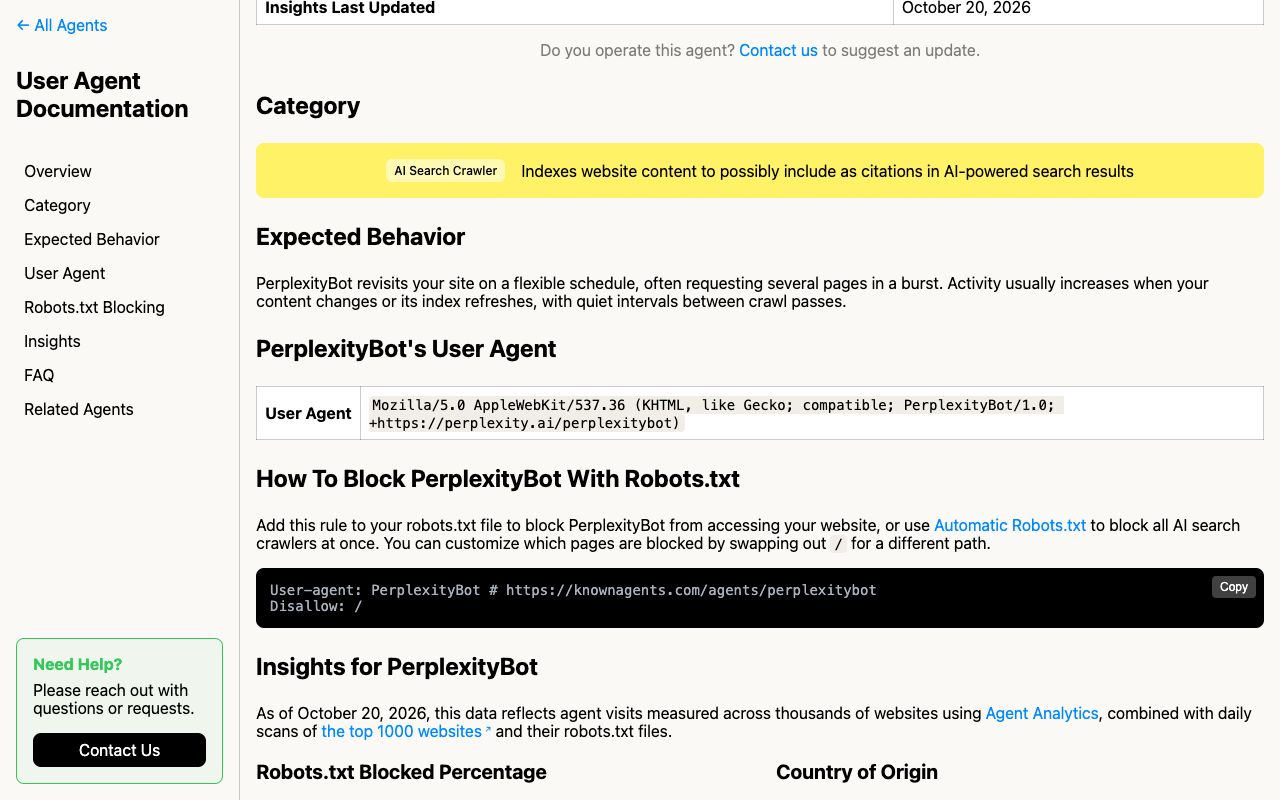
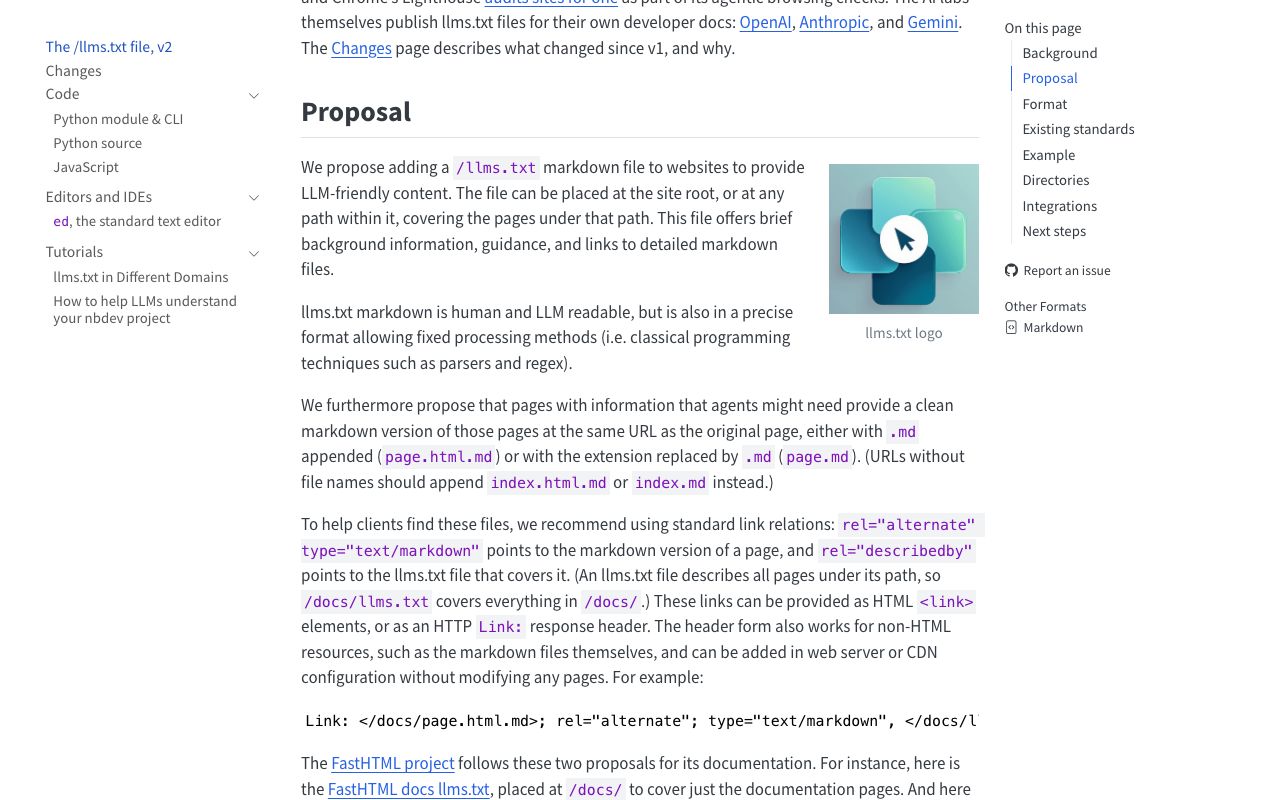
- AI crawl checker: reads robots.txt and reports which AI crawlers (GPTBot, ClaudeBot, PerplexityBot and others) are allowed or blocked.
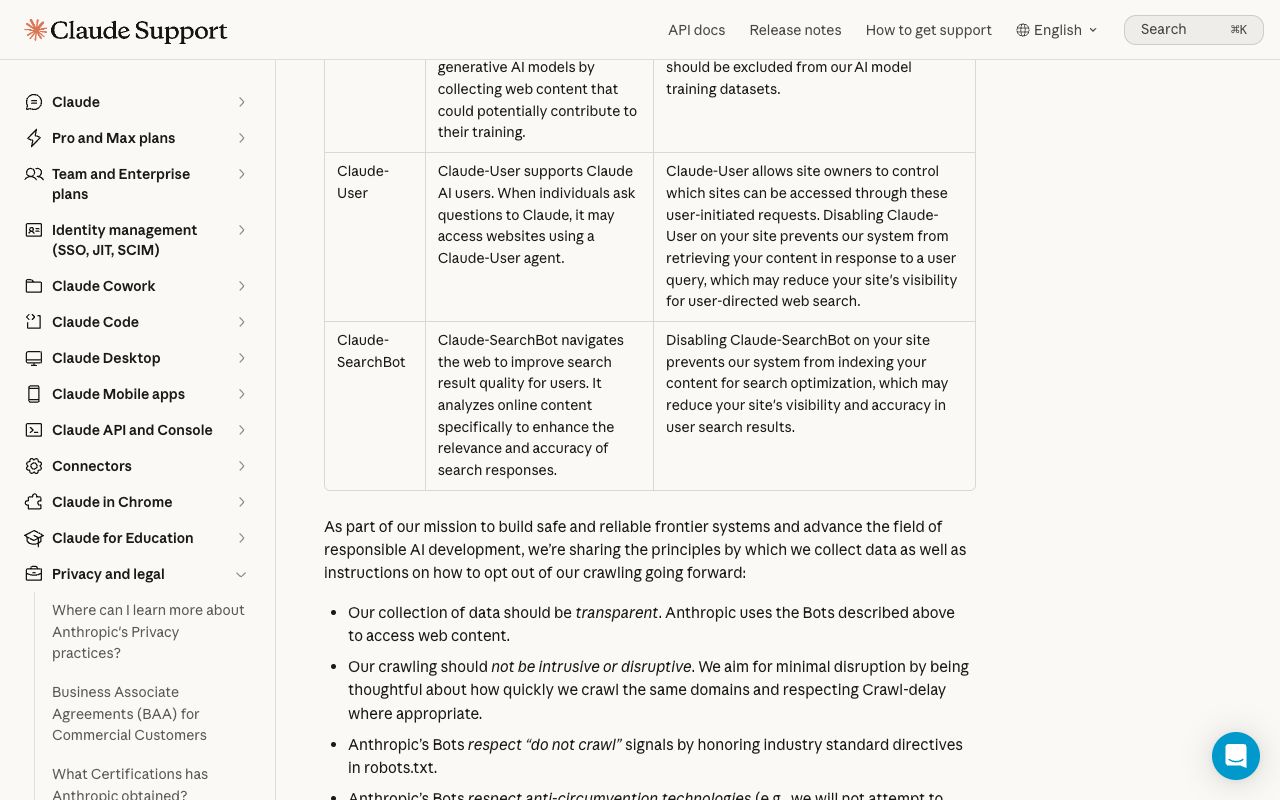
- llms.txt validator: confirms the file exists and follows the proposed format.
- Schema markup checker: parses the JSON-LD blocks and flags missing or broken fields.
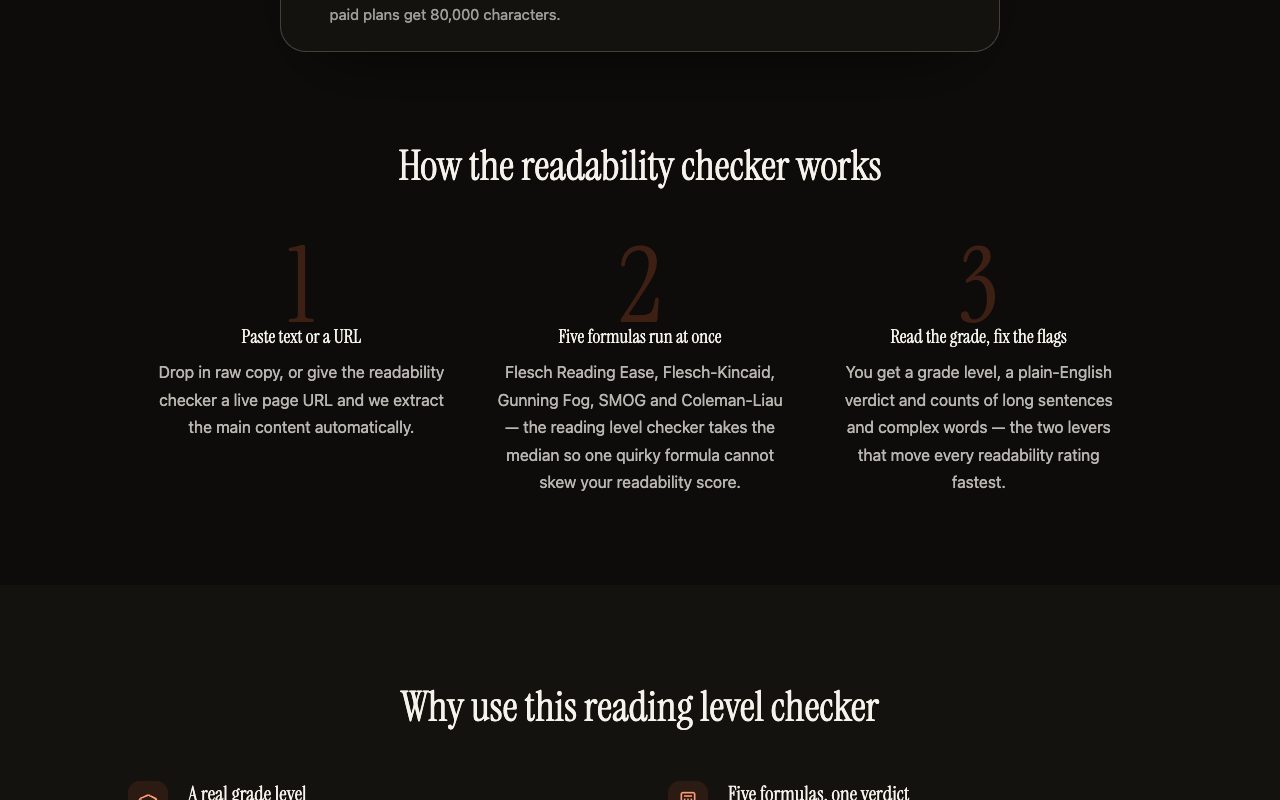
- Reading level checker: scores the main text with five readability formulas and counts long sentences.
- Open Graph checker: shows the title, description and image that get attached when the link is shared.
- Index checker: tests whether the URL can be indexed at all, looking at the noindex, canonical and status code.
The manual audit when no analyzer covers your question
No free analyzer answers "does AI recommend us?" from a URL. You can do it by hand in about an hour:
- Confirm crawler access at two layers. Read
/robots.txt, then check whether your CDN or firewall blocks AI bots before robots.txt is even consulted. Perplexity's crawler documentation includes WAF settings for this reason, and Anthropic's help center (updated April 7, 2026) lists three separate robots, each with its own opt-out. - View the raw HTML, not the rendered page. Use view-source or curl. A heading or price that only appears after JavaScript runs may be invisible to crawlers that don't execute scripts.
- Write ten buyer questions. Cover "is X worth it", "X vs [rival]", "best [category] for [use case]" and "X complaints".
- Ask each question in at least three engines, in a logged-out or fresh session. Paste every answer into a sheet with its cited URLs.
- Label each answer: mentioned, not mentioned, or competitor recommended. Add positive, neutral or negative.
- Repeat the run a few days later. One run is a sample, not a measurement.
Google's own guidance (last updated December 10, 2025) is a useful check on the page-side work. It states there are "no additional requirements to appear in AI Overviews or AI Mode" and that you don't need new AI text files or special schema. So treat llms.txt and markup as cheap hygiene, not as levers that move answers. The full AI-readiness checklist goes deeper on each step.
What Does a Reproducible AEO Analysis Tool Audit Look Like on One Public Page?
To make this concrete, we ran the page-side checks on one public URL: typeform.com/pricing, fetched as raw HTML on October 22, 2026. Anyone can repeat these steps with curl or the free tools above. The score uses our own simple rubric (pass = 1, partial = 0.5, fail = 0). It is an example rubric, not an AI visibility measure.
| Check | Finding | Evidence (raw HTML, Oct 22, 2026) | Fix | Rubric |
|---|---|---|---|---|
| AI crawler access | Open | robots.txt has 4 lines: one User-agent: * group with three query-string Disallow rules, and no GPTBot, ClaudeBot or PerplexityBot blocks | None needed | Pass |
| llms.txt | Present | /llms.txt returns 200 text/plain with a company summary | None needed | Pass |
| Indexability | Indexable | Canonical is typeform.com/pricing, and there is no robots noindex meta | None needed | Pass |
| Structured data | Product markup | Product + AggregateOffer with 5 Offers, lowPrice 28.00 and highPrice 266.00 USD | Keep the offers in sync with the visible plans | Pass |
| FAQ markup | Partial | The page has a visible "Frequently asked questions" section but no FAQPage JSON-LD | Add FAQPage markup that mirrors the visible questions | Partial |
| Meta description | Generic | "Get started with a FREE account. Get a feel for things…" with no plan names or prices | Name the plans and the starting price in plain words | Partial |
| Main heading | Missing in raw HTML | 0 <h1> tags in the delivered HTML (9 H2s are present) | Server-render one H1 that says what the page is | Fail |
Rubric total: 5 of 7. Crawlers can reach the page, the markup carries real prices, and llms.txt describes the product.
The same brand's real AI answers, side by side
Now compare the other half. Kairosy's public scan of Typeform (24 buyer questions across ChatGPT, Gemini, Claude and Perplexity, run on August 7, 2026) scored it 50/100, verdict Vulnerable. Typeform was named in 21 of 24 answers, and 29% of answers actively recommended it. Five answers put a rival first. Gemini scored it 29/100 and ChatGPT 73/100.
| Lens | What it measures | Typeform result | Date |
|---|---|---|---|
| Page rubric (above) | Can crawlers read and parse one URL? | 5 of 7 checks | Oct 22, 2026 |
| Real AI answers | What engines actually say to buyers | 50/100, 88% visibility, 29% recommend rate | Aug 7, 2026 |
| Top complaint in answers | The theme engines attach to the brand | Gemini: "users find the plans expensive and the free tier highly restrictive regarding response limits" | Aug 7, 2026 |
The scorecard view below is what a scan returns, shown here for a Figma project: reputation, visibility and per-engine results come from real answers, not from page markup.
The two numbers come from different dates and measure different things, so read nothing causal into the gap. Still, a well-built pricing page did not stop engines calling the pricing the problem, because they echo review sites, not the page. The fix that matters is the report's own: publish value evidence and respond where the complaint lives. Fixing the H1 and meta description helps once that evidence exists.
Which AEO Analysis Tools Are Best for AI Performance Analysis?
Here "performance" means what AI exposure is worth: these tools tie mentions to demand or traffic.
Ahrefs Brand Radar: visibility weighted by search demand
Brand Radar tracks AI Overviews, AI Mode, Gemini, Copilot, Perplexity and ChatGPT. It reports mentions, citations, AI share of voice and "Estimated Impressions", which it describes as visibility weighted by the real search volume behind each prompt. That weighting makes it an AI performance analysis tool, not a mention counter. The AI Visibility Index add-on is $199/mo (83 prompts/day, 2,500 checks/month, $0.020 per extra check). Custom Prompts start at $50/mo and come included with Lite and above.
Profound: prompt volumes and AI agent traffic
Profound pairs answer tracking with two data sets most tools lack. Prompt Volumes shows what users ask AI engines, and Agent Analytics tracks "AI-sourced traffic and attribution across your domains." The free trial runs 50 prompts daily for 7 days on ChatGPT, Gemini and Google AI Overviews. The paid tier is Enterprise at custom pricing, covering nine engines including Claude, DeepSeek and Copilot.
Semrush: AI reports for any domain inside an SEO suite
If you already pay for Semrush, its SEO plan ($139/mo billed monthly) now lists "Track performance in AI search," "Monitor AI sentiment" and "AI visibility reports for any domain." Starter ($199/mo) adds 50 prompts tracked daily and one domain for AI brand performance. Its advantage is putting AI and Google SERP data in one report, which Kairosy does not do.
Which AEO Analysis Tools Handle AI Visibility Analysis and Share of Voice?
AI visibility analysis asks "how often are we named?" Share of voice asks "how often versus rivals?" Definitions differ, so don't compare numbers across tools.
Peec AI: a published formula and position across all brands
Peec's documentation spells out its math: Visibility = responses mentioning your brand ÷ total responses × 100. Position is your average rank in answers where you appear, and it counts every brand detected, "not only your tracked competitors." That makes it a strong competitive analysis AEO tool for crowded categories. Peec's pricing page renders prices client-side in local currency, so read them there. We could not verify a figure from the page source.
Rankscale: credit-based checks across eight engines
Rankscale Pro is $99/month for 1,200 credits, which it says covers up to 4,800 AI answers. It tracks ChatGPT, Perplexity, Google AI Mode/Overviews/Gemini, DeepSeek, Mistral, Claude and Copilot, and includes sentiment analysis. There is a 7-day Pro trial. The credit model suits teams that want wide engine coverage on a modest prompt set.
AthenaHQ: competitor heatmaps and citation intelligence
AthenaHQ offers a free Essential tier with $25 of credit (ChatGPT, Perplexity, AI Overviews, Gemini, Copilot), and Starter at $295/month with unlimited topics and prompts across eleven-plus engines. Its documentation includes a Competitor Heatmap and a Sources page. That makes it a reasonable share of voice analysis AEO tool when you need the citation domain view too.
For a deeper look at the SOV math itself, see our AI share of voice explainer.
Which Tools Are Best for AI Brand Sentiment Analysis?
AI brand sentiment analysis tells you whether appearing helps or hurts. Typeform was visible in 88% of answers and still scored Vulnerable.
Kairosy: per-answer sentiment with the negative narrative and its source
Kairosy asks buyer questions about your brand on 4 of 6 engines (ChatGPT, Gemini, Claude, Perplexity, DeepSeek, Doubao). It keeps every full answer with its cited sources and classifies each answer's sentiment. It then groups the negatives into Negative Narratives and traces which domains feed them in Source Analysis. The Overview shows a Reputation score (0–100), AI Visibility % and Brand Sentiment (0–100). Fix Strategy turns the narratives into task cards. Tracked prompts re-run daily, a deep rescan runs every Monday, and a weekly email flags drops. There are no real-time alerts.
Plans start with a 7-day free trial (no card), then Basic $29, Pro $99 or Growth $399 a month. Kairosy has no prompt-volume data and no Google rank tracking. For a single-page technical review, the paid AI-Ready Page Audit is separate from scans.
HubSpot AI Search Grader: a free one-time sentiment read
HubSpot's grader is free, needs no account, and gives a one-time score out of 100. Sentiment carries 40 points, alongside presence quality, recognition, share of voice and competition. It checks GPT-5.4 mini, Perplexity and Gemini. You enter a company name and description, not a URL. It is a first look, not tracking.
Otterly.AI: sentiment from the entry plan up
Otterly.AI Lite is $29/month for 15 search prompts on ChatGPT, Google AI Overviews, Perplexity and Copilot, and it lists "Brand Visibility & Sentiment Analysis" and citation source tracking. Share-of-voice metrics start on Standard ($189/month, 100 prompts). Claude, Gemini and AI Mode are add-ons.
For definitions of positive, neutral and negative AI sentiment, read what AI brand sentiment is.
How Do the AEO Analysis Tools Compare on Price and Coverage?
All prices below are monthly-billed list prices read on each vendor's page on October 22, 2026, unless marked otherwise.
| Tool | Best for | Entry price | Engines named | Sentiment |
|---|---|---|---|---|
| Kairosy | Sentiment and negative narratives | $29/mo after 7-day trial | 4 of 6 per project | Yes, per answer |
| Ahrefs Brand Radar | Demand-weighted visibility | Custom Prompts from $50/mo, Index add-on $199/mo | 6 | Not named on page |
| Profound | Prompt volumes, agent traffic | Free trial, then custom | 9 on Enterprise | Yes |
| Semrush | AI + SEO in one suite | $139/mo (SEO plan) | Not listed on pricing page | "Monitor AI sentiment" |
| Peec AI | Transparent visibility math | Shown in local currency on page | See pricing page | Yes, 0–100 |
| Rankscale | Wide engine coverage | $99/mo | 8+ | Yes |
| AthenaHQ | Competitor heatmap | Free credit, then $295/mo | 5 free, 11+ paid | Not named on page |
| Otterly.AI | Low-cost sentiment start | $29/mo | 4 + add-ons | Yes |
| HubSpot AI Search Grader | One-time free check | Free | 3 | Yes, 40 of 100 points |
AEO Analysis Tool FAQs
Is there a free AEO analysis tool that checks a URL?
Yes, for page readiness. The free crawl, llms.txt, schema, reading level, Open Graph and index checkers above each take a URL. None of them can tell you what AI engines say about you. That requires running real questions.
Is a page-structure score the same as AI visibility?
No. The Typeform example passed most page checks while its real answers scored 50/100. Page scores measure readability for crawlers. Visibility measures how often engines name you in answers.
How many prompts do I need for reliable AI visibility analysis?
Enough to cover the main buyer-question types, run more than once. A 24-question scan across four engines like the Typeform report is a reasonable first baseline. Daily tracking on a smaller fixed set shows the trend.
What's the difference between a competitive analysis AEO tool and a share of voice tool?
Share of voice is one number: your mentions as a share of all brand mentions. Competitive analysis adds which rival wins which question and which sources it is cited from. Most tools above do both, with different definitions.
Does adding llms.txt or schema improve AI performance analysis results?
Not directly. Google says no special files or schema are required for its AI features. They are cheap hygiene. The answers move when the sources engines cite change.
How often should I re-run an AEO analysis?
Track a fixed prompt set daily or weekly and judge trends over several runs. Single answers vary between sessions, so one run is a sample.
See what AI says about your brand
Run a free scan across ChatGPT, Gemini, Claude & Perplexity in about 30 seconds.
Run my free scan