AI Reputation Monitoring Tool for Product Crises: 6 Compared (2026)
An AI reputation monitoring tool for product crises and negative answer changes has to do three things a listening dashboard does not: re-ask the same risk questions on a schedule, keep every full answer with the URL it cited, and show what changed since the last run. Kairosy does that with daily prompt runs, a Monday deep rescan and a weekly change email; the other tools below run daily or cover the social side. None of them alerts you the minute an answer changes.
This post covers tool choice and the crisis workflow; the proactive how-to is in early detection of negative AI brand sentiment.
Which AI Answers Should You Watch During a Product Crisis?
Watch the questions a worried buyer types, not your brand name. Five answer classes move, at different speeds.
- Complaints. "What are the downsides of Northwind?" lands first; engines keep a slot for negatives and refill it.
- Incident. "Is Northwind safe after the recall?" has no baseline; create it on day zero.
- Policy. Refunds, cancellation, warranty. An outdated help page becomes the official line.
- Switching. "Northwind vs Contoso." A crisis rarely makes you disappear; it makes a competitor the pick.
- Unbranded category. "Best air purifier for allergies." The dangerous change is a flip from mentioned to not mentioned.
Search-grounded answers move first: Perplexity, ChatGPT with search on and Gemini retrieve live pages, so a news story or a Reddit thread can enter an answer within a day.
The Tow Center at Columbia Journalism Review tested eight AI search engines on news citations: "collectively, they provided incorrect answers to more than 60 percent of queries", and over half of Gemini and Grok 3 responses cited fabricated or broken URLs (CJR, March 6, 2025). In a crisis, an answer can pin your recall on a page that does not exist; only the full answer and its link show that.

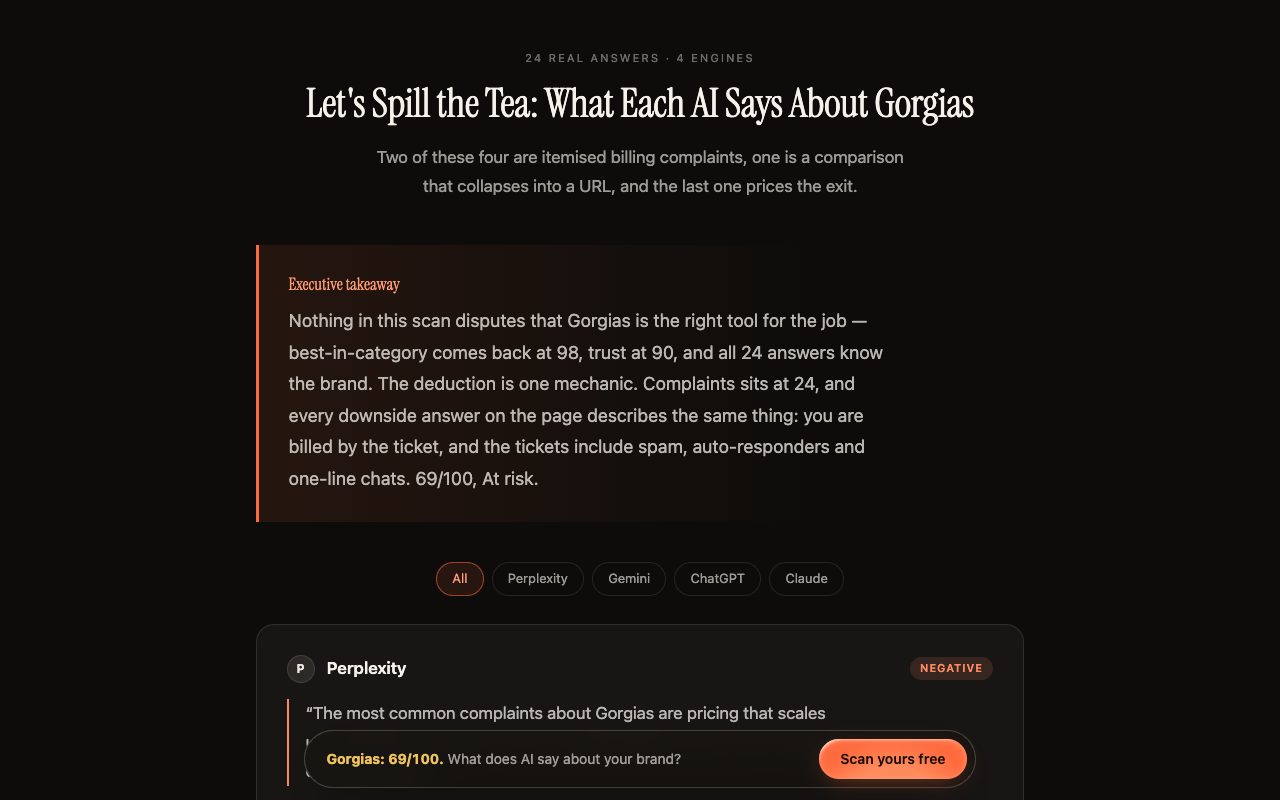
For one narrative spreading across engines, see Kairosy's public scan of Gorgias (scanned August 5, 2026): Perplexity, Gemini and ChatGPT each opened the complaints answer with ticket-based billing, and ChatGPT added "reports that AI resolutions can be billed twice" (Kairosy's public scan of Gorgias). Complaints scored 24 of 100, best-in-category 98: visibility holds and one question collapses, which is the shape a crisis takes.
How Do You Benchmark an AI Reputation Monitoring Tool for Product Crises and Negative Answer Changes?
Score candidates on six capabilities: risk questions you can add and run now, per engine and country; a change log of what moved since the last run; each cited URL stored against its answer; exportable history per prompt; alerts, and whether "real-time" means daily or weekly; and collaboration (seats, roles, Slack delivery) for a desk that is PR, support, legal and product at once. A tool that cannot run your incident prompt today is no use in a crisis.
Values are what each vendor states on its own pages as of October 21, 2026; "not stated" means the page does not describe it.
| Tool | Prompt cadence and limits | History and sources | Alerts | Collaboration | Entry price (monthly) |
|---|---|---|---|---|---|
| Kairosy | Daily prompts; Monday deep rescan; 15 / 60 / 250 prompts a day | 7-run per-engine history; full answers with cited sources | Weekly email: score drop, competitor preferred, engine flip, new negative keyword | 1 / 5 / 20 project slots; no seats | $29 |
| Profound | Daily; Trial 50 prompts for 7 days | "All time" history and CSV/JSON export (Enterprise); sentiment themes over time | Not stated | Unlimited seats, SSO, API | Free trial; paid custom |
| Peec AI | Daily on ChatGPT, Perplexity, Gemini | Each run kept as a chat with position, 0–100 sentiment, timestamp | Build your own via MCP | Role-based permissions, SSO | Not displayed |
| Otterly.AI | Daily; 15 / 100 / 400 prompts | Citation source tracking | Not stated | Unlimited team members | $29 |
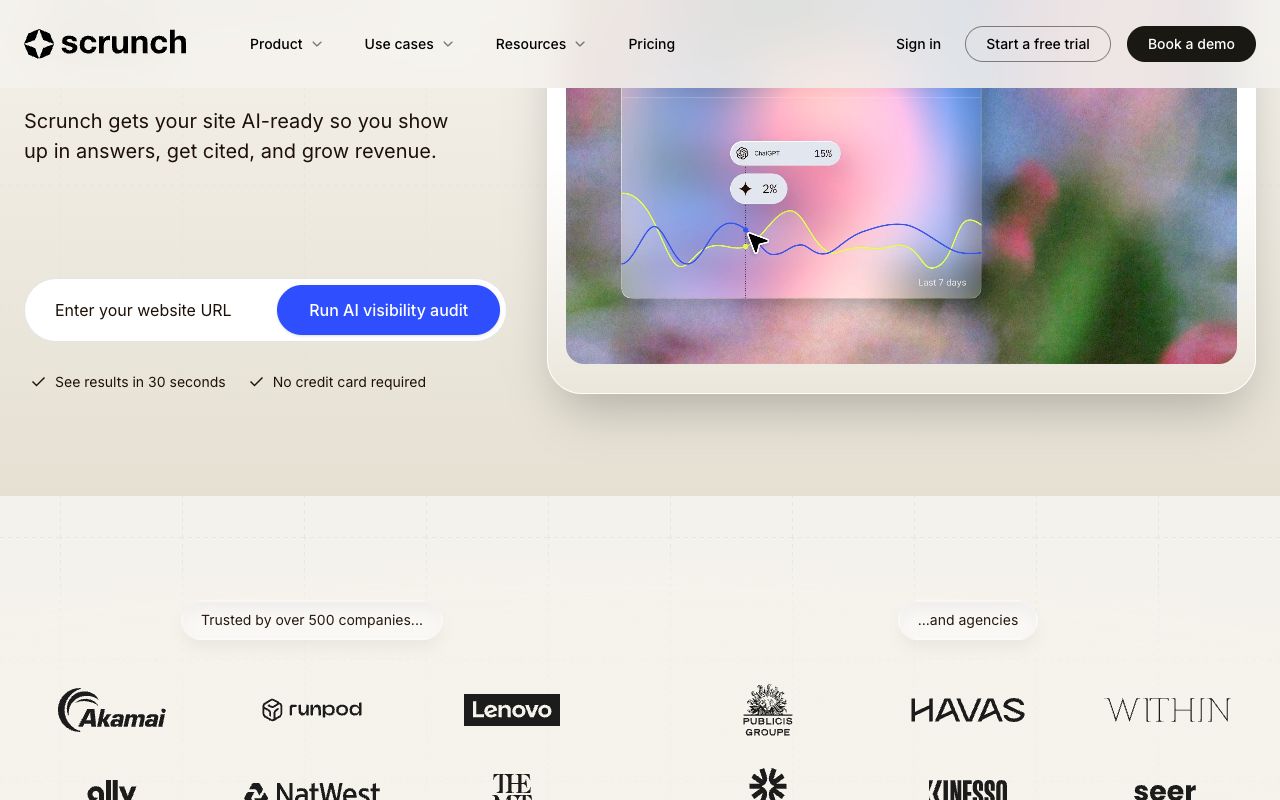
| Scrunch | 350 / 700 custom prompts | Citations; page audits | Not stated | 3 / 5 seats, $25 per extra; personas | $300 |
| Brand24 | Social and web mentions, 2K–100K a month | AI Visibility module on Enterprise only | Storm Alerts; Slack/Teams from Team; real-time from Pro | Unlimited users from Team | $249 |
Which Are the Best Tools for Tracking Negative Brand Sentiment in AI Answers During a Crisis?
Six tools, each on the one thing it does differently. Kairosy comes first because the topic is AI reputation; the rest follow by how directly they serve a crisis desk.
Kairosy: full answers with sources, a weekly change email and a fix plan
Kairosy asks buyer questions about your brand to ChatGPT, Gemini, Claude, Perplexity, DeepSeek or Doubao (four of the six per project), keeps each answer with its citations, classifies sentiment and extracts the negative narratives. For a crisis: Prompt Tracking re-runs your questions daily with a per-engine answer card and a seven-run history (mentioned, not mentioned, competitor recommended); the deep rescan runs every Monday per slot; the weekly email flags a score drop, a competitor being preferred, an engine flipping and new negative keywords. Fix Strategy turns each narrative into a task card with a checklist.
Limits: no real-time alerts, a weekly deep rescan, and no seat or client-isolation layer (Growth is 20 slots in one account). Basic is $29 a month (one brand × one market, 15 prompts a day), Pro $99 (5 slots, 60 prompts), Growth $399 (20 slots, 250 prompts); annual works out to $25 / $79 / $299; 7-day trial, no card. More on AI reputation management.
Profound: the longest history, sentiment themes over time, custom pricing
Answer Engine Insights tracks ChatGPT, Perplexity, Claude, Microsoft Copilot, Google AI Overviews, Google AI Mode, Gemini, Grok and DeepSeek daily, and groups sentiment claims into themes so you can "spot when a particular theme started trending negatively" (Profound docs). Enterprise lists "all time" history, CSV and JSON export, API, unlimited seats and SSO; the free Trial covers 50 prompts daily for 7 days on ChatGPT, Gemini and AI Overviews (Profound pricing). Paid pricing is custom, and the public pages do not describe alerting.
Peec AI: daily chats you can wire into your own Slack alert
Peec runs prompts daily against ChatGPT, Perplexity and Gemini and keeps each run as a chat with the prompt, your position, a 0–100 sentiment score and a timestamp; a Sources view shows which domains the answers lean on (Peec docs). Alerting is not a toggle: Peec's published MCP use case has a daily Claude task post to Slack when sentiment drops below a threshold (Peec MCP use case). Prices are not displayed on the pricing page.
Otterly.AI: the cheapest seat for the whole war room
Lite is $29 a month for 15 search prompts on ChatGPT, Google AI Overviews, Perplexity and Microsoft Copilot, with daily tracking and "unlimited team members" on every tier; Standard is $189 (100 prompts), Premium $489 (400) (Otterly pricing). The page does not describe alerts or a change log, so plan on a daily manual review.
Scrunch: personas and page audits for an incident that hits several audiences
Starter is $300 a month month-to-month ($250 billed annually) for 350 custom prompts, 3 seats, 3 personas and 5 page audits; Growth is $500 ($417 annually) with 700 prompts and 5 seats; extra seats cost $25 (Scrunch pricing). Personas matter when a parent asks about safety and a procurement lead asks about SLAs. "Email + Slack" on its page means support, not alerts.
Brand24: the social listening half of the desk, with the AI module gated to Enterprise
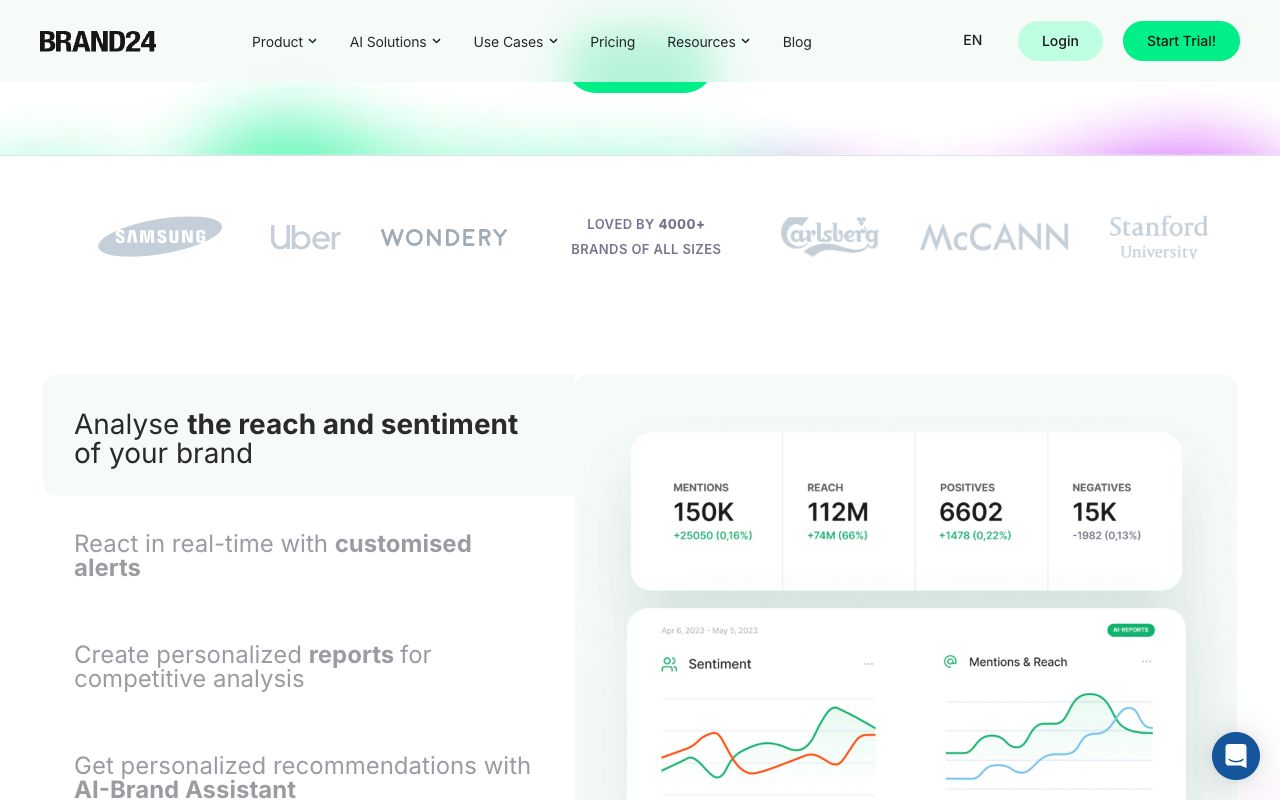
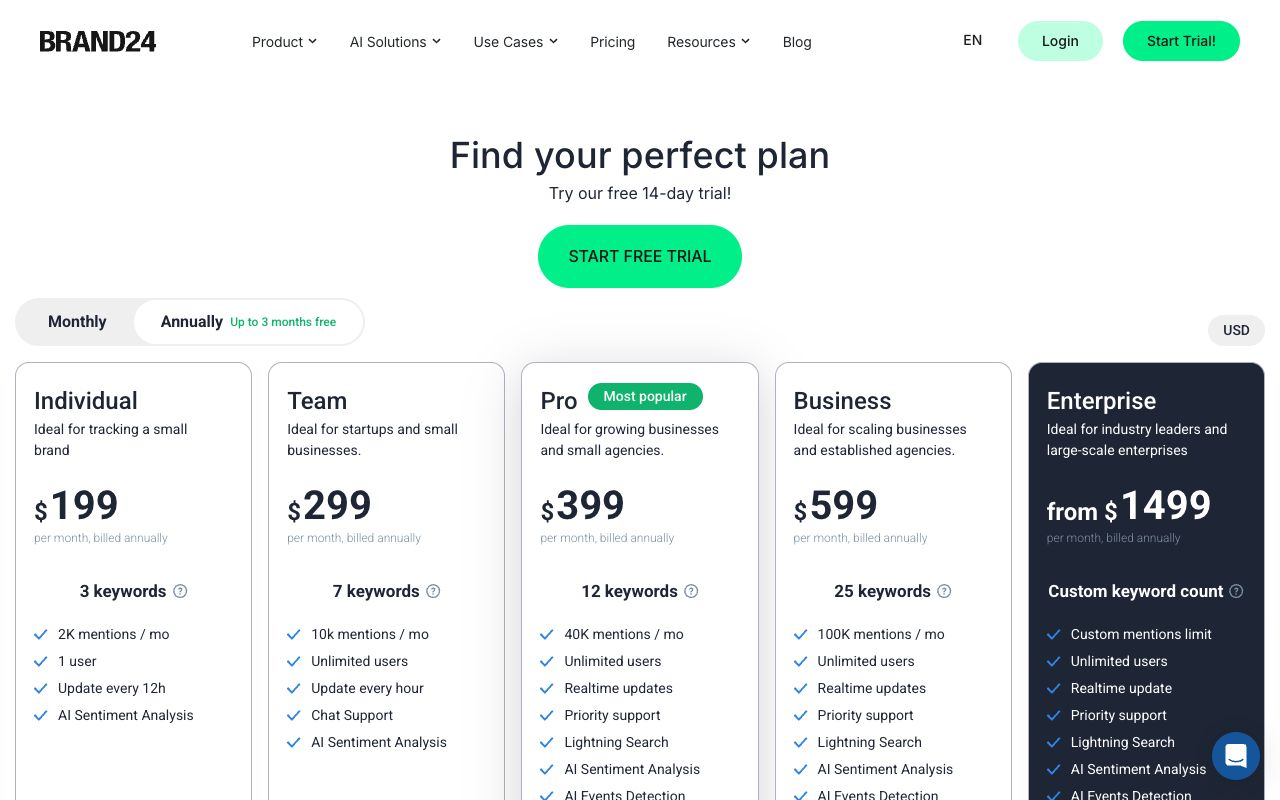
A crisis starts on social and in the press before it reaches an AI answer; Brand24 is built for that side: Storm Alerts and email reports from Individual ($249 a month, $199 billed annually, 2,000 mentions), Slack and Teams from Team ($349), "Realtime updates" from Pro ($499) (Brand24 pricing). Its AI Visibility module appears only on Enterprise, from $1,499 a month billed annually. Pair it with an AI answer tool; it does not replace one.
What Does a Fictional Crisis Timeline of AI Answer Changes Look Like, Day by Day?
Fictional scenario, example values. Northwind Labs, an invented air-purifier brand, recalls a filter on Day 0. The team tracks 24 prompts on ChatGPT, Gemini, Claude and Perplexity in one market, daily; every number and quote is illustrative, not measured on any real brand.
| Day | Early warnings | Negative trends | AI-generated answers (excerpt) |
|---|---|---|---|
| −7 (baseline) | None | Negative 2 of 24 | "Downsides: filters are pricey; some mention fan noise." |
| 0 | Recall notice and FAQ live; incident prompt added | No change | Perplexity: "No recall is reported for Northwind." |
| 1 | Perplexity and ChatGPT cite a news story and Reddit | Negative 6 of 24 | ChatGPT: "...replacements are not yet available." (they are) |
| 3 | Gemini joins; one cited URL returns 404 | Negative 9 of 24; Contoso recommended on 3 prompts | Gemini: "Consider Contoso until Northwind resolves safety issues." |
| 7 | Weekly rescan: new keyword "overheating"; Gemini flipped | Negative 8 of 24; Claude unchanged | Perplexity cites the FAQ: "replacements ship free within five days." |
| 28 | None | Negative 3 of 24 | Claude: "A 2026 recall was handled with free replacements." |
Two things a score cannot show: the first wrong claim came from a source, not the engine, and the broken URL on Day 3 is visible only if the full answer is stored. The week between the FAQ going live and the first engine citing it is what daily prompts and the weekly rescan have to cover.
How Do You Run the Crisis Workflow: Baseline Before, Event, Correction, Then Re-Test?
Before: build the baseline while nothing is wrong
Freeze a prompt set that already holds the complaints, policy, switching and unbranded questions, plus one dormant incident prompt per plausible failure. Run it for two cycles so you know the normal negative share per engine and market, and keep the exports where legal can reach them. Logging method: how to track brand performance in ChatGPT responses over time.
During: the event
In the first hours, add the incident prompts, run every engine once and open the evidence pack with that run timestamped. Silence on Day 0 is normal, not safety. Then re-run the incident class daily and the full set on your tool's cadence.
Correction: publish information engines can retrieve
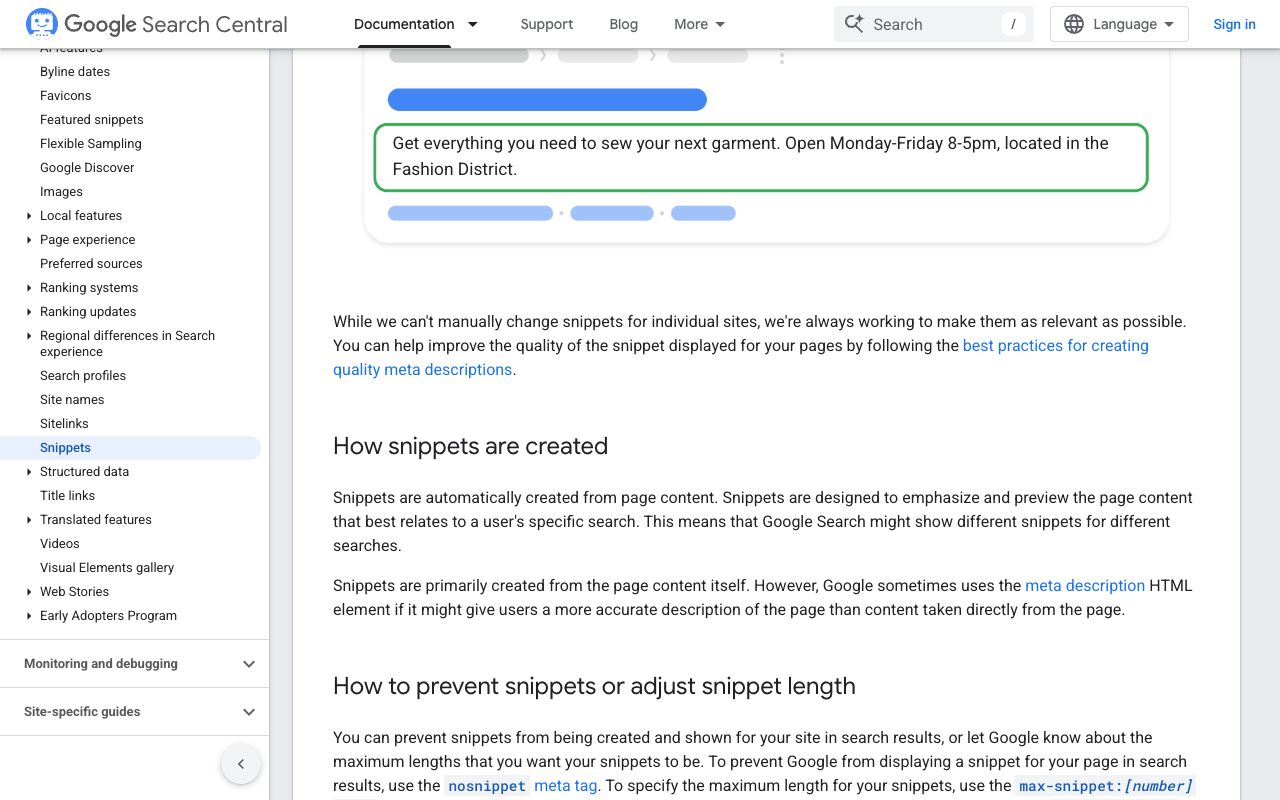
Publish one canonical incident page, link it from pages engines already cite, and make it indexable: Google's AI features documentation says "there are no additional requirements to appear in AI Overviews or AI Mode", only that pages be indexable and eligible for snippets (Google Search Central, updated December 10, 2025). Check it with the free index checker, then work the third-party sources behind the wrong claims; the procedure is in how to fix negative AI mentions and the causes in why ChatGPT says negative things about a brand.
After: re-test until the answer holds
Re-run the incident prompts after each source fix and keep them in the set for a quarter. Judge "fixed" per engine: a search-grounded engine citing your page is a different state from a model-only engine on the old wording. Close only when the switching prompts stop recommending the competitor.
What Goes in the On-Call Checklist and the Evidence Pack?
The on-call checklist, in order, once an incident is declared:
- Confirm the incident prompts exist per engine and market; run the full set and save the run ID and timestamp.
- Read every negative or competitor-preferred answer in full, not the summary.
- For each wrong claim, record the cited URL and the passage behind it.
- Sort claims into real, outdated and false; only the last two get a correction request.
- Check the incident page is live, indexable and linked from the help center.
- Post the day's delta to the crisis channel and name who reads the next run.
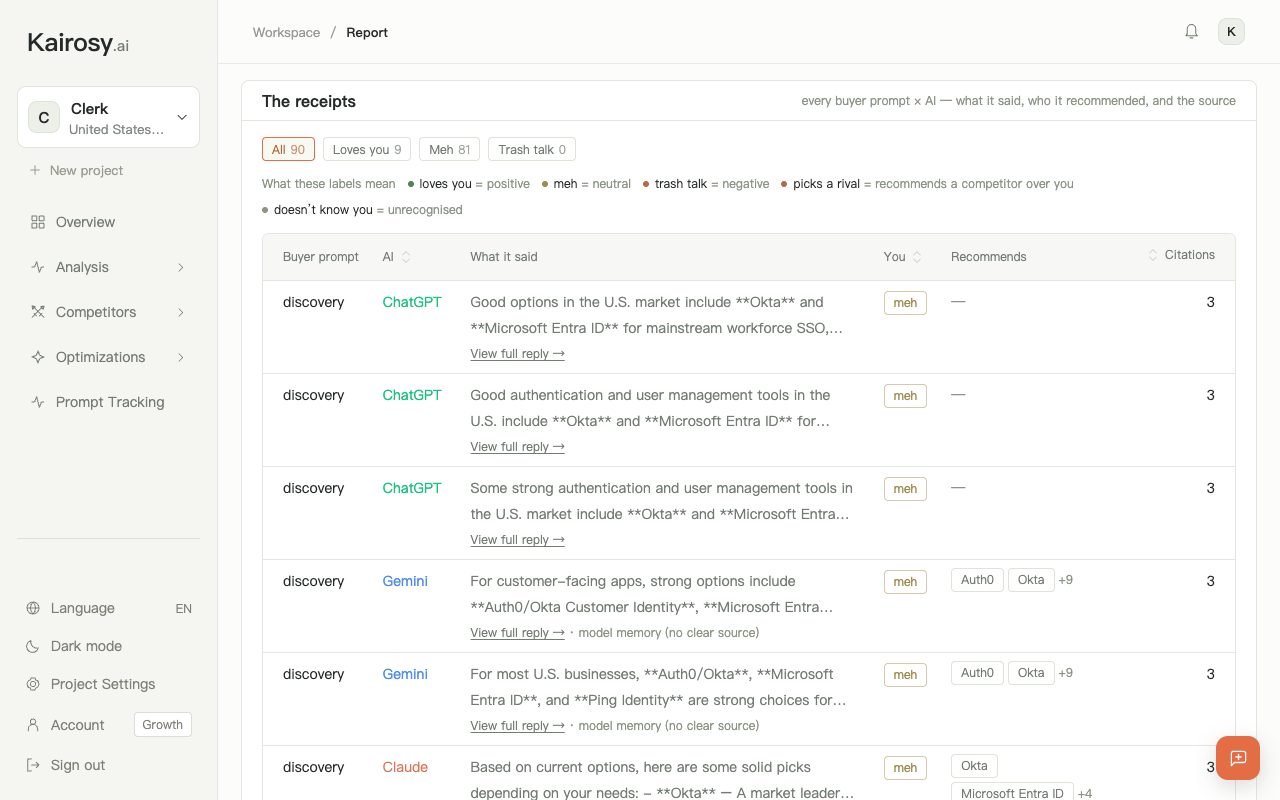
The evidence pack is one entry per claim; Kairosy's report calls its version "The receipts" (every buyer prompt × AI, what it said, who it recommended and the source). A fictional entry:
Claim ID: NW-2026-0417-03
Prompt: "Is Northwind safe after the recall?" (US, English)
Engine / mode: ChatGPT, search on
Run: 2026-04-18 09:12 UTC, run #41
Answer excerpt: "...replacements are not yet available."
Cited source: https://example-news.test/northwind-recall
Claim type: outdated (replacements shipping since 04-17)
Status: correction requested 04-18; re-test due 04-20
Keep the pack append-only; a review, an insurer or a regulator will ask what the AI said on a given day, and a recalculated dashboard cannot answer.
What Do Teams Ask About an AI Reputation Monitoring Tool for Product Crises and Negative Answer Changes? FAQs
Can any tool alert me in real time when an AI answer about my product changes?
No. An AI answer only exists when a prompt is run, so every tool checks on a schedule: daily prompt runs, a weekly deep rescan, or an automation you build on an API or MCP. Brand24's real-time updates cover social mentions, not AI answers.
How many prompts does a crisis desk need?
Fewer than you expect: one incident prompt per failure mode, the complaints and policy questions, two or three switching questions and the main unbranded question. Add markets, not paraphrases.
Should I track the competitor who is exploiting the crisis?
Yes, through the switching prompts: what matters is whether the engine recommends them instead of you and which source it cites. Kairosy's Brand Scan runs a one-off scan of their brand.
What counts as evidence if legal or a regulator asks?
The full answer text, the prompt, the engine and mode, the timestamp and the cited URLs, kept unchanged; screenshots alone lose the links.
Is a weekly rescan enough during a crisis?
Not on its own: daily prompt runs for the incident class, the weekly deep rescan for the whole set. The weekly email summarizes change; it is not a pager.
See what AI says about your brand
Run a free scan across ChatGPT, Gemini, Claude & Perplexity in about 30 seconds.
Run my free scan