Schema Markup Tool for AEO in 2026: 9 Picks to Generate and Validate
The right schema markup tool for AEO depends on the job: a form-based generator when you need one clean JSON-LD block today, a CMS plugin or enterprise platform when the same markup has to sit on thousands of templates, and a validator every time before you ship. No tool on this list makes an AI engine cite you. The good ones make the facts on your page machine-readable, consistent and error-free, which is the part you control.
Which Schema Markup Tool for AEO Should You Pick? Quick-Pick Table
Start with the job, then the budget. Prices were verified on each vendor's site on October 21, 2026; "custom" means the vendor publishes no number.
| Tool | Job | Price (verified 2026-10-21) | Pick it when |
|---|---|---|---|
| Merkle Schema Markup Generator (technicalseo.com) | Generate | Free | One JSON-LD block, no login |
| Rank Math (WordPress) | Generate + implement | Free tier; PRO €7.99/mo billed annually | Per-post schema on WordPress for free |
| Yoast SEO Premium (WordPress) | Implement | $118.80/yr ex VAT per site | One deduplicated site graph on WordPress |
| Schema App | Implement at scale | Custom; 12-month minimum; no free trial | Enterprise templates with vendor support |
| WordLift | Implement at scale | Business+ $1,100/mo, or $879/mo billed yearly | Knowledge graph plus schema across 2,500 URLs |
| Google Rich Results Test | Validate (Google eligibility) | Free | Checking a Google rich-result type |
| Schema Markup Validator (validator.schema.org) | Validate (vocabulary) | Free | Syntax and vocabulary for any type |
| Kairosy Schema Markup Checker | Validate (fields per type) | Free, no signup | Required-vs-recommended fields for 21 types from a live URL |
| Screaming Frog SEO Spider | Validate at crawl scale | Free up to 500 URLs; £199/yr | Every URL on the site in one crawl |
What Can Structured Data Do for AI Answers, and What Can't It Guarantee?
Structured data is a labeled copy of facts already on the page. Google's structured data introduction defines it as "a standardized format for providing information about a page and classifying the page content," and recommends JSON-LD over Microdata and RDFa as "the easiest solution for website owners to implement and maintain at scale."
Classification, not placement. Google's structured data policies say it directly: "Google does not guarantee that your structured data will show up in search results, even if your page is marked up correctly according to the Rich Results Test." The same page sets the rule that trips most AEO projects: "Your structured data must be a true representation of the page content," and "Don't mark up content that is not visible to readers of the page."
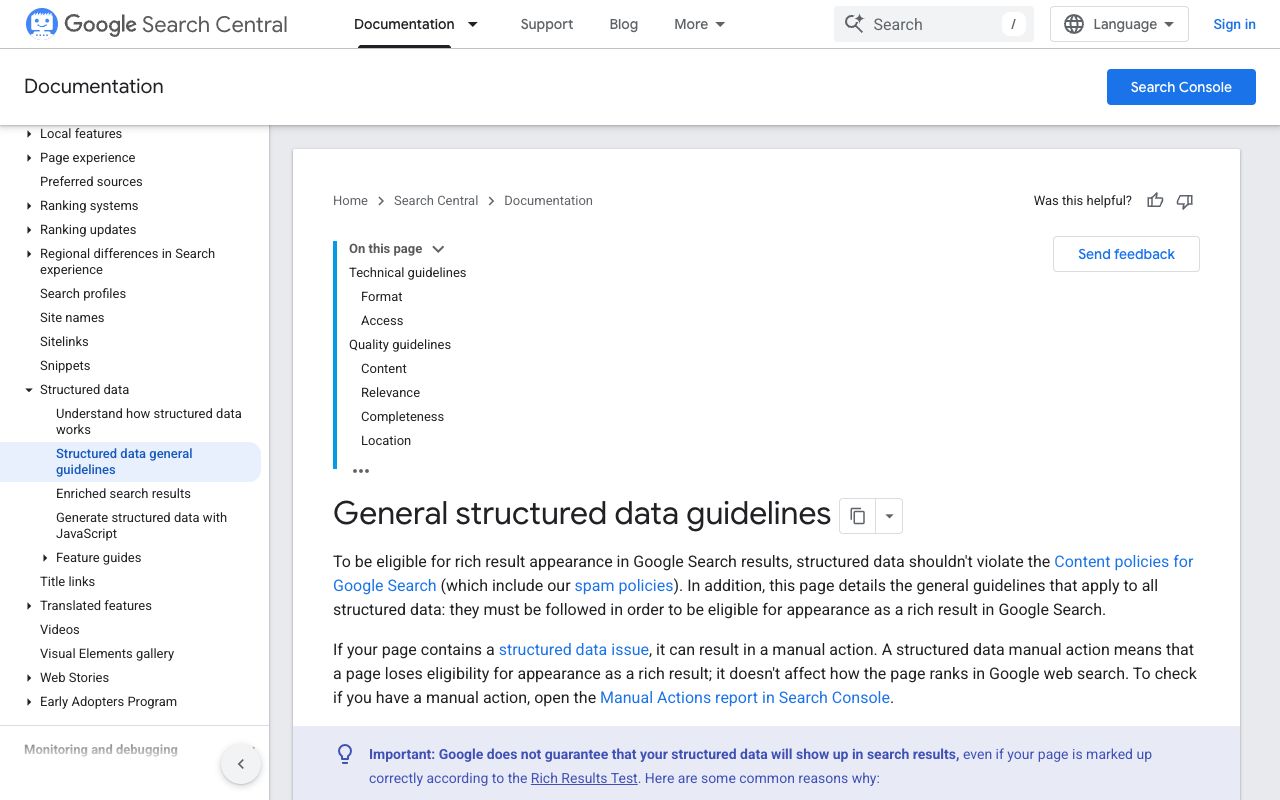
For AI surfaces, Google's AI features documentation states "There are no additional requirements to appear in AI Overviews or AI Mode," and "There's also no special schema.org structured data that you need to add." No schema markup tool for AEO changes that, whatever its landing page says.
For ChatGPT, Claude and Perplexity we could not find a published specification on how their answer engines weigh schema.org markup, and this post will not invent one. What markup reliably does on every engine is remove ambiguity: your legal name, your product's price, who wrote the article. Treat it as hygiene and measure citations separately. The AI-Ready Page Audit covers structured data next to crawl access and answer-first copy.
Which Tools Generate Schema Markup Fastest?
Generators turn a form into JSON-LD, which suits a single page or a template you will paste into a CMS field yourself. The test is not whether a free schema markup generator looks polished but whether it outputs the type you need with the properties the documentation lists.
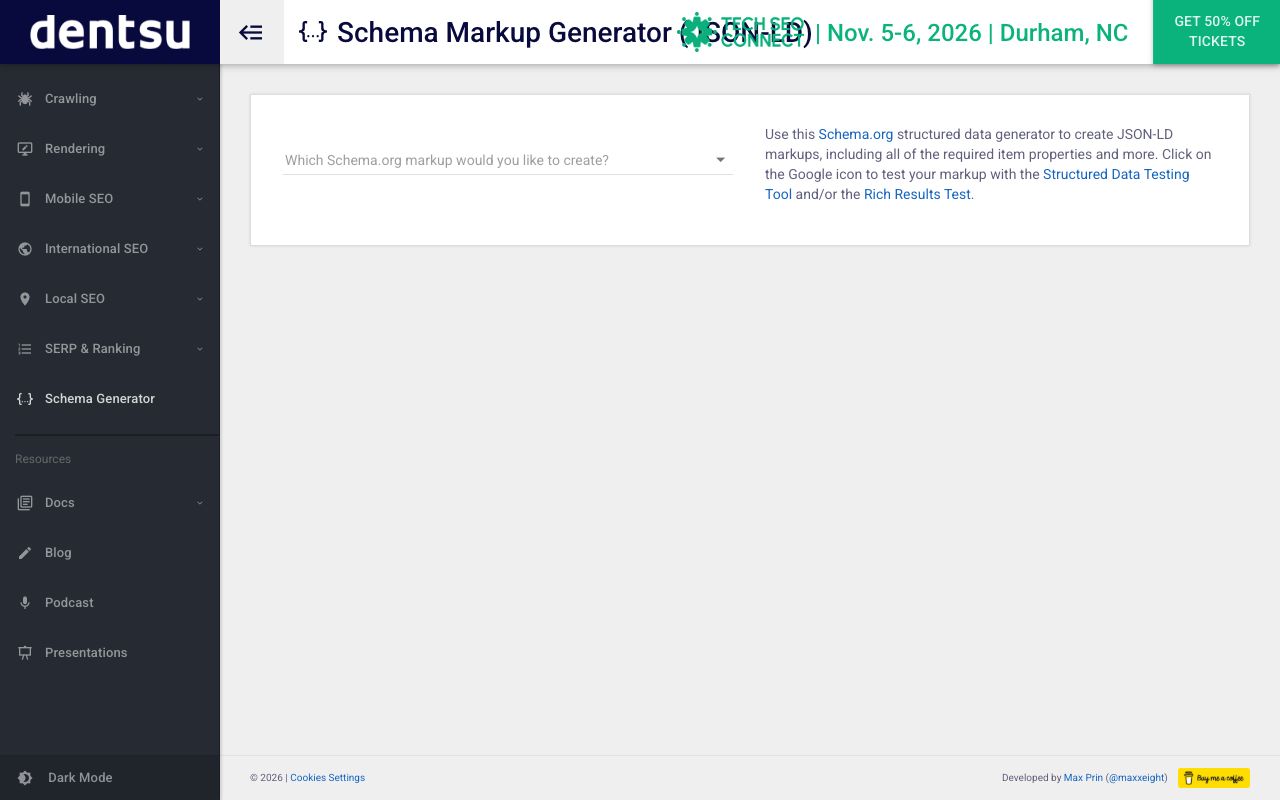
Merkle Schema Markup Generator: fastest free JSON-LD for one page
The generator originally built by Merkle and now hosted at technicalseo.com is a free, no-signup form: pick a type, fill the fields, copy the block. It covers common types such as Article, Organization, Product, LocalBusiness, Event, FAQPage and Breadcrumb. It is not site-wide and cannot tell you a value is missing from the visible page, so pair it with a validator.
Rank Math: best free per-post schema inside WordPress
Rank Math ships schema in its free plugin: "18 Pre-defined Schema Types" plus "6 Extra Schema Types" and "Add Custom Schema Using JSON+LD/HTML." PRO starts at €7.99 per month billed annually and adds a custom schema builder with "840+ Schema Types Supported." Its strongest job is post-level generation: the editor asks for the chosen type's fields, so a writer ships Article markup without code. Validate anyway; two plugins each emitting an Organization block gives you duplicates.
How Do I Implement Schema Markup for AEO Across a Whole Site?
Implementation is where tools that automate schema markup for AI search visibility earn their price: map templates to types once, pull values from CMS fields, keep every page in sync when a price or author changes. Three products do this at different budgets, and one popular shortcut deserves a warning.
Schema App: strongest for enterprise templates with hands-on support
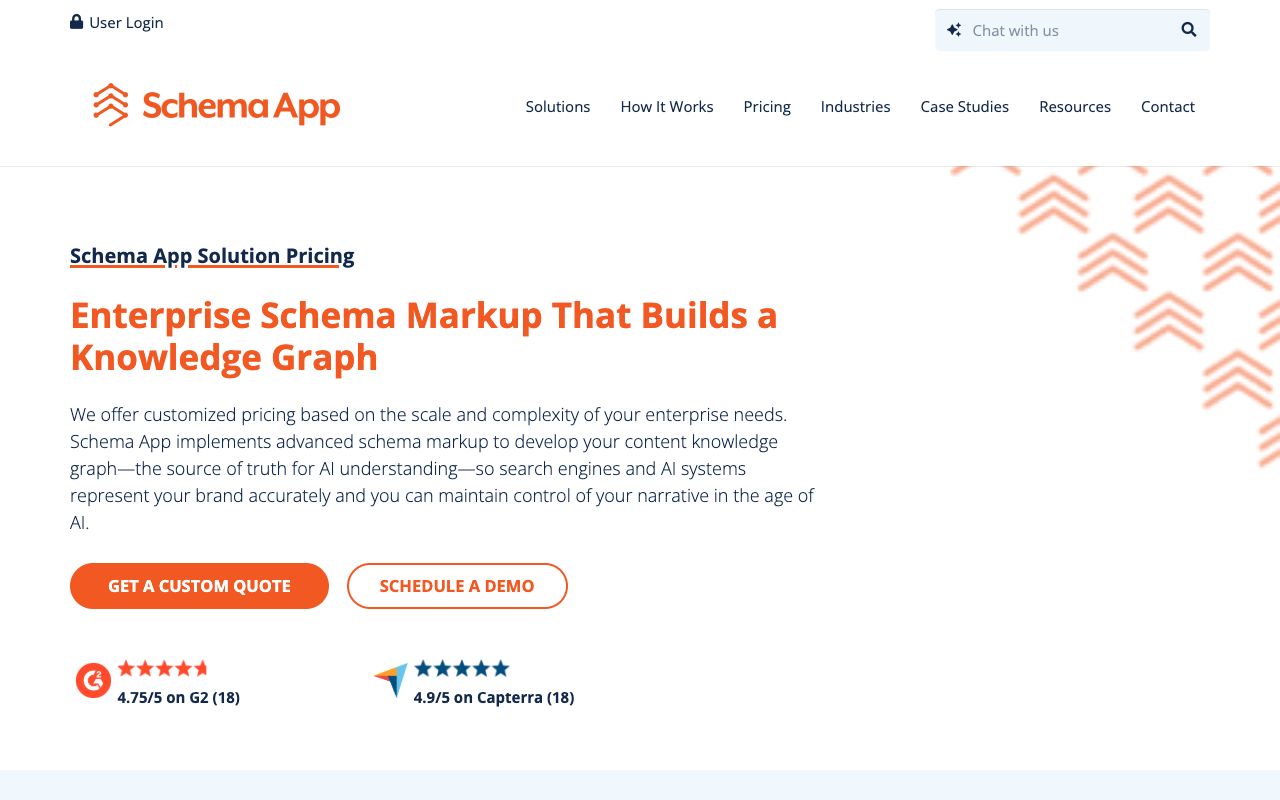
Schema App publishes no price list: "We offer customized pricing based on the scale and complexity of your enterprise needs," with a one-time onboarding fee, a "minimum subscription term of 12 months," and "We do not offer free trials for our enterprise subscription." For that you get a Highlighter for templated pages, an Editor for single pages, and CMS-agnostic deployment: a fit for teams with hundreds of templates that want a vendor to own the mapping.
WordLift: strongest when you want a knowledge graph, not only markup
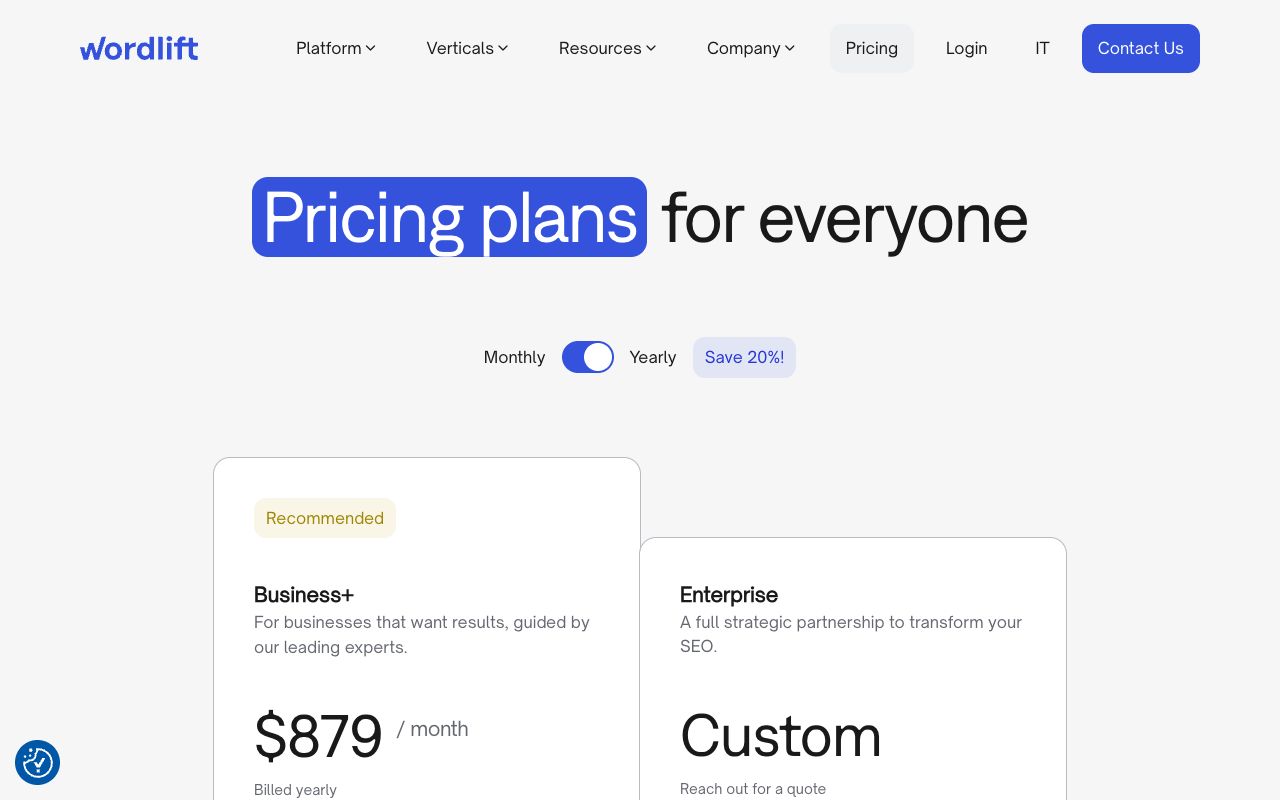
WordLift lists one self-serve plan, Business+, at $1,100 per month or $879 per month billed yearly, covering "2,500 URLS" with schema tooling and a knowledge graph. Enterprise is "Reach out for a quote." Expensive for schema alone; its case is entity consistency across every page.
Yoast SEO Premium: strongest for one deduplicated site graph on WordPress
Yoast SEO Premium costs $118.80 per year ex VAT per site. The feature that matters here is schema aggregation, which "collects your site's structured data into one deduplicated graph, so an AI agent gets a complete picture in a single request," via "a single toggle." That fixes the duplicate-block problem at the source instead of in your validator.
Why Google Tag Manager is a risky way to inject schema for AI crawlers
Google's JavaScript structured data guide says Google can process "structured data that's available in the DOM when it renders the page," while warning that duplicating values in GTM "increases the risk of having a mismatch between page content and the structured data." Vercel's December 17, 2024 study The rise of the AI crawler found that "none of the major AI crawlers currently render JavaScript," naming OpenAI, Anthropic, Meta, ByteDance and Perplexity bots. Markup that exists only after a tag fires is invisible to them, so put it in server-rendered HTML (see our GEO implementation guide for technical teams).
Which Free Tools Validate Schema Markup Before AI Crawlers See It?
Validation has three layers: does the JSON parse, does the vocabulary exist, does each type carry the fields a consumer expects. No single free schema markup tool for AEO covers all three, so run two.
Google Rich Results Test: strongest for Google eligibility
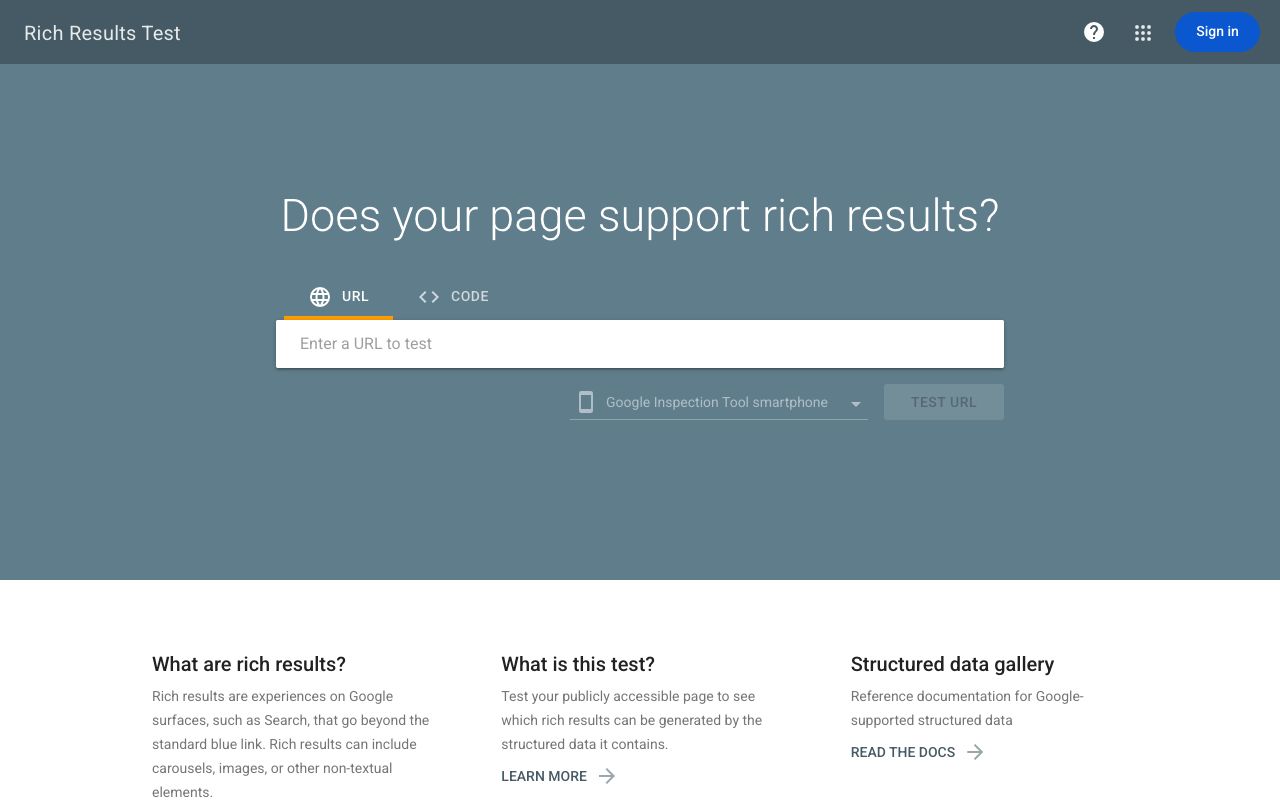
The Rich Results Test takes a public URL or pasted snippet, supports "JSON-LD, RDFa, and Microdata," and reports valid items, warnings, invalid items, syntax errors and crawl failures. Its scope is Google's rich-result types only, so an Organization block with a typo may show no items and no explanation.
Schema Markup Validator: strongest for vocabulary across any type
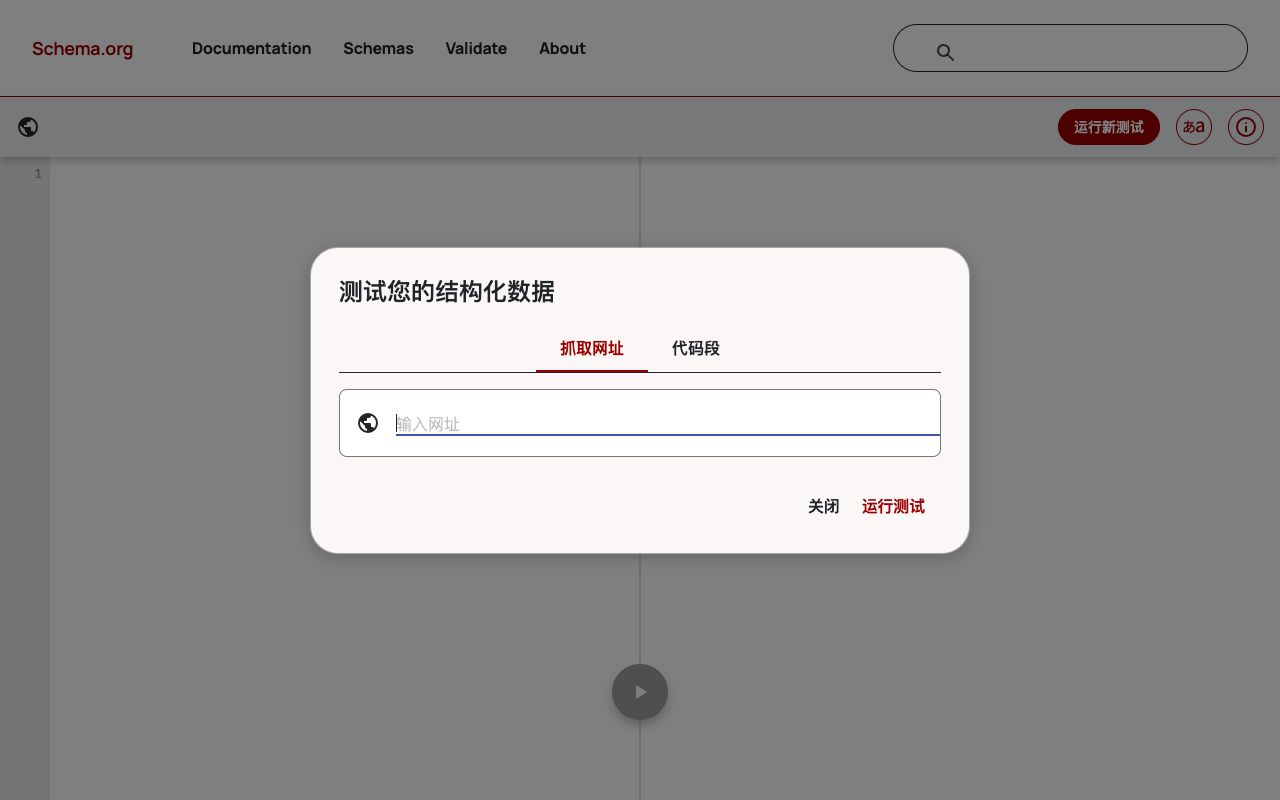
validator.schema.org is "provided by Google as a service for the Schema.org community" and "based on the tool previously known as the Google Structured Data Testing Tool." It extracts "JSON-LD 1.0, RDFa 1.1, Microdata markup," draws the graph, and flags "syntax mistakes in the markup" and unknown terms. It says nothing about search features, which is right for a type Google has no rich result for.
Kairosy Schema Markup Checker: strongest for required-vs-recommended fields from a live URL
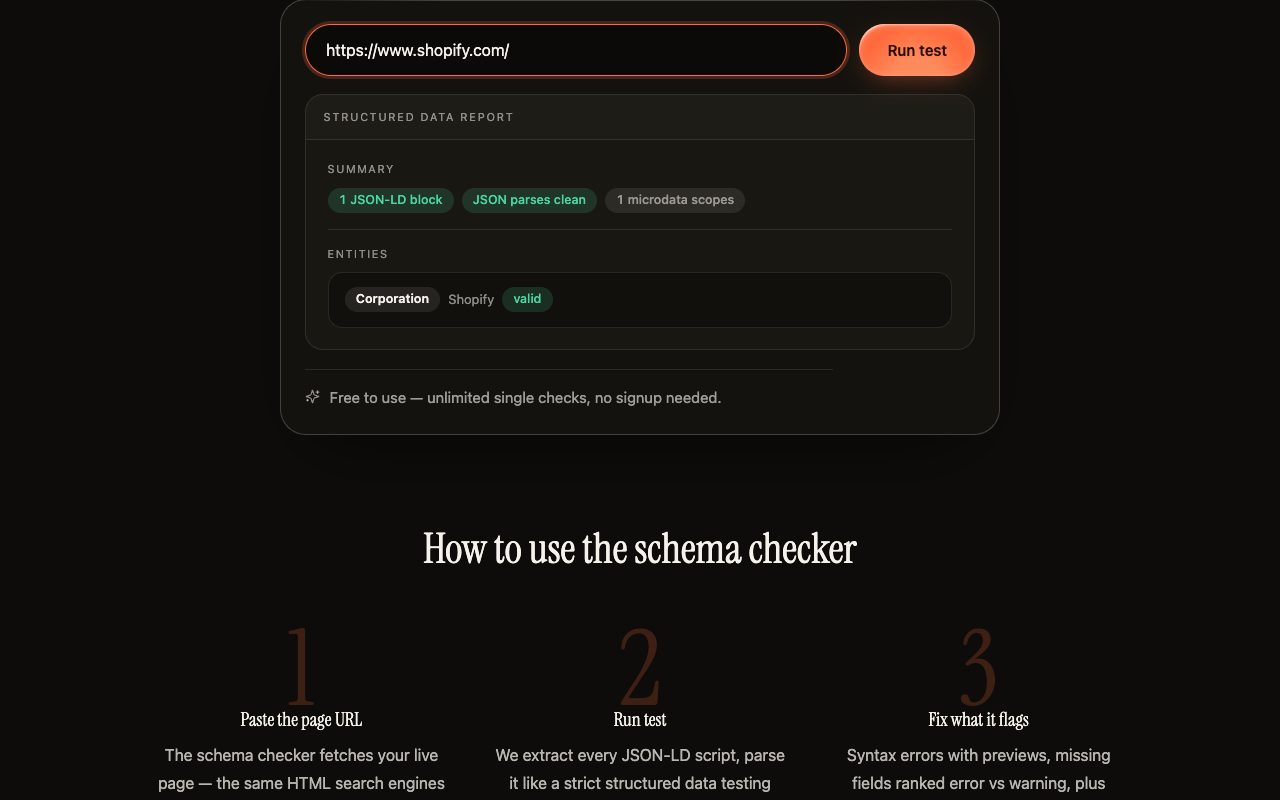
The free Schema Markup Checker fetches a live page, parses every JSON-LD block strictly, and lints required and recommended fields for 21 types including Product, Article, FAQPage, HowTo, Organization and LocalBusiness. It unwraps @graph containers so each entity is checked alone, shows the parse error with a preview when a block is broken, and counts Microdata and RDFa tags alongside. It is a page-readiness check, not a measurement of what AI engines say about you; that is what a Kairosy scan does, and the two are different things.
Screaming Frog SEO Spider: strongest for validating every URL in one crawl
Screaming Frog lists "Structured Data & Validation" under both the free version, capped at 500 URLs, and the £199-per-year licence. It is the only tool here that tells you 3,000 product pages carry Offer without priceCurrency: crawl, filter by validation errors, export.
How Do You Go From Raw Facts to JSON-LD to a Validator Result? (Worked Example)
Everything below uses a fictional company, Northwind Analytics, and example values. The validator outcomes describe what each tool is documented to report for these defects, not a screenshot we took.
Step 1: the raw facts.
| Fact (example values) | Value | Visible on homepage? |
|---|---|---|
| Company name | Northwind Analytics | Yes |
| Website and logo | northwind.example, /logo.png | Yes |
| Founded | 2019 | Yes, footer |
| Support email | support@northwind.example | Yes, footer |
| Profiles | LinkedIn, G2 | Yes, footer icons |
| G2 rating 4.7 from 212 reviews | On the G2 profile | No |
Step 2: the broken version, with three defects of three different kinds.
<script type="application/ld+json">
{
  "@context": "https://schema.org",
  "@type": "Organisation",
  "name": "Northwind Analytics",
  "url": "https://www.northwind.example",
  "logo": "https://www.northwind.example/logo.png",
  "foundingDate": "2019",
  "sameAs": ["https://www.linkedin.com/company/northwind-example"],
  "aggregateRating": {"@type": "AggregateRating", "ratingValue": "4.7", "reviewCount": "212"},
}
</script>
Defect one is the trailing comma after the rating object: a strict parser rejects the whole block, so a page that looks marked up ships nothing. Defect two is "Organisation": the vocabulary term is Organization, and the Schema Markup Validator flags the unknown type once the JSON parses. Defect three is the rating. It is syntactically fine and passes both validators, but it is not on the page, which breaks Google's "true representation" rule. Validators check shape, not truth.
Step 3: the fixed version.
<script type="application/ld+json">
{
  "@context": "https://schema.org",
  "@type": "Organization",
  "name": "Northwind Analytics",
  "url": "https://www.northwind.example",
  "logo": "https://www.northwind.example/logo.png",
  "foundingDate": "2019",
  "email": "support@northwind.example",
  "sameAs": ["https://www.linkedin.com/company/northwind-example",
             "https://www.g2.com/products/northwind-example"]
}
</script>
Step 4: expected results. A strict JSON-LD parser such as the Kairosy checker reports the parse error at the comma. Fix it and the Schema Markup Validator reports the unknown type. Fix that and both tools pass the block, rating included, so a person has to remove it. The fixed block should show one Organization item with zero errors; Google's Organization documentation lists no required properties, only recommended ones such as name, url, logo, sameAs, email and foundingDate.
Template conditions. This block belongs on the homepage or one about page, not every page. Every value must be visible on that page, one Organization entity per site, logo at least 112 by 112 pixels per Google's recommendation, and a rating only where the page displays it.
Which Schema Types Fit Which Page? A One-Line Guide
If you search "best practices AEO homepage schema markup," the honest answer is Organization plus WebSite, every value visible, nothing invented. Beyond the homepage, match the type to what the page is for.
| Page | Type | One-line reason |
|---|---|---|
| Homepage | Organization + WebSite | Names the entity and its profiles once, where Google recommends placing it |
| Blog post | Article or BlogPosting, with a Person author | Dates and authorship are the facts AI summaries garble most |
| Product page | Product with Offer | Google requires name, image and offers with price and priceCurrency, or a review or rating |
| Help or FAQ page | FAQPage | Google limited FAQ rich results to government and health sites in August 2023; still valid vocabulary |
| Tutorial | HowTo | Google removed HowTo rich results in August 2023; only if the steps are visible |
| Store or office page | LocalBusiness | Address, hours and phone in a form that cannot be misread |
| Any deep page | BreadcrumbList | Tells a crawler where the page sits in the site |
FAQ schema is deliberately left out here because FAQ Schema SEO in 2026 covers the Google timeline, the AEO case and free validation in full.
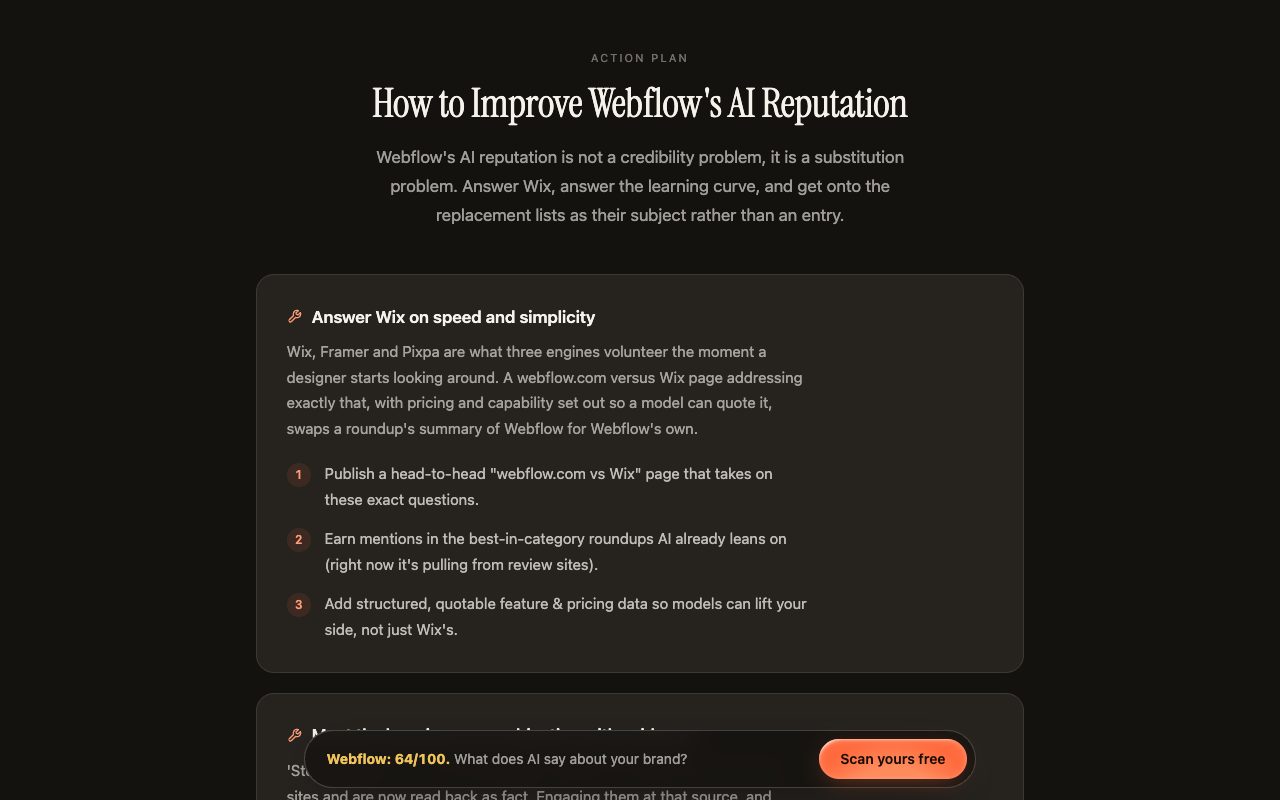
One reason the "quotable facts" framing matters: in Kairosy's public scan of Webflow, two of the three proposed fixes point the same way, including "add structured, quotable feature & pricing data so models can lift your side." The engines were describing Webflow from review sites rather than from Webflow; schema is one way to put the first-party version within reach.
Schema Markup Tool for AEO FAQs: Free Tools, Pricing and Setup
Is a free schema markup generator good enough for AEO?
For a handful of pages, yes. The Merkle generator produces the same JSON-LD a paid platform would for an Organization or Article block. Paid tools earn their price when hundreds of templates must stay in sync, not through better output.
Does adding schema guarantee ChatGPT or Perplexity will cite my page?
No. Google states in writing that correct markup does not guarantee a rich result and that no special structured data is needed for AI Overviews or AI Mode; the other engines have published no specification. Schema removes ambiguity; citations depend on whether the page answers the question and is reachable.
Which validator should I run first?
A strict parser, because a syntax error hides every other problem. Then the Schema Markup Validator for vocabulary, then the Rich Results Test only if a specific Google rich result matters. Screaming Frog when the question is how many pages are broken.
Can I inject schema with Google Tag Manager for AI crawlers?
Google reads it after rendering. Vercel's crawler study found the major AI crawlers do not render JavaScript, so markup that appears only after a tag fires is not read by them. Ship it in the server-rendered HTML.
How many schema types should a homepage carry?
Two is typical: Organization and WebSite. Adding Product, FAQPage or ratings to a homepage that does not display them violates Google's visibility rule. Re-validate after every template change and plugin update, since a stray comma removes the whole block without any visible sign.
See what AI says about your brand
Run a free scan across ChatGPT, Gemini, Claude & Perplexity in about 30 seconds.
Run my free scan